View asset →
Featured
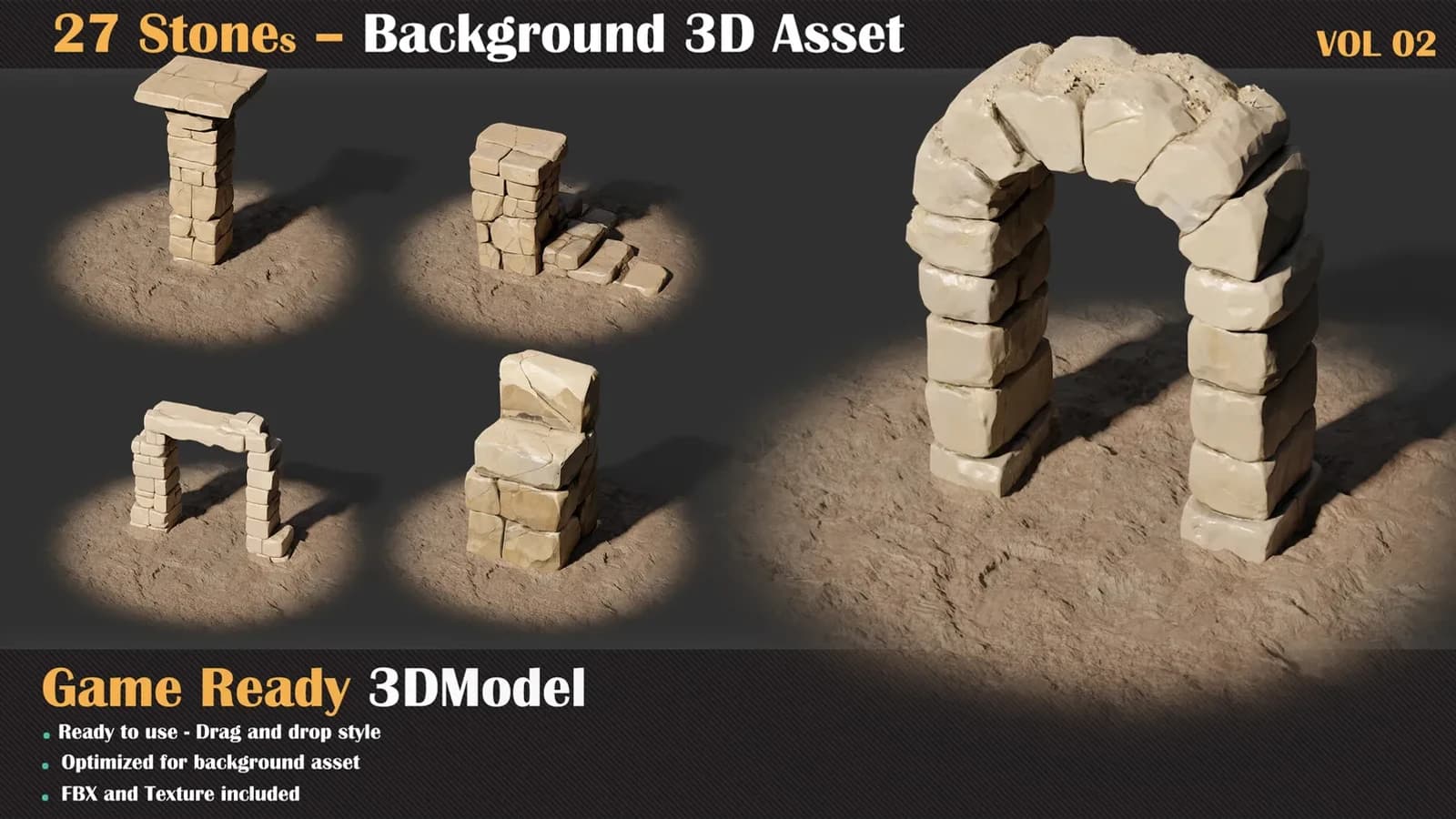
27 Stones Background 3D Asset — VOL 02
27 Stones Background 3D Asset — VOL 02: twenty-seven untextured game-ready rocks with an Unreal project, base material and ten instances.
$8
Instant downloadTired of manually saving render passes? Setting up compositor nodes every single time? Batch Render Pro handles everything — so you can focus on creating, not file management.
Features Auto Save Beauty + All Render Elements
Hit F12, and your beauty render along with every enabled render pass gets saved automatically. Depth, Normal, Position, Mist, Diffuse, Glossy — all of them. Zero compositor setup required.
Multi-Camera Batch Rendering
Multiple cameras in your scene? No problem.
This is where the magic happens. Perfect for product visualisation workflows
Non-Blocking UI + Live Progress
Smart Output Organisation
renders/
ModelName_01/
Camera_Front/
Camera_Top/
ModelName_02/
Flexible Format OptionsOutputFormatsDefault BeautyPNG, JPEG, EXR, TIFF, BMPPNG 16-bit ElementsEXR 32-bit, PNG 16-bit, TIFF 16-bitEXR 32-bit
Perfect ForUse CaseWhy Product VisualisationBatch render entire catalogs with one click Architectural RenderingMultiple camera angles + all passes, automated Asset Library RenderingRender hundreds of models overnight Turntable RendersMulti-camera setup, batch process Game Asset PreviewQuick renders of FBX/OBJ assets with elements Anyone Tired Of.manually saving render passes one by one
Supported Render ElementsPassType DepthFloat MistFloat NormalVector PositionVector Diffuse Colour / Direct / IndirectRGBA Glossy Colour / Direct / IndirectRGBA EmissionRGBA EnvironmentRGBA ShadowRGBA AORGBA.and more.
Requirements
Every purchase includes free lifetime updates and a no-questions-asked 7 day money back guarantee.
This aisle is production work, not a demo. The meshes are optimised for real-time budgets, the UVs are packed with proper padding, and the texture sets are 4K PBR with consistent naming so a whole folder can be imported at once.
Tested in Unreal Engine and Unity. Scale, pivots and orientation are all correct on import.
27 Stones Background 3D Asset — VOL 02: twenty-seven untextured game-ready rocks with an Unreal project, base material and ten instances.
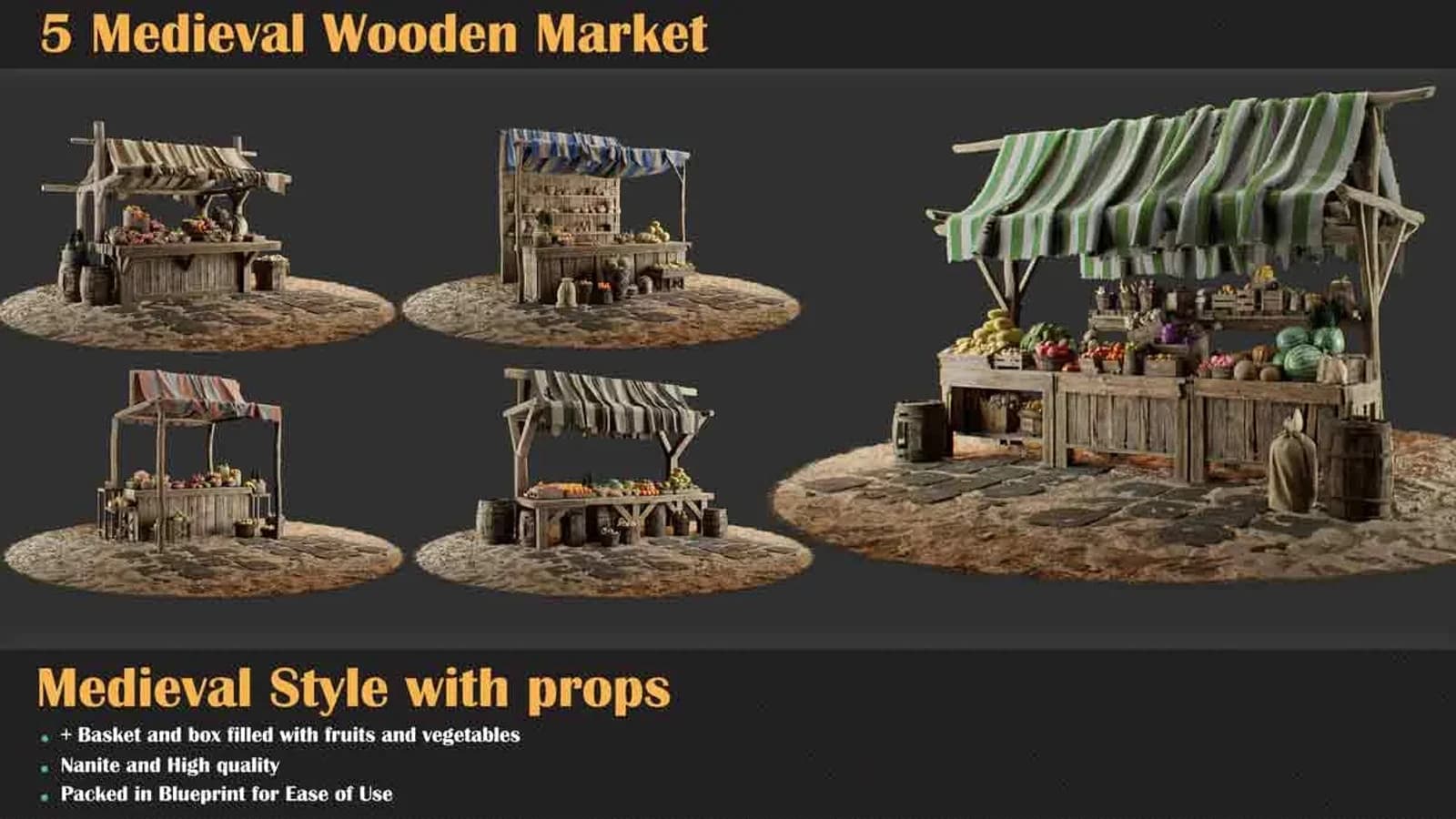
5 Medieval Wooden Market is a set of 5 Medieval Wooden Market game-ready meshes to drop into a real-time scene.
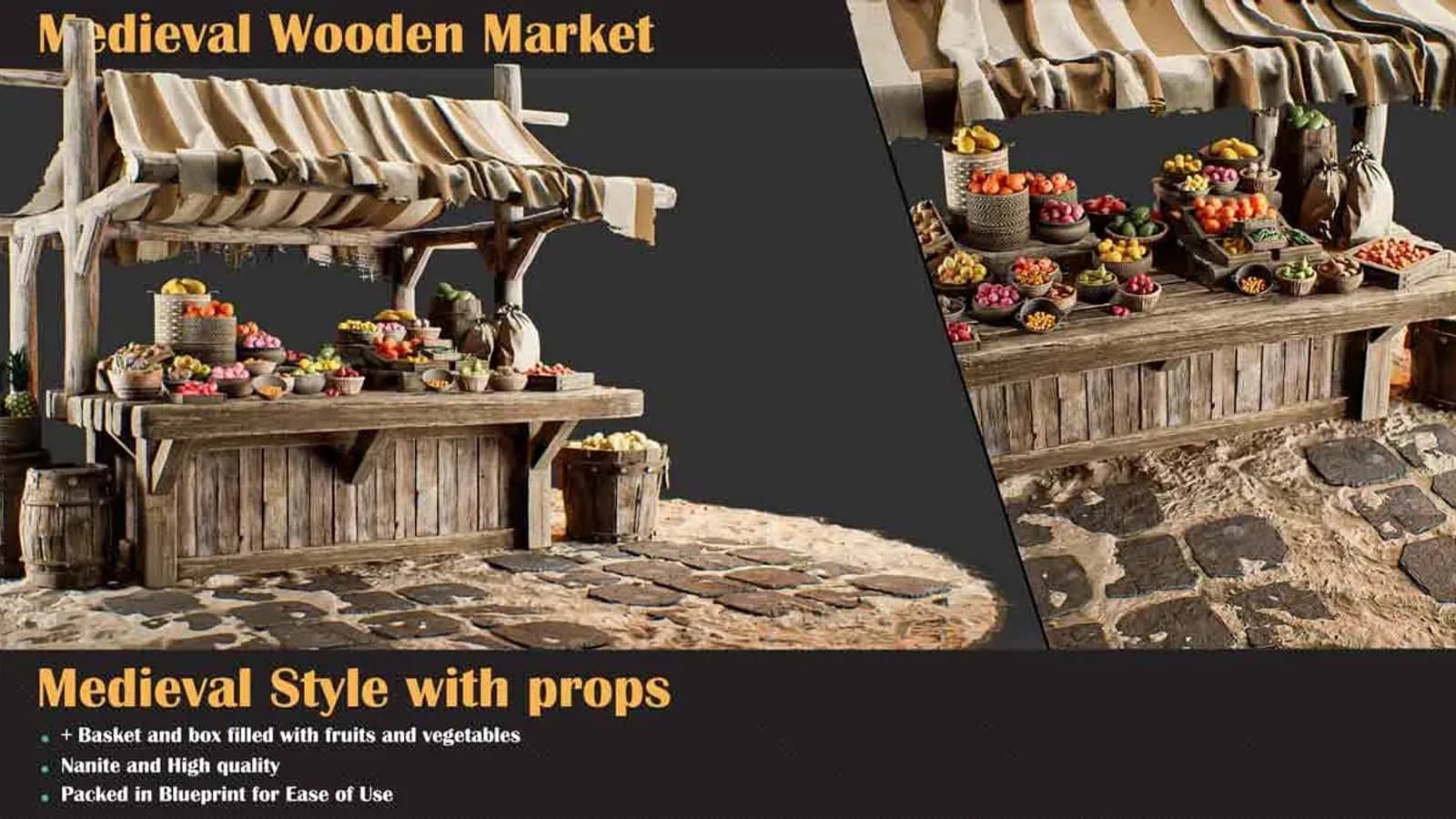
Medieval Wooden Market Pack Set 5: the corner stall, two canopies over an L-shaped counter crowded with bowls and crates.
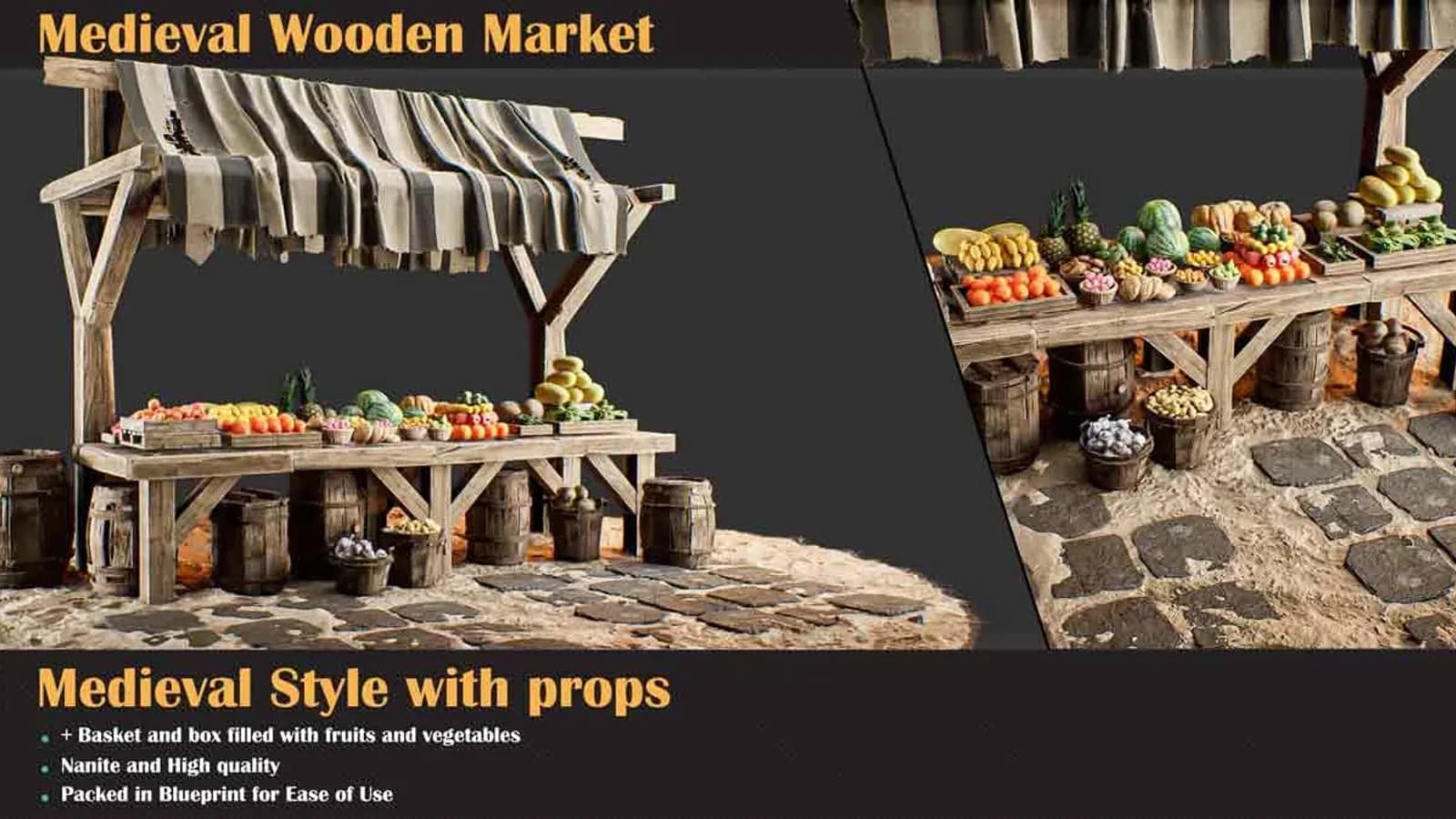
Medieval Wooden Market Pack Set 4: the long open trestle table under grey striped canvas, produce laid straight onto the boards.