View asset →
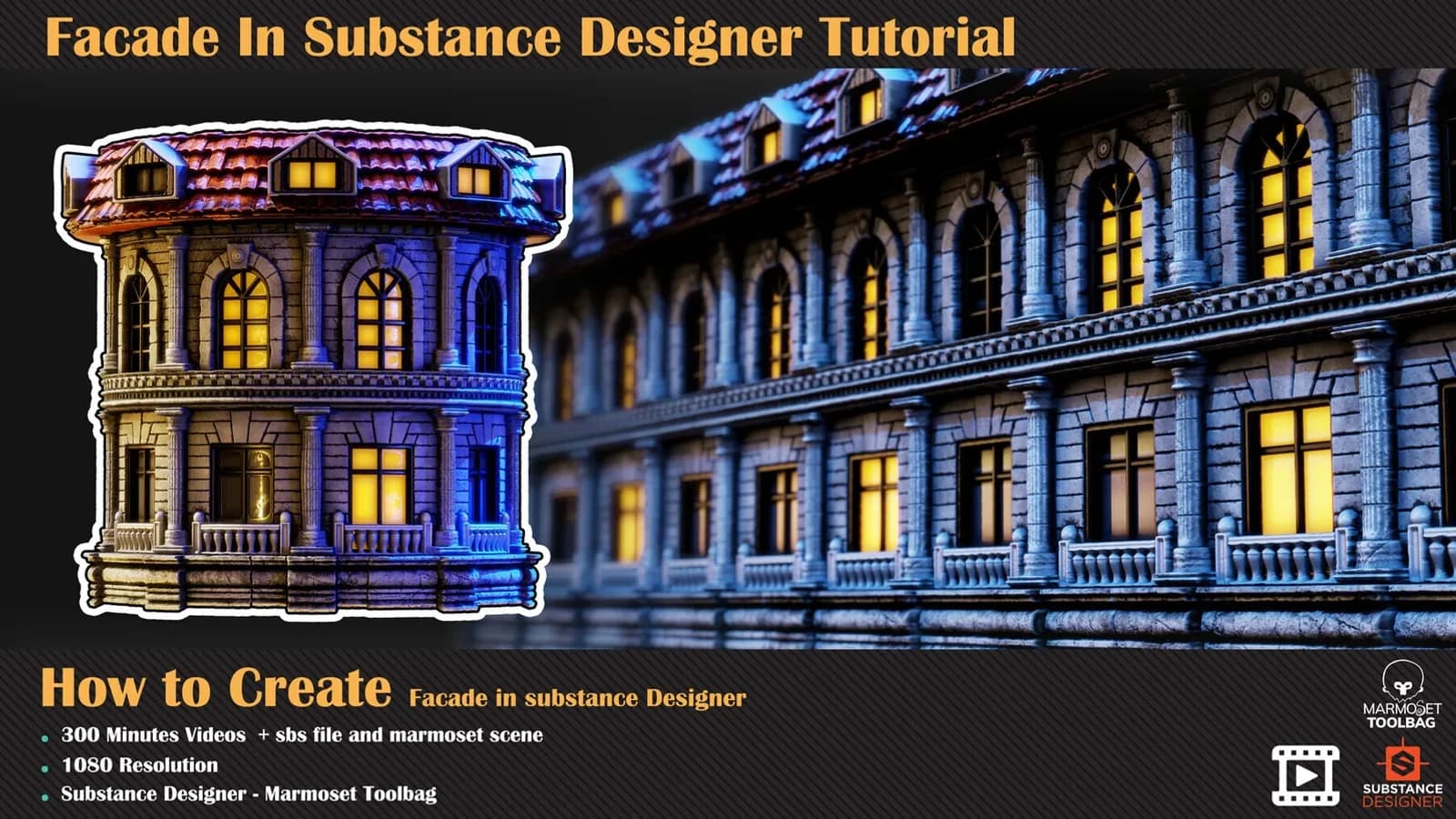
Facade In Substance Designer Tutorial
A 300-minute unnarrated Substance Designer build of a classical building facade — no modelling, nodes only, then rendered in Marmoset Toolbag.
$8
Instant downloadDiscover how to achieve this result in substance designer without fancy modelling, just base shape for radio form. In this tutorial, you can learn how to use 3d model in substance designer to create fully procedural texture, only in 360 minutes. for using this tutorial, you need to know the basic fundamental of substance designer and its workflow
Contents
Chapters
Software Used
Level
attention: sbs file, marmoset scene, and 3dsmax file are not included Attention: all videos are unnarrated ( it means there is no voice over videos or subtitles ).
Every purchase includes free lifetime updates and a no-questions-asked 7 day money back guarantee.
Every volume in this aisle is a complete build. We start on an empty graph and finish with a finished, parametric material — no time-lapses and no skipped steps. There is no voice-over and there are no subtitles: you watch the graph go together at full length, at 1080p.
The source .sbs is included, so you can open the finished graph, inspect the exposed parameters and take the technique into your own materials.
A 300-minute unnarrated Substance Designer build of a classical building facade — no modelling, nodes only, then rendered in Marmoset Toolbag.
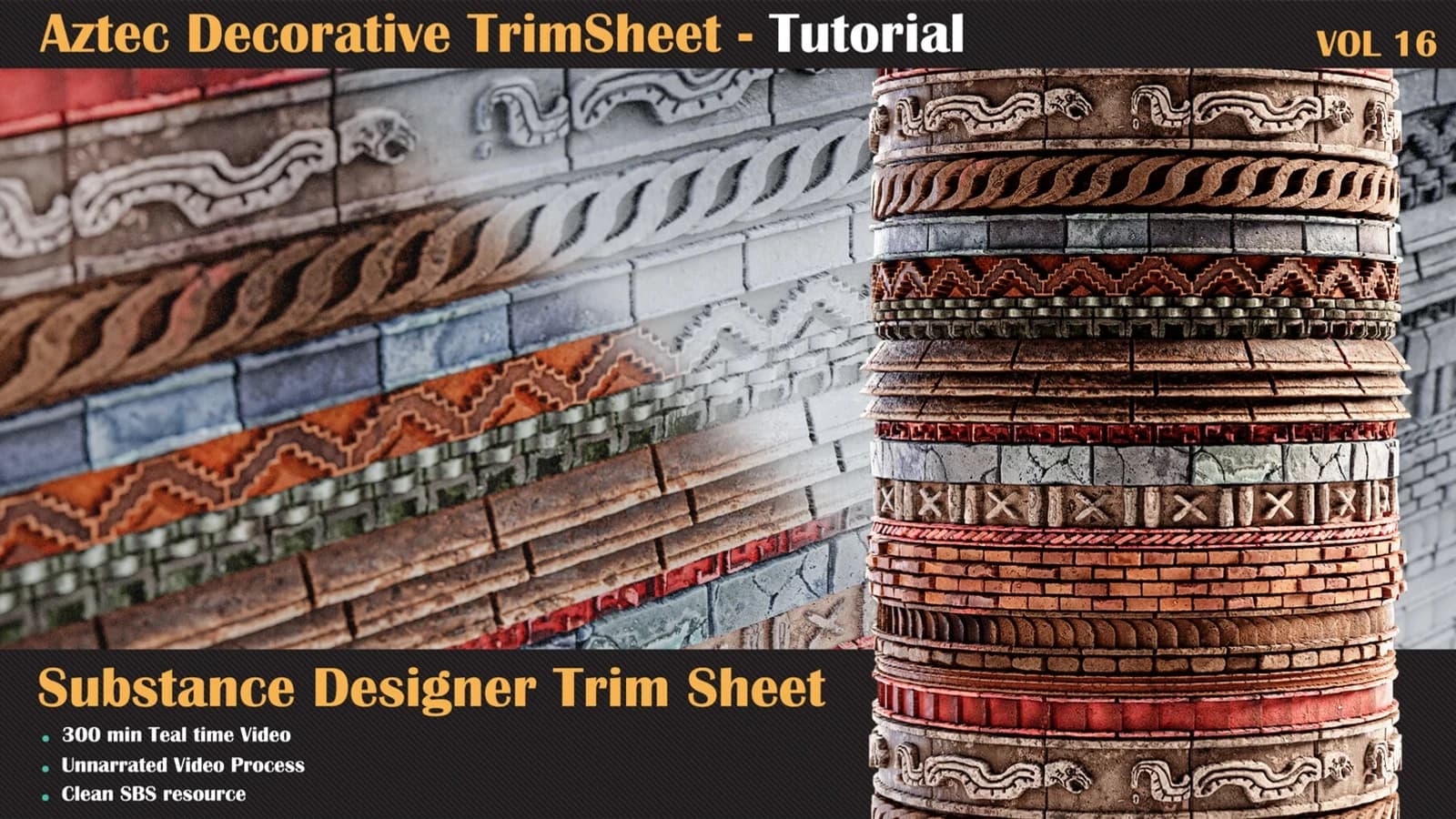
Let's take a journey into a brand-new stone surface material in Substance Designer.
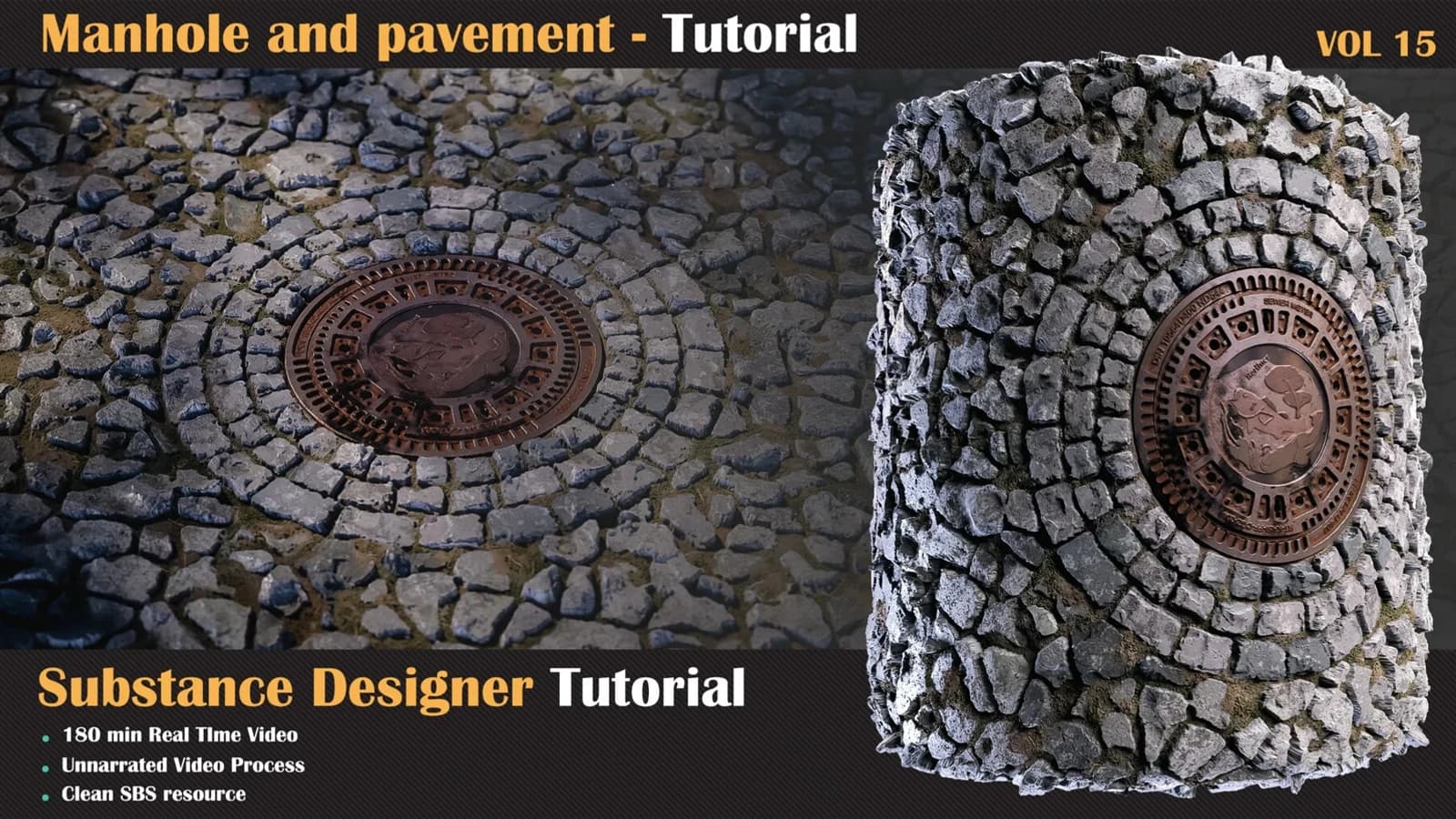
we have another organic surface material in substance designer, for this kind of material.
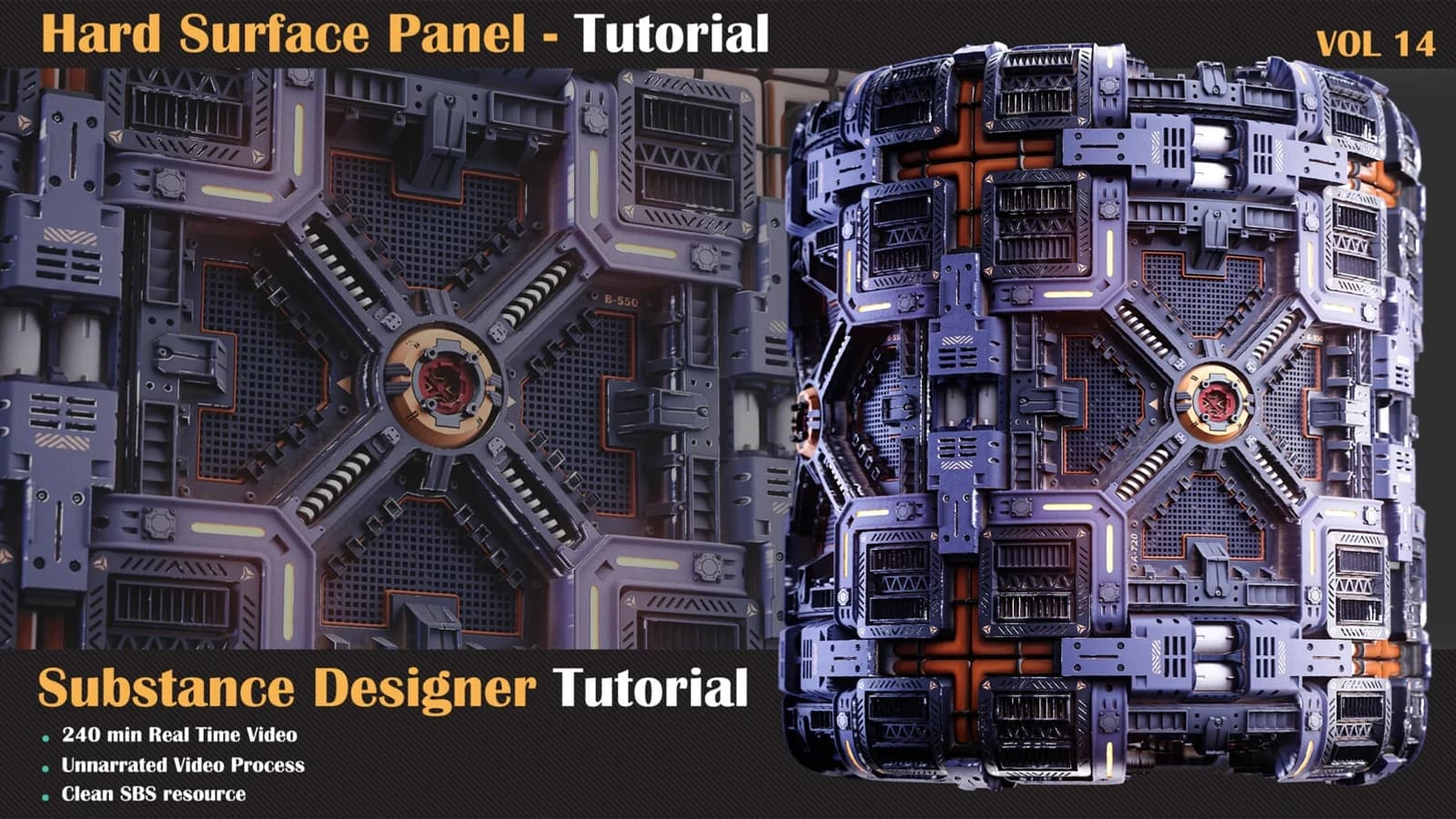
we have another hard surface material in substance designer.