Blender stored 44 weighted vertex groups on one vertex without complaining. I tried it because I wanted to find the ceiling. There is not one.
Unreal keeps four. Sometimes eight. Nothing in the export, the import or the viewport tells you the rest are gone.
I sell armour and outfit base meshes. People skin them after they leave my shop, so this is my problem too.
Nothing looks wrong until you pose it
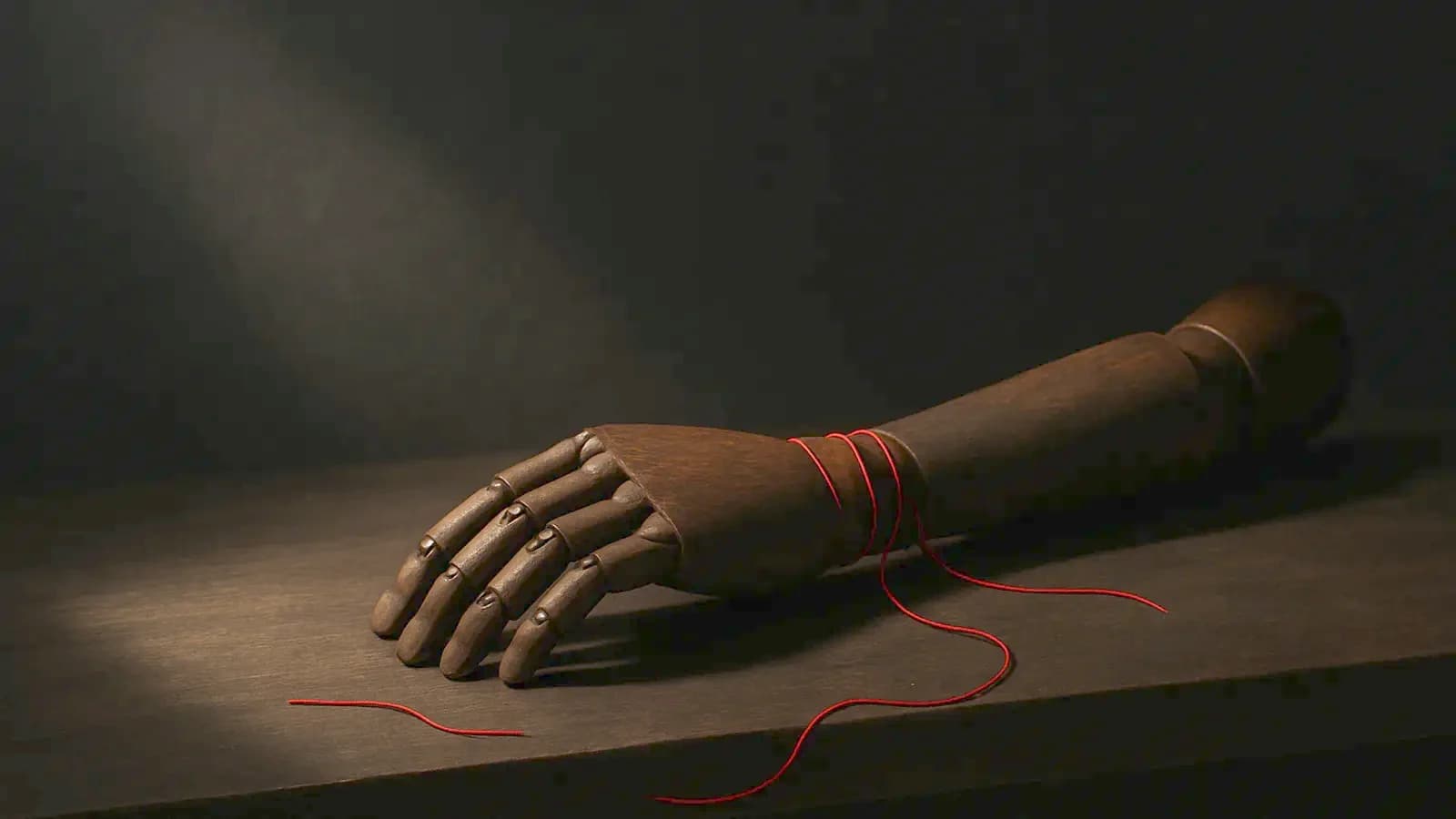
I built a test arm and measured it in Blender 5.1.1. At rest, the four-influence copy and the full copy are identical. Not close — zero difference on all 9,120 vertices.
Then I raised the shoulder 90 degrees. The two meshes pulled apart by up to 1.37 cm. 585 vertices moved more than 5 mm.
That is why nobody catches this. You check the mesh in the T-pose, it looks perfect, and you ship it.
The rig I measured
A 14-bone arm: clavicle, upper arm, forearm, five twist bones, six deltoid-style helpers. Automatic weights, then twelve smoothing passes, then Normalize All.
That is an ordinary deform rig, not a stress test. Every single vertex came out with 6 to 10 influences. 65 per cent of them had more than 8.
Automatic weights alone put only 3.7 per cent of vertices over four. The twelve smoothing passes put all of them over. Smoothing is what breaks the budget, and everybody smooths.
Limit Total does not repair what it breaks
Blender has a Limit Total command in the Weights menu. Its range is 1 to 32 and it removes the lowest weights.
It removes them and stops there. After limiting my mesh to 4, the worst vertex summed to 0.789. It had lost 21 per cent of its weight.
The mesh average fell to 0.964. An under-weighted vertex drifts toward the armature origin. Run Normalize All straight after, every time.
glTF throws them away and fixes the sum
Blender's glTF exporter has a Bone Influences field. The default is 4, and the manual warns that anything except 4 or 8 may break in viewers.
I exported and re-imported. At 4, exactly 4 influences came back, and every vertex summed to 1.0. The exporter renormalises, which Limit Total does not.
Turn on Include All Bone Influences and all 10 survive. The binary went from 657 KB to 1,077 KB — 64 per cent larger for one arm.
FBX keeps everything, which is not the same as safe
The FBX exporter has no influence limit at all. I read the shipped code: it writes every non-zero weight as a cluster.
The round trip proves it. All 10 influences came back, summing to 1.0.
So FBX is not where you lose them. You lose them in the engine, after the file looked fine.
What the engines actually keep
I could not run this test inside Unreal or Unity, so these are their numbers, not mine. Read them yourself before you trust me.
Unreal's default skinning path is 4 or 8 influences, depending on platform. Unlimited Bone Influences is not unlimited either — Epic's own page says it is capped at 12.
Epic recommends turning it on with the threshold set to 8. It lives in Project Settings, under Engine, Rendering, Skinning. It needs an editor restart and cannot change at runtime.
Unity splits the two decisions. ModelImporter.maxBonesPerVertex sets what is stored, and it also removes the lowest weights. Then QualitySettings.skinWeights caps what is used at runtime, and Unity says plainly that it does not change the mesh data.
So a Unity mesh can carry weights that nothing ever reads. That is the same silence, one layer lower.
What I do before I hand a mesh over
Four steps, and they cost about a minute.
- Limit Total to 8, then Normalize All. In that order.
- Pose the worst joint 90 degrees and compare against the unlimited copy. The T-pose tells you nothing.
- Export glTF at 4 or 8, never at 6. The exporter rounds up to groups of four and zeroes the extras.
- Decide the number in Blender, where you can see the mesh, not in an import dialog.
The point is not that four is too few. Four is usually fine, and I ship it.
The point is that you should be the one choosing which six weights die. Right now an importer is choosing for you.
Where this bites hardest
Overlapping pieces. A pauldron sitting on a deltoid, a collar over a clavicle, a belt over a hip.
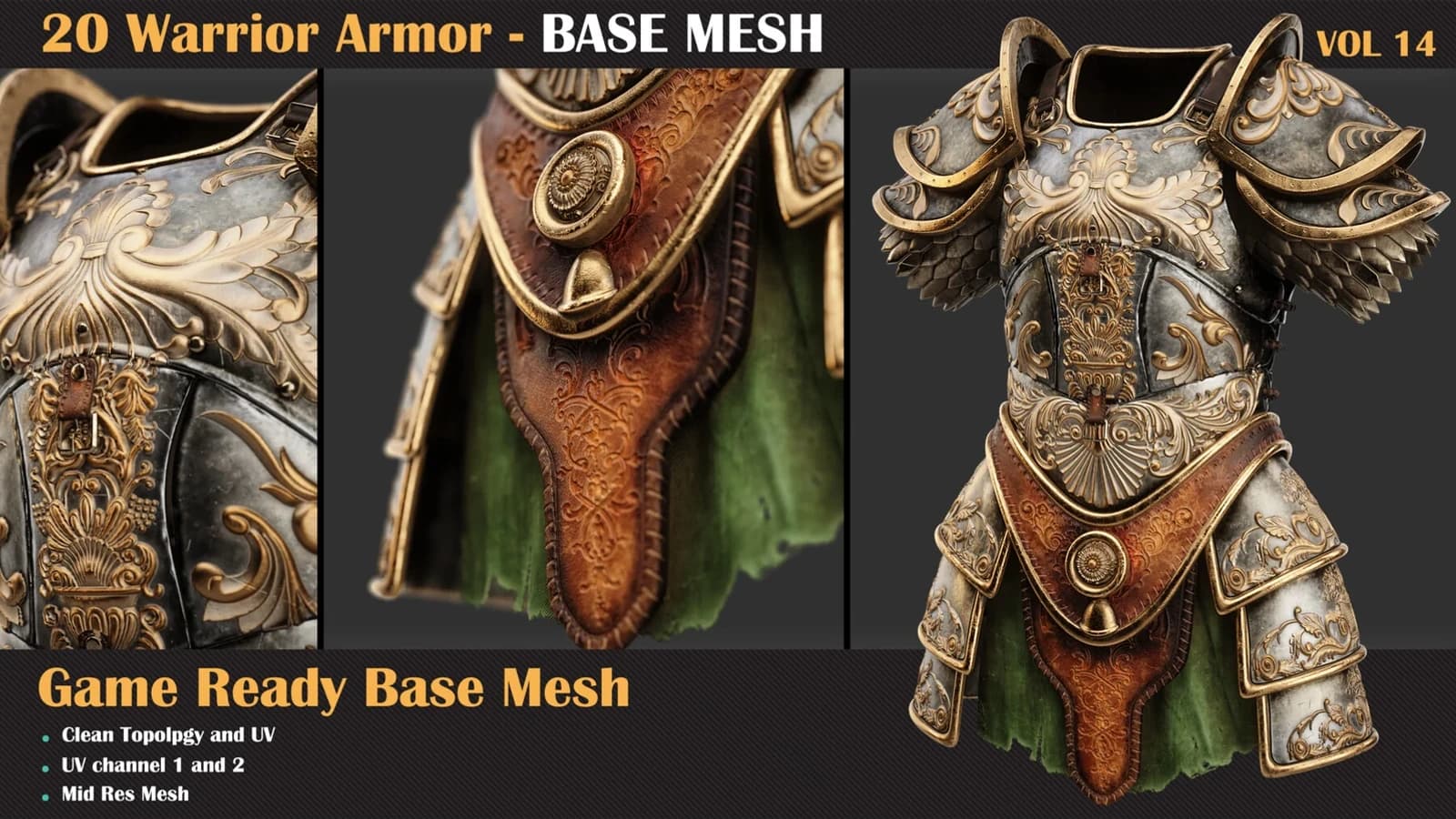
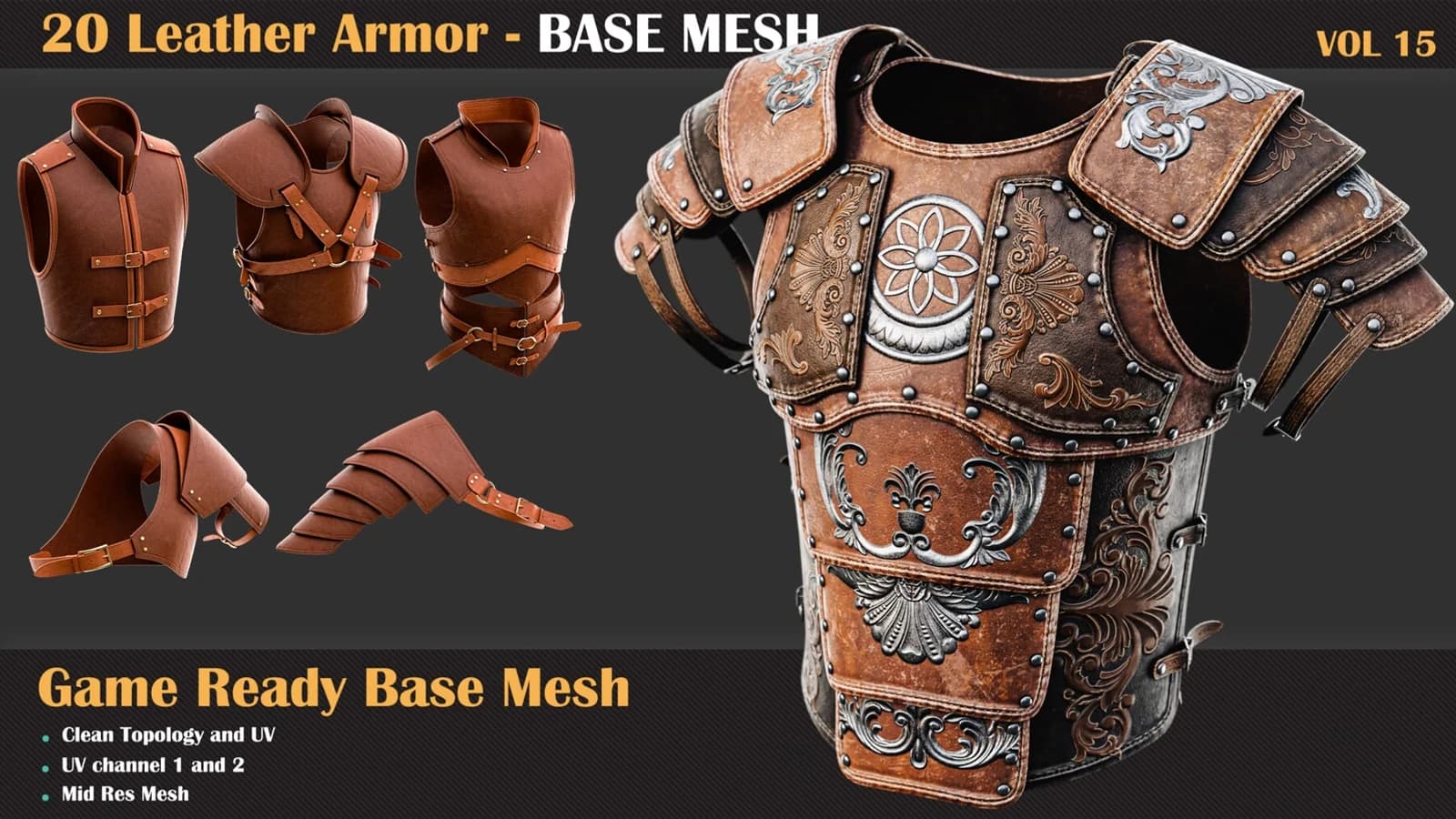
Those are exactly the shapes in 20 Warrior Armor Base Mesh VOL 14 and 20 Leather Armor Base Mesh VOL 15. They arrive unskinned, and the weighting is where they get ruined.
Getting the shapes right first is half of it, which is what the cloth modeling course is for. The other half is knowing that the engine is going to throw six of your ten weights away.
One more thing I got wrong for years
I used to treat smoothing passes as free. They are not free — each one spreads weight onto more bones.
Smooth if the deformation needs it. Then look at the influence count, because that is the bill.