Every smart material I sell ships a 4096 × 4096 PBR set. That is deliberate.
It is also, for most objects you will put it on, about four times more texture than the shot needs.
I ship 4K because I do not know your scene. You do. Here is the arithmetic I run before using my own sets at full size.
Resolution is a distance, not a quality setting
Resolution alone means nothing. What matters is texels per metre — how many pixels land on one real metre of surface.
Take a wooden crate, 60 cm on a side. That is 2.16 square metres in total. Pack it into one 4096 map and you get roughly 2,800 texels per metre.
StraySpark's resolution guide puts the sensible bands at:
- 256–512 for mobile and VR
- 512–1,024 for third person at 60 FPS
- 1,024–2,048 for first person
- 2,048–4,096 for cinematic
So a 60 cm crate at 4K is sitting in the cinematic band. In a third-person game it is three times the density of the wall behind it.
That mismatch is visible, but not how people expect. The crate does not look better — it looks like it came from a different game.
The eye reads uneven texel density as a mistake long before it reads it as detail.
What the extra pixels cost
A BC7-compressed texture with full mips weighs about 0.33 MB at 512, 1.33 MB at 1K, 5.33 MB at 2K and 21.33 MB at 4K.
A three-map set is base colour, normal and a packed ORM. Roughly 4 MB at 1K, 16 MB at 2K, 64 MB at 4K.
Sixty-four megabytes. For one crate.
Drop it to 2K and it costs 16 MB. It still sits at 1,400 texels per metre, comfortably inside the first-person band.
You saved 48 MB and lost nothing a player will see. Do that across twenty set-dressing props and you hand back about a gigabyte.
One more number. If your crate never fills more than about 500 pixels of a 1080p frame, the GPU is already sampling mip 3.
You shipped four mip levels that will never be read. They are not free. They are resident.
Blender users are paying about three times that
Everything above assumes GPU block compression. Cycles does not use it.
An image sits in memory at width × height × channels × bits. For a 4096 RGBA8 map that is about 67 MB, not 21. Three maps is roughly 200 MB for one material.
This is why an archviz scene built from bought libraries hits swap on a machine that renders a character fine. It is not the geometry — it is forty gigabytes of maps nobody downsized.
The settings that fix it without re-exporting
You do not have to go back to Painter for any of this.
Unreal
Open the texture asset and set Maximum Texture Size. It genuinely reduces the asset's resource size and its memory.
Do not use LOD Bias for this. It caps what is displayed, not what is loaded, so project memory does not move. Two settings that look interchangeable, and only one does the job.
Blender
Render Properties → Simplify. There are two Texture Limit dropdowns, not one, and this is where people lose an afternoon.
Viewport Texture Limit and Render Texture Limit are separate. Set the viewport one and your render is unchanged.
Set both to 2048 and every oversized map is downsized on load. Cycles only.
Substance Painter
Document resolution and export resolution are two different settings. Treating them as one is the most expensive mistake I see.
Generators, filters and procedural masks re-render at whatever the document is set to. Hand-painted strokes and imported bitmaps resample instead.
So author at 2K, where every stroke is four times cheaper. Raise it at the end if the asset earns it.
Where 4K earns it
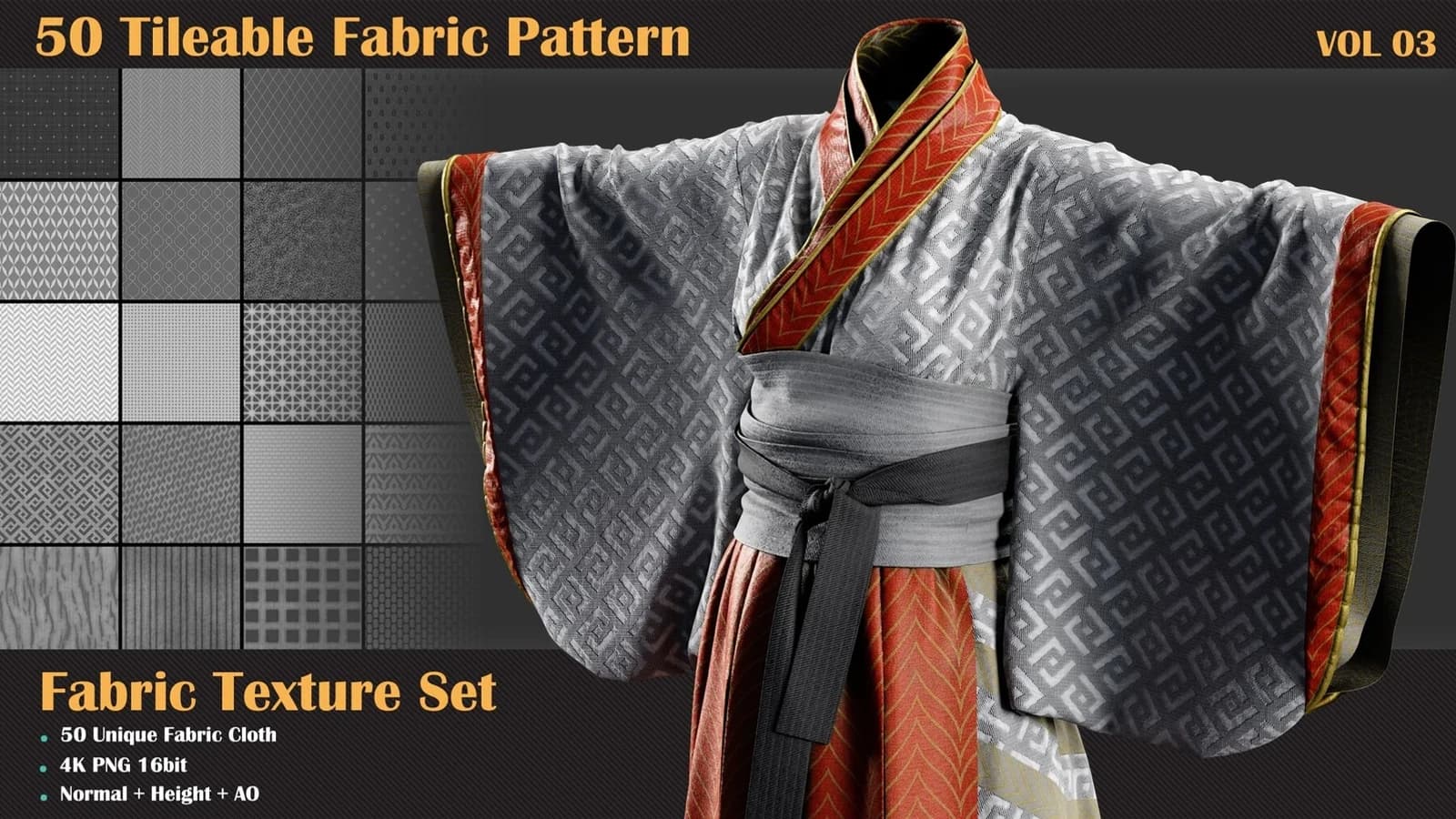
Tileables. A tileable is not one object's budget — it is the surface of a whole building.
A 4K tileable at a 2 m repeat gives 2,048 texels per metre across every wall it touches. That is the one case where the big map is the cheap option.
After that: character faces, first-person hands and weapons. Hero assets get the pixels. The crate behind them does not.
The one place dropping resolution really costs you
Halving a base colour map is nearly free. Halving a normal map is not the same operation.
Averaging four normals produces a shorter vector, and a shorter vector reads as a flatter surface. The detail does not blur — it disappears.
The specular response changes with it. That sub-texel detail you destroyed is exactly what roughness measures.
This is why Unreal has Composite Texture on the roughness asset. It pushes the normal's variation into the roughness mips, so the surface keeps its shimmer at distance.
It only works if both share a UV layout. Set it once per material.
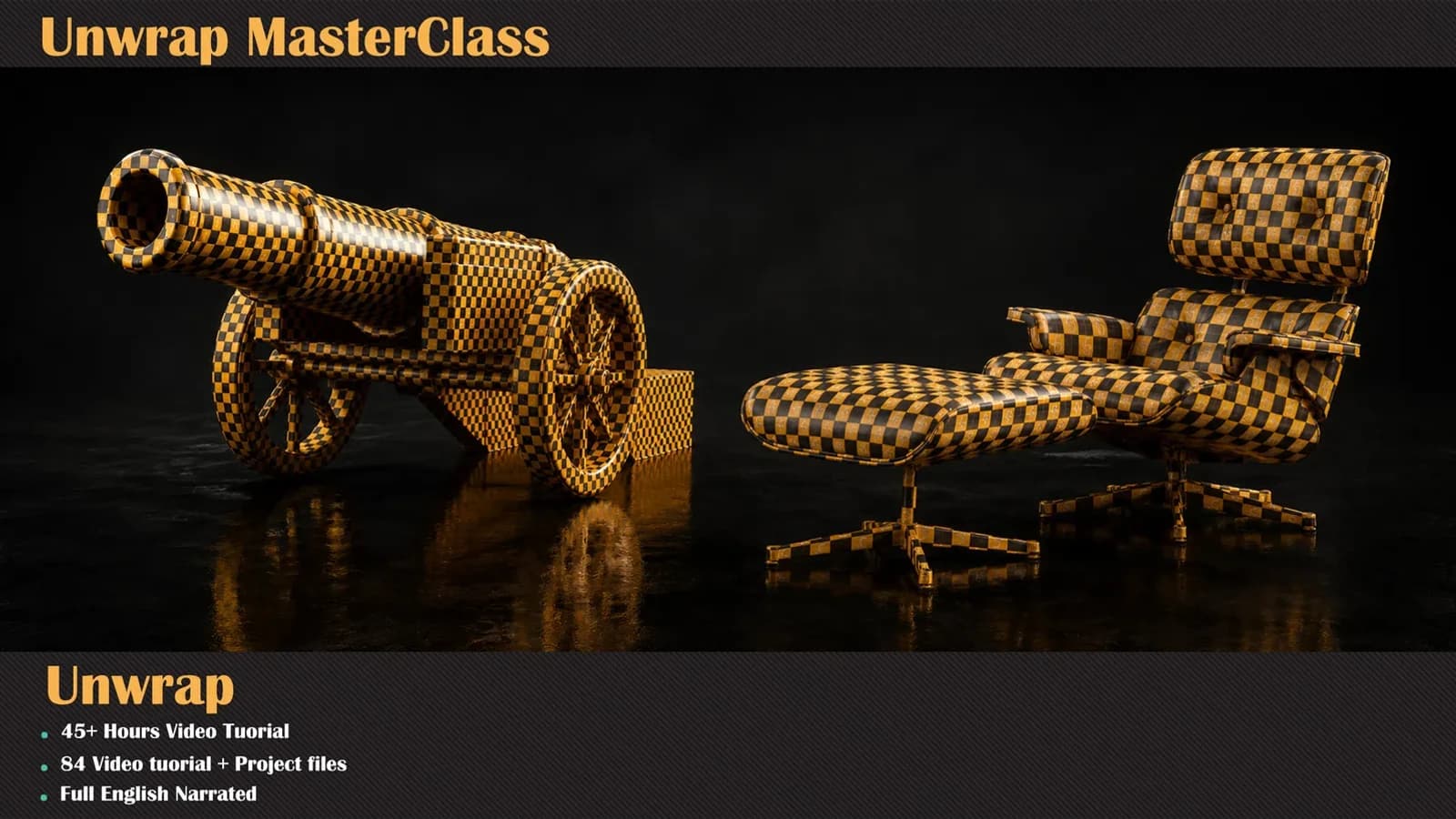
Texel density is a UV problem before it is a texture problem. That is most of what the unwrapping course is about.
So my position is not "use 2K". It is: pick the number from the surface area and the camera, not from the folder you downloaded.
I will keep shipping at 4096. Downsampling costs you a minute and loses almost nothing. Upsampling invents detail that was never authored, and no setting fixes that.