Almost every time a student sends me a texture that "looks wrong but I cannot say why", the problem is upstream. The material is fine. The bake is not.
Mesh maps are the four or five greyscale images Substance Painter bakes off your geometry before you paint anything. Every smart material, every generator and every mask is reading them.
Get them wrong and you spend the afternoon fighting symptoms.
Curvature is doing more work than you think
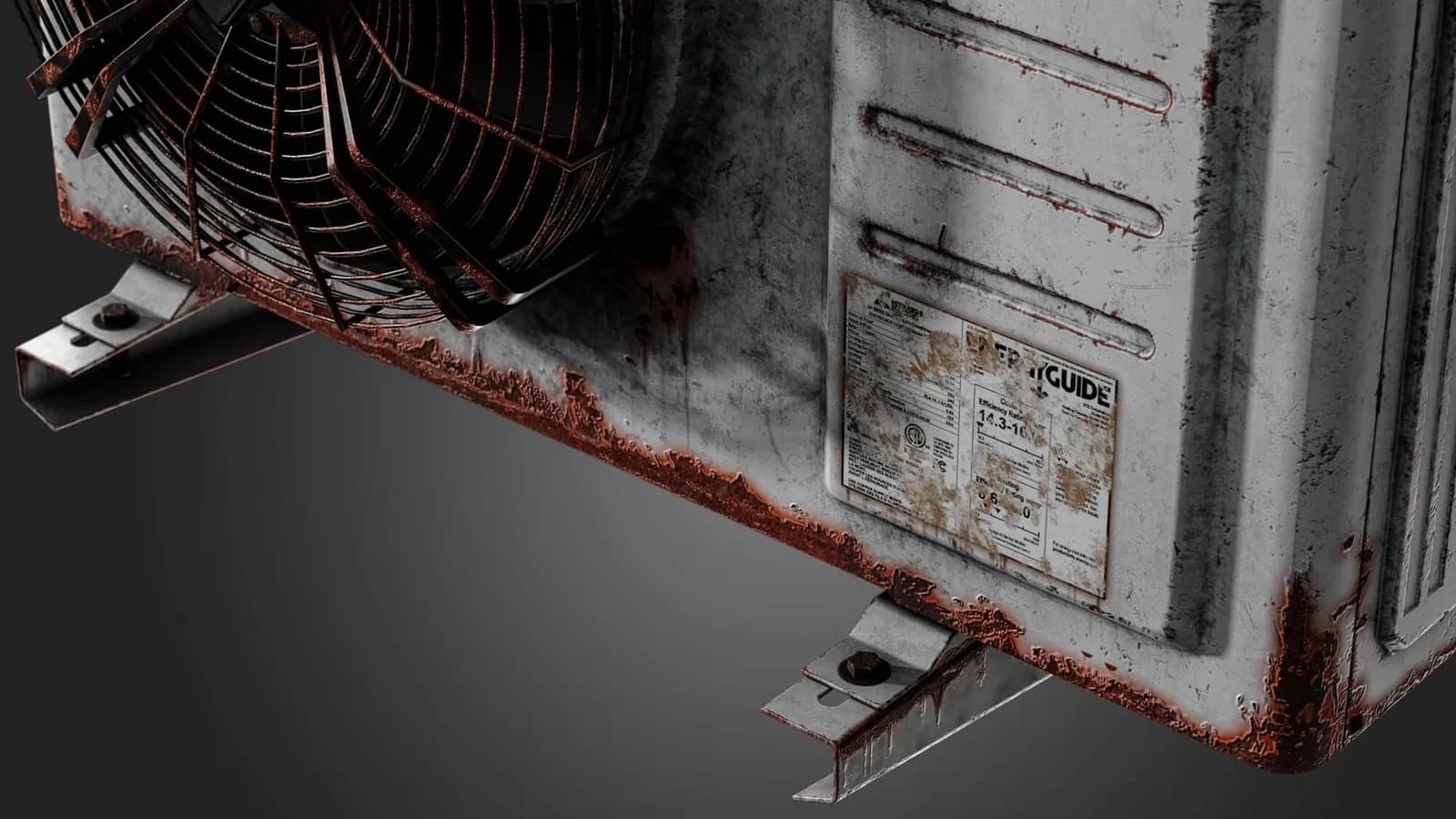
Curvature drives edge wear, and edge wear is what tells the eye an object is physical.
If your curvature map is muddy, every generator built on it produces that soft, plastic look no amount of roughness tweaking fixes.
Two things make it muddy. A high-poly that was too smooth, and a cage that was too tight.
Bake curvature from a high-poly that actually has chamfers. A 1 mm chamfer on a 1 m object reads as a crisp edge at 4K. A perfectly sharp corner reads as nothing at all.
That is the part people find counter-intuitive. A mathematically perfect edge has zero width, so there is nothing for the bake to record.
Ambient occlusion should be tight, not global
The AO you bake for texturing is not the AO you would use for lighting.
You want contact shadows in the crevices, not a soft global darkening across the asset. Reduce the ray distance until occlusion appears only where two surfaces genuinely meet.
A global AO baked into base colour is the single most common reason a model looks dull under every light. You have painted a shadow that the engine will then shade again.
This matters more on tiling surfaces than on props. On a trim sheet it is worse still.
The same strip appears in twenty places, and the baked shadow repeats identically in all of them.
Position maps unlock gradients for free
A world-space position map lets you build height-based masks with a single gradient node.
Dirt that pools at the bottom. Sun bleaching at the top. Rust that starts where water sits.
It costs nothing at bake time and saves an hour of hand-painting. Most people never bake it because the checkbox is off by default and nothing complains.
Thickness is the one nobody uses
Thickness measures how much material is behind each point of the surface.
On a hard-surface asset it separates a solid block from a thin panel. That is exactly the difference between where paint chips and where it dents.
On anything organic it drives subsurface. A hand lit from behind glows at the fingertips and not at the palm, and thickness is what knows the difference.
The cage is where most bakes actually fail
The cage is the invisible shell the rays are fired from. Too tight and the ray starts inside the high-poly, so detail is missing. Too loose and it catches a neighbouring part.
There is rarely one distance that works for a whole object, which is why baking by mesh name exists.
This is also why an auto-generated low-poly bakes badly — the mesh was never built against that high-poly in the first place. I wrote about that in what AI retopology does to your bake.
The checklist
Before you texture anything:
- High-poly has real chamfers on every visible edge.
- Low-poly UVs have at least 4 px padding at your target resolution.
- Cage is generous enough that nothing clips, tight enough that nothing skews.
- Bake by mesh name, so a bolt does not project onto the plate behind it.
- Look at every mesh map on its own before you touch a layer.
That fifth one is the one people skip. Spend the ninety seconds. It saves the afternoon.
What a bad bake looks like in each map
Knowing what you are looking for makes step five fast:
- Curvature: grey and soft where edges should be white lines. The chamfer is missing or the cage is too tight.
- AO: a wash over the whole surface instead of dark lines in the crevices. Ray distance is too high.
- Normal: coloured smears near a seam. A hard edge without a UV seam under it.
- Position: banding instead of a smooth gradient. Usually a scale problem, not a bake problem.
Why this decides what a smart material can do for you
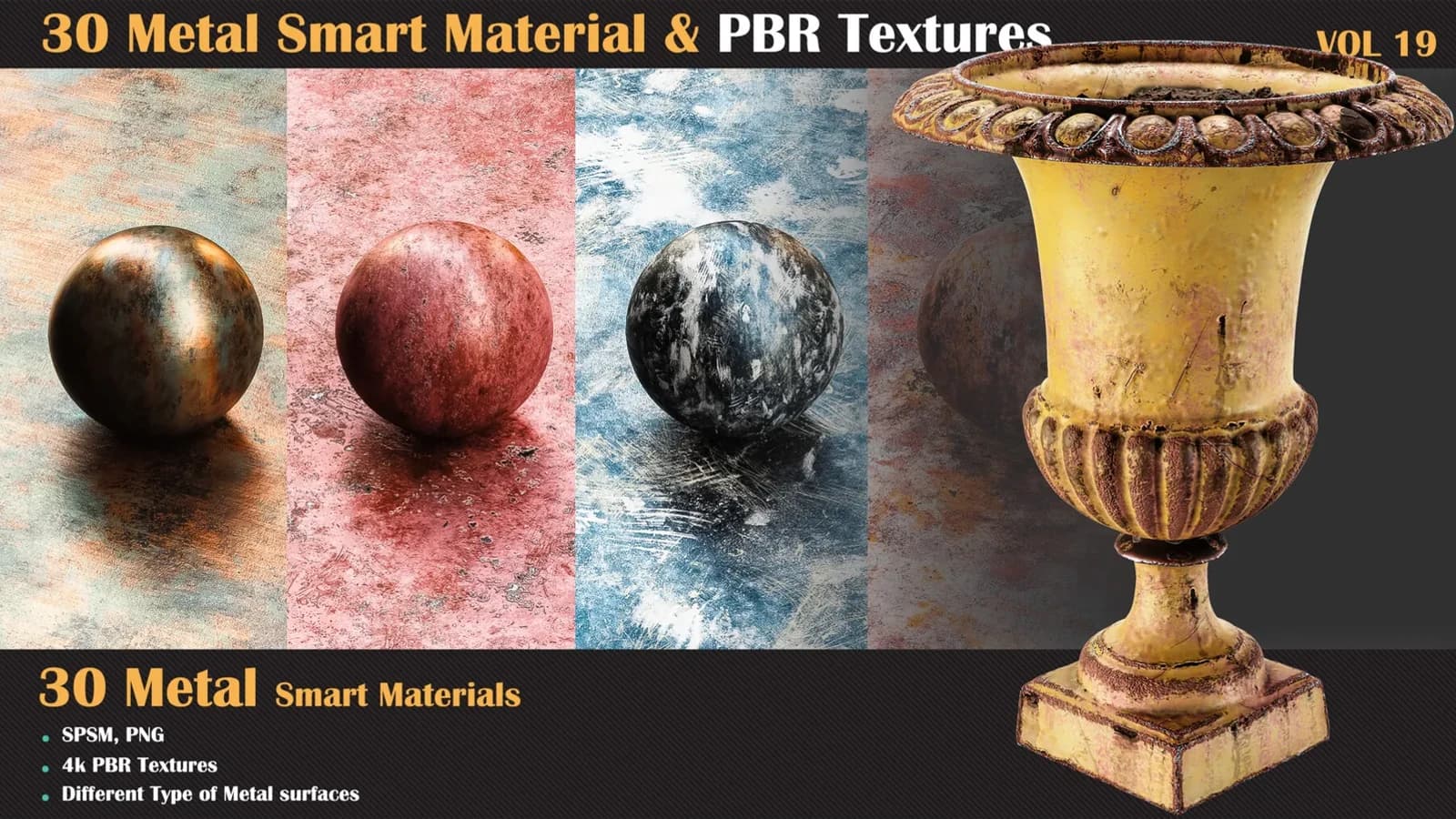
A smart material is a stack of generators reading these maps. It is not a picture of a surface.
It is an opinion about how that kind of surface ages, and the maps are what it forms the opinion from.
So the same material on a good bake and a bad bake produces two different results, and only one of them is the product working.
That is why the first thing I check on a support email is never the material.
If you want the whole sequence taught properly rather than as a checklist, that is what the Substance Painter Master Course covers.