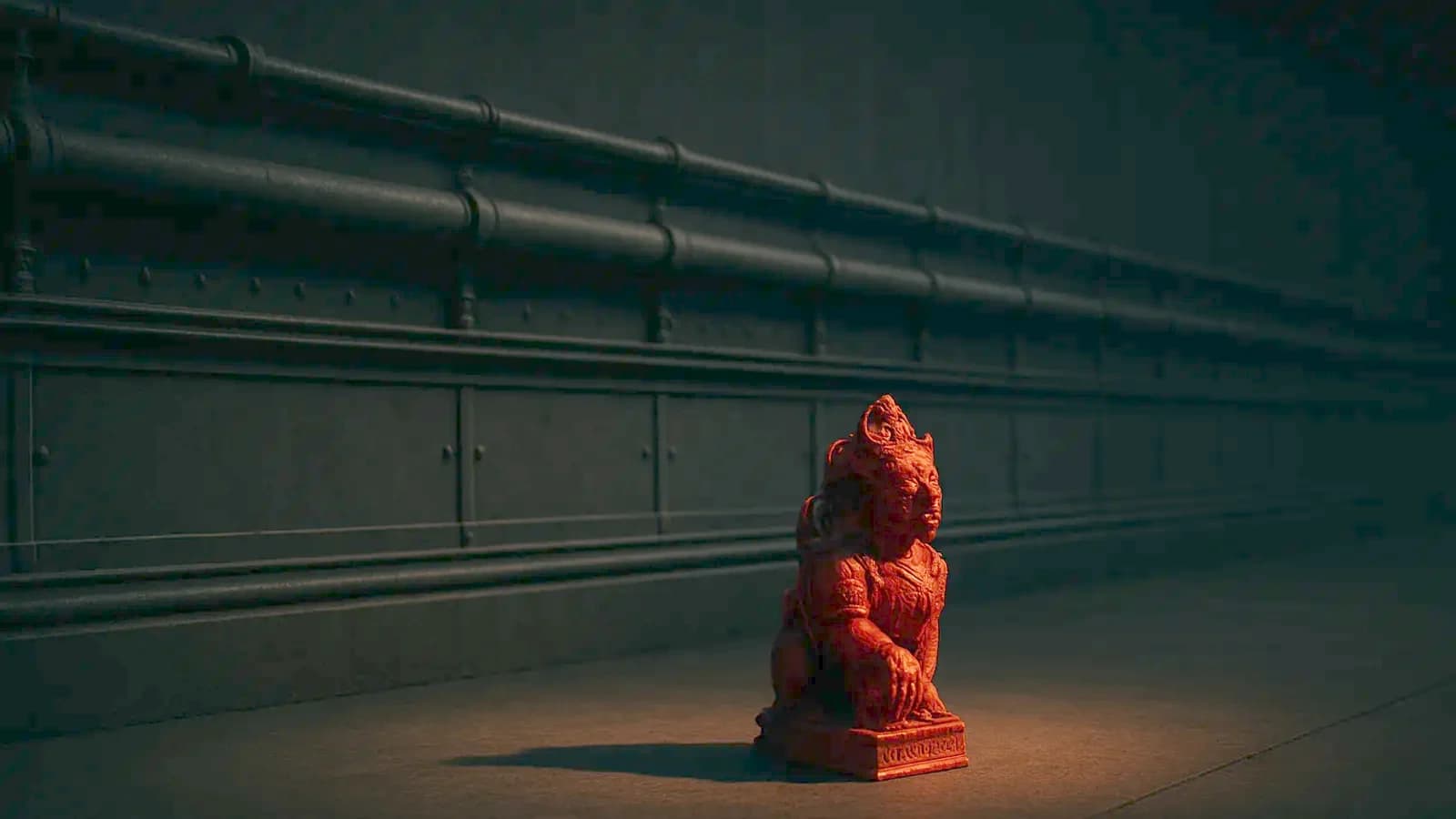
Ten hero props, every one beautifully baked, and not one surface that repeats. That is the environment art portfolio I get sent most weeks.
Nobody writes "no trim sheet" on a rejection. They write nothing. What they thought was: I cannot tell whether you can fill a level.
A prop and a corridor are two different jobs
A hero prop rewards unique UVs. One asset, one texture set, every pixel on that object. That is the job most tutorials teach.
A corridor punishes unique UVs. Forty metres of wall is twenty modules that must line up, share a material, and not read as twenty copies.
Give each its own texture set and you get twenty materials, twenty bakes, and twenty things to fix when the art director changes the metal. That is the job.
So when a reviewer finds nothing tiling, the missing sheet is not the problem. It is the evidence. It says you have never built the second wall.
The four-metre budget
We hold texel density at 10.24 pixels per centimetre, which is 1,024 pixels to the metre. Run that through a trim sheet and the design problem becomes arithmetic.
A 4096 sheet at that density is exactly four metres of surface. Not four metres of wall — four metres of everything the wall will ever need.
- Skirting, and the panel run
- A horizontal join, a pipe, a vent
- A plain area
- The capping detail at the top
All of it inside four metres. And every strip must run the full width, or it will not tile.
So I lay a sheet out in centimetres before opening Designer:
- Decide the real height of every strip first. A 12.5 cm skirting, a 50 cm panel, a 1 m plain run.
- Convert at your density and round to a power of two — at 10.24 px/cm, 512 px is 50 cm and 1024 px is a metre. Those boundaries let you snap shells to whole strips and mip down cleanly.
- Add the strips up. If they pass 4096 px, something comes off the sheet. Nothing gets squeezed.
- Put the strip you will use most in the middle, not at the edge. You will be sliding shells along that axis for a week.
Four metres sounds generous until you spend 2048 px on one full-height panel. That is half the sheet, on a detail that appears twice.
The plain strip is the one you use most
A sheet with detail on every strip looks superb flat, in a thumbnail. In a level it is noise.
Give about a quarter of the sheet to a flat panel with nothing but roughness variation and a slight dirt gradient. That strip will cover more surface than everything else combined.
Detail also has to survive the distance it is seen from. A 6 mm bolt head at 10.24 px/cm is six pixels — a smudge at two metres, gone at ten.
Do not bake ambient occlusion into a trim sheet
I have argued before that the AO you bake is a tight contact shadow, not a global darkening. On a trim sheet, bake almost none of it in.
A prop has fixed neighbours, so its own geometry is the only thing occluding it and the bake is true. A trim sheet has no fixed neighbours.
The same 30 cm strip sits at a floor join, runs along a ceiling, and appears upside down on a bulkhead. Occlusion painted in is a contact shadow drawn where there is no contact — repeating every 30 cm.
That is a large part of why modular sets read as wallpaper.
The second wall test
Here is the test I run on my own sheets. Build the wall, then build a second wall from the same sheet, adding no new textures.
Different height, different opening, a corner instead of a flat run.
If you can, you built a system. If you cannot, you built a texture with stripes on it.
Show both. One wall proves you can texture; two prove you understand the job.
What goes in the folder
Four images and one line of text.
- The sheet flat, with the strips labelled in centimetres.
- The UV layout over the wireframe, so the reviewer sees where the shells sit.
- Three pieces built from it, one a corner or a doorway. The join is where sheets fail, and where a lead looks first.
- A grey-lit shot of the set with no post, so the shapes carry it alone.
Then one line: sheet resolution, texel density, modules covered, materials used.
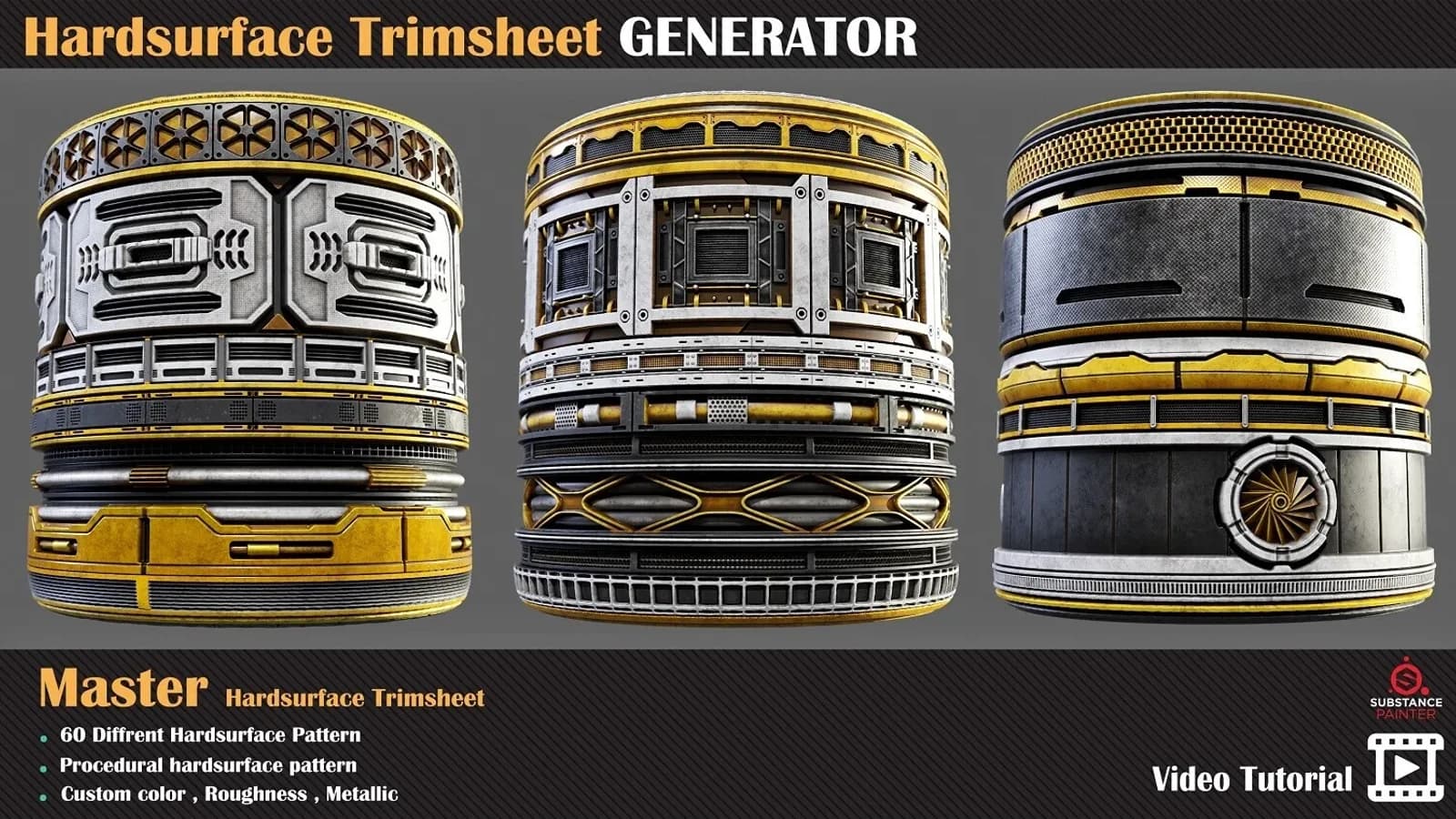
One honest warning. I sell a Hardsurface Trimsheet Generator that hands you around sixty ready sheets.
It earns its money on a deadline, and it is the wrong thing for a junior portfolio. The part being assessed is the layout decision, and it makes that decision for you.
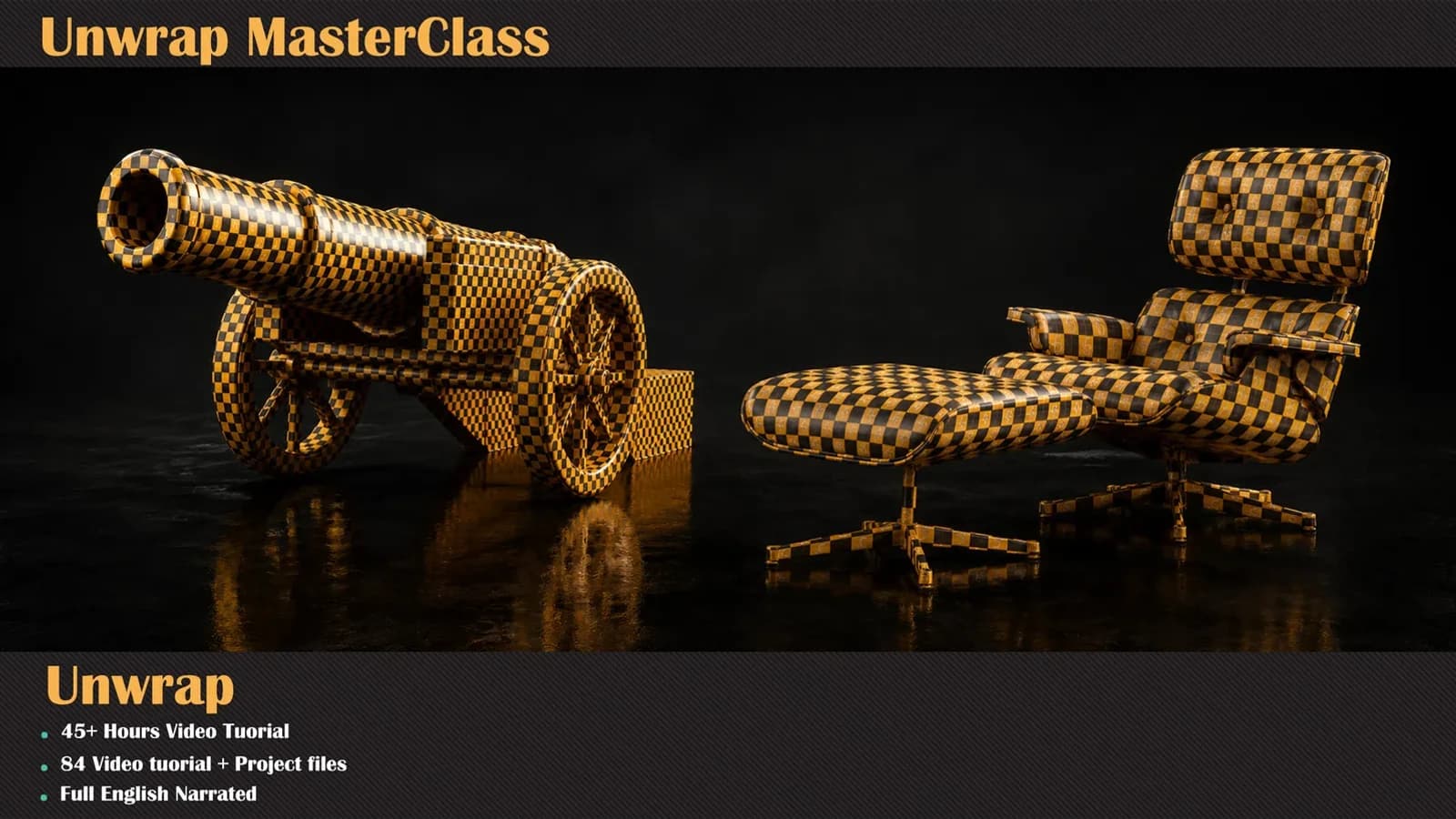
All of this rests on UVs, which is the real skill underneath. That is what the unwrapping course is for.
Where the opposite is true
None of this applies to a still. In archviz and film there is one camera and one render, so a trim sheet buys nothing.
And if the job is props or characters, show props and characters. This is only a gap if the folder says environment art on the front.