On 23 June 2026, Substance 3D Painter 12.1 arrived. The first entry in the new project window now says OpenPBR. For years it said ASM.
I make smart materials for a living. Within a week people were asking me the same thing. Does this break what I already bought?
No. But something else will cost you an afternoon, and almost nobody is talking about it.
What Adobe actually shipped
The 12.1 release notes are short about this. A shader built on the OpenPBR 1.1 specification is included, and used by default.
A new project made without a template gets that shader. The bundled templates and the sample projects were updated too.
Designer got there two months earlier. Designer 16.0, on 14 April 2026, set OpenPBR as the default material model in the 3D View.
If you publish SBSAR files, note the second half of that. Designer 16.0 added a Material model graph attribute, and it is written into the published file.
Forty parameters where you used five
OpenPBR is one large model. It merges Adobe Standard Material and Autodesk Standard Surface into a single surface.
I counted Adobe's own parameter page. Forty parameters, in nine groups: base, specular, transmission, subsurface, coat, fuzz, thin-film, emission and geometry.
Your game prop still ships five maps. Base colour, roughness, metallic, normal, height. The rest are there for glass, skin and car paint.
The strain shows in the release notes. Adobe had to add a window to Texture Set settings just to select many channels at once.
A smart material is a layer stack, not a shader
This is why nothing you own broke. I wrote the long version in my answer to FlippedNormals.
A smart material is a stack of layers, with generators driving the masks. It writes into channels. It does not carry a shader with it.
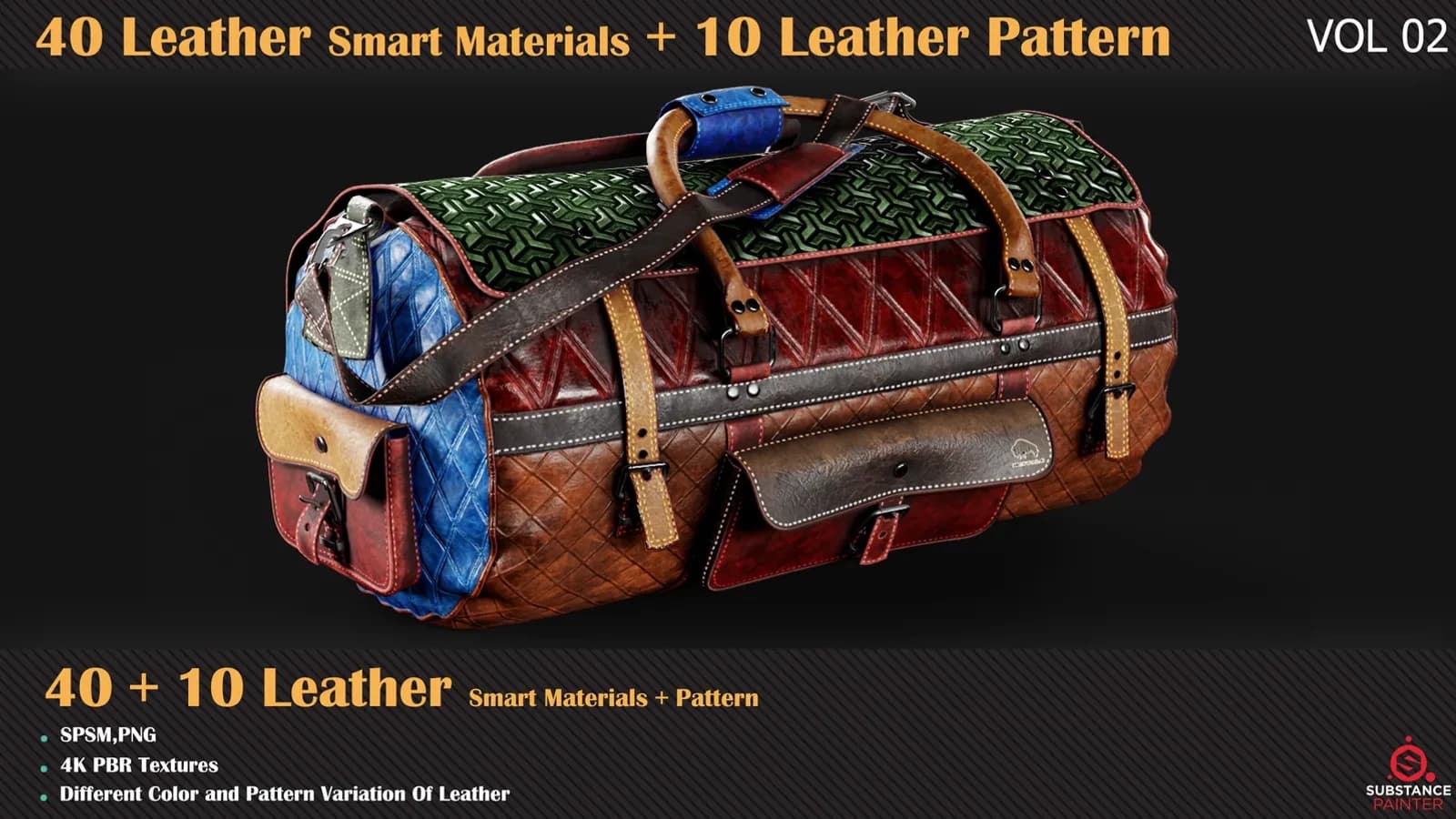
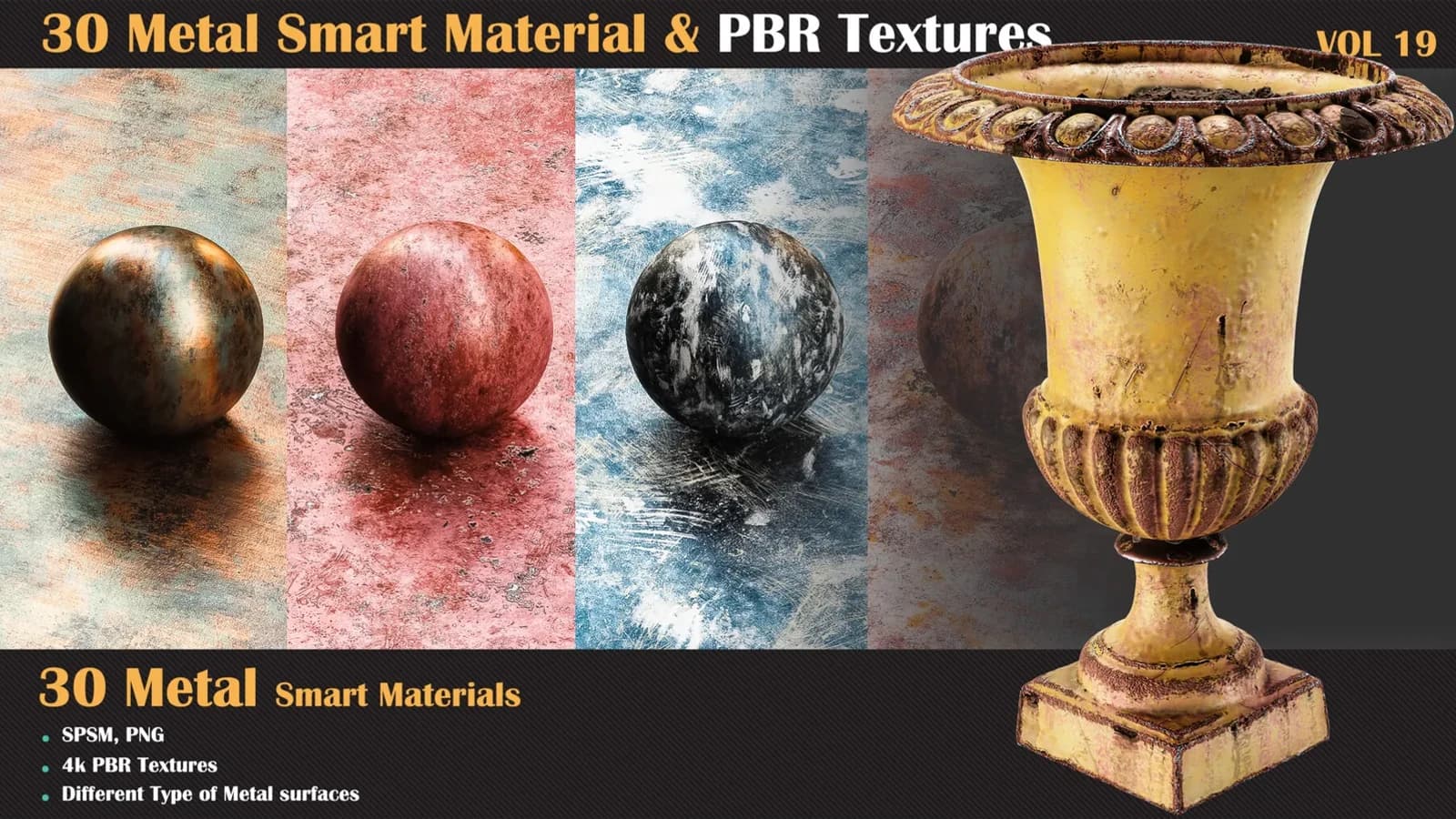
Base colour, roughness, metallic and normal are still channels in an OpenPBR project. The stack writes into them as before. VOL 19 does not know which shader the viewport is using.
Removing a channel does not delete your paint
The fear I keep reading is that this is a one-way door. Adobe's own channel documentation says otherwise, in plain words.
Remove a channel and the painting information inside the project is not deleted. Add the channel back and the texturing returns, after a recomputation.
Sampler is explicit too. You switch a material from ASM to OpenPBR in Channel settings, and you can export either way.
One thing I have not done yet: a pixel diff of the same project exported both ways. Until I have, I will not tell you the values are identical.
The log message nobody reads
Painter 12.1 also changed how it picks a shader on import. For a USD or GLTF file, the shader now comes from the project template. It is no longer guessed from the file.
When the material and the template disagree, Painter writes a message in the log. It does not stop you or warn you on screen.
Check the log before you decide an imported material is broken.
The part that will bite you is the file name
Here is the real change. The Export Textures window has a new dropdown for the naming convention.
It defaults to OpenPBR whenever one shader in the project uses OpenPBR. The chosen scheme is then reflected in each Texture Set's list of maps.
OpenPBR does not call it roughness. The specification calls it specular_roughness. Metallic is base_metalness, and normal is geometry_normal.
Your engine importer matches on the suffix. Your naming template does too. Export a batch without looking and half the maps hook up to nothing.
Adobe felt this. Version 12.1.1, on 9 July, had to regroup those channels by category in the export window. Two weeks after release.
Check one dropdown before your next export
Open Export Textures. Read the naming convention at the top before you press the button.
If your pipeline expects Roughness and Metallic, pick the old scheme and save it as a preset. That is the whole fix.
It is the same discipline as picking a resolution from the surface rather than the folder. I argued that one in the 4K article.
Where the door really is one-way
There is a genuine removal, and it is in Designer, not Painter. Version 16.0 removed the MDL graph feature set and the Iray renderer.
Adobe warned about it in 15.1 and did it in 16.0. Designer is moving to MaterialX instead.
Painter went the other way. It added a new MDL so that Iray can render OpenPBR materials.
Custom shader authors get work too. The release notes say the shader API changed to support OpenPBR.
What I am changing in my own packs
Nothing in the materials. There is nothing to re-author, and re-uploading every volume to say so would be dishonest.
I am changing one line of documentation in each pack. It names the export preset the volume was tested with. That is the line that now matters.
Adobe also open-sourced its OpenPBR implementation in March, at adobe/openpbr-bsdf. A standard everyone implements the same way is worth one new dropdown.
If you want the workflow rather than the release note, that is what the Painter course covers.