For years the answer to skewed normals was one sentence. Buy Marmoset Toolbag, bake there, bring the maps back into Painter.
I gave that advice too. On 23 June 2026 it stopped being all the way true.
Substance 3D Painter 12.1 added skew correction painting. Half the advice online is now out of date. The other half is still right, and you should know which half is which.
What Painter 12.1 actually shipped
Adobe's release notes are precise. Skew corrections can be painted directly onto the low-poly mesh. They control the projection direction used during baking.
You get a brush, an eraser and a polygon fill tool. There is a grayscale value picker, symmetry, and the usual brush shortcuts.
Edge protection came with it. Adobe's skew correction page says it ignores the painted correction near edges. Two sliders control it: Edge distance and Edge contrast.
Auto-rebake is the other half of the feature. The map rebakes while you paint, so you watch the fix happen.
Three settings, or the button does nothing
This is the part the news posts skipped. Painter's own documentation lists three requirements.
A high-poly scene must be selected. The cage must be set to Distance-based. Average normals must be checked.
Read the second one again. In Painter 12.1, skew painting and a custom cage mesh cannot be used together.
That is not a footnote. If your pipeline exports a hand-edited cage from Blender or Maya, this feature is not for you yet.
The comparison page that recommends both tools
N-hance School's Painter versus Marmoset page calls Toolbag's baker the most reliable and artist-friendly baking solution.
Two lists further down, the same page says to reach for Painter. The reason it gives is baking normal, AO, curvature and position maps in a single application.
So it recommends both tools for the same job. And the word skew appears nowhere on the page.
That is my problem with most tool comparisons. They rank the tools and never name the one thing that made the ranking true.
Where Marmoset is still ahead
Marmoset's own docs describe two painted maps, not one. Skew controls the ray direction. Offset controls how far the cage sits off the mesh.
Painter 12.1 gives you the first. It does not give you the second.
Marmoset also paints in 2D and in 3D. Painter paints on the mesh. On a flat panel with tight islands, a 2D view is faster.
One number cuts the other way. Marmoset's offset and skew maps use a fixed 512 by 512 texture, per that same page.
Read the vectors, not the grey
While you paint, Painter draws your surface normals in the viewport as coloured lines.
Red means no correction. Green means the normal is fully corrected and perpendicular to the surface. Yellow sits between them.
Paint with a low flow value. The grey value under your brush means little on its own. The vectors are the readout.
Your UV layout is now a speed setting
Auto-rebake does not rebake the whole texture. It draws a bounding box around your stroke in UV space and rebakes inside that box.
So one stroke crossing two islands on opposite corners rebakes everything. Adobe says this in the documentation, and recommends organising UVs to avoid it.
Islands that touch in 3D should sit near each other in UV space. That was always good practice. Now it has a stopwatch attached.
Two patches in seven weeks
12.1.1 shipped on 9 July and exposed a Skew Base Normal Mode option: mesh, or per-triangle.
It also fixed a bug where cage distance settings did not update the cage wireframe. 12.1.2 followed on 3 August with more baking crash fixes.
That is a young feature. I would not move a studio pipeline onto it this month.
I sell a plugin for all three bakers
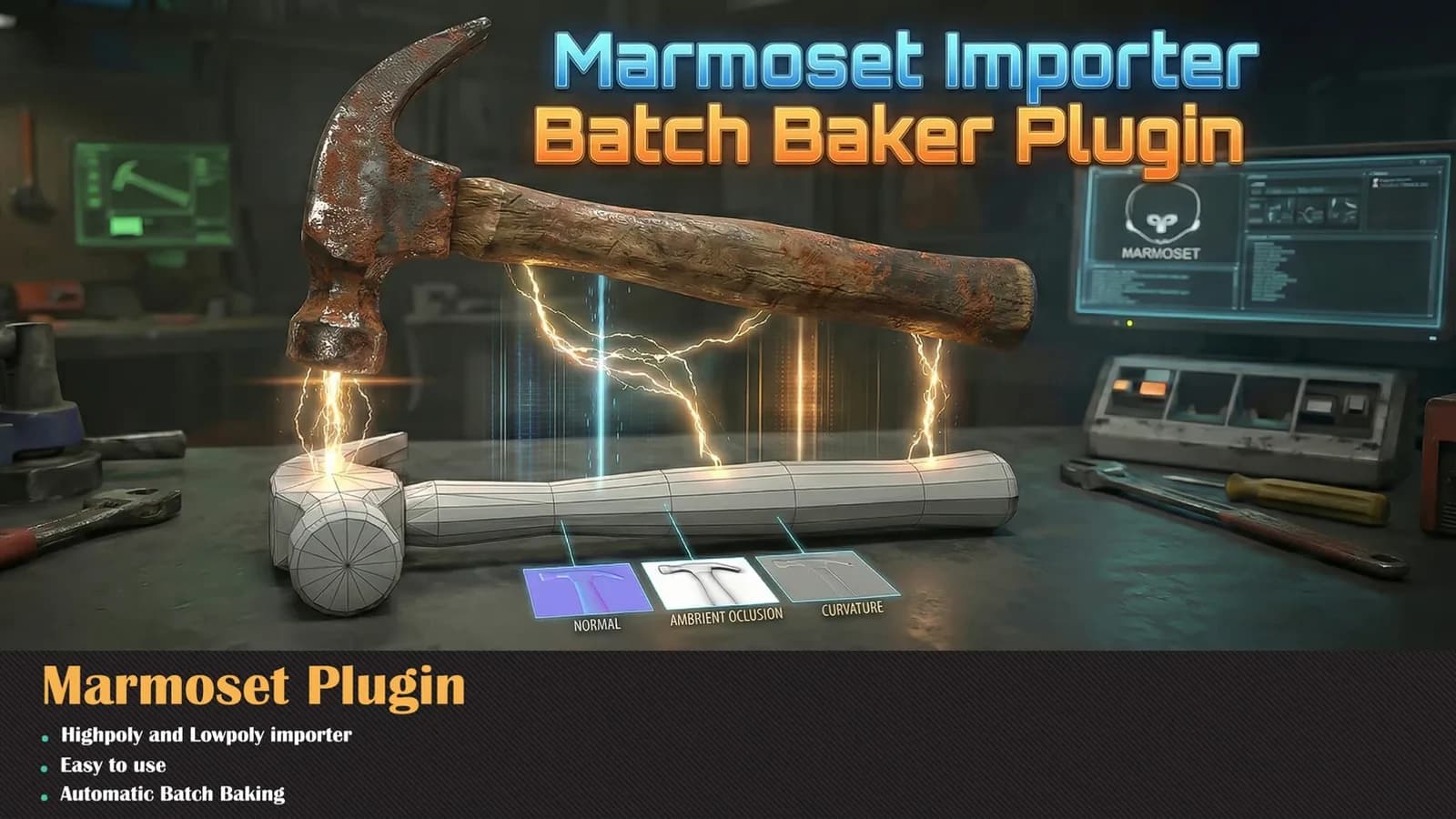
So I have no side in this argument. I sell a baking add-on for Blender, a batch baker for Marmoset, and one for Painter.
Take this as a working note, not a verdict. Skew painting is manual and per asset. It does not batch.
For one hero prop, Painter 12.1 removes a whole application from the round trip. For a folder of thirty props, nothing has changed.
And none of it saves a bad bake. Skew is one failure mode. Mesh maps have several others.
The honest version of the old advice
Bake in Marmoset for skew has become something narrower. Bake in Marmoset when you need a custom cage, or offset painting, or a 2D view.
That is a smaller sentence than it was in May. I expect it to get smaller again.
I teach baking inside the Substance Painter Master Course. That lesson is being rewritten this week.