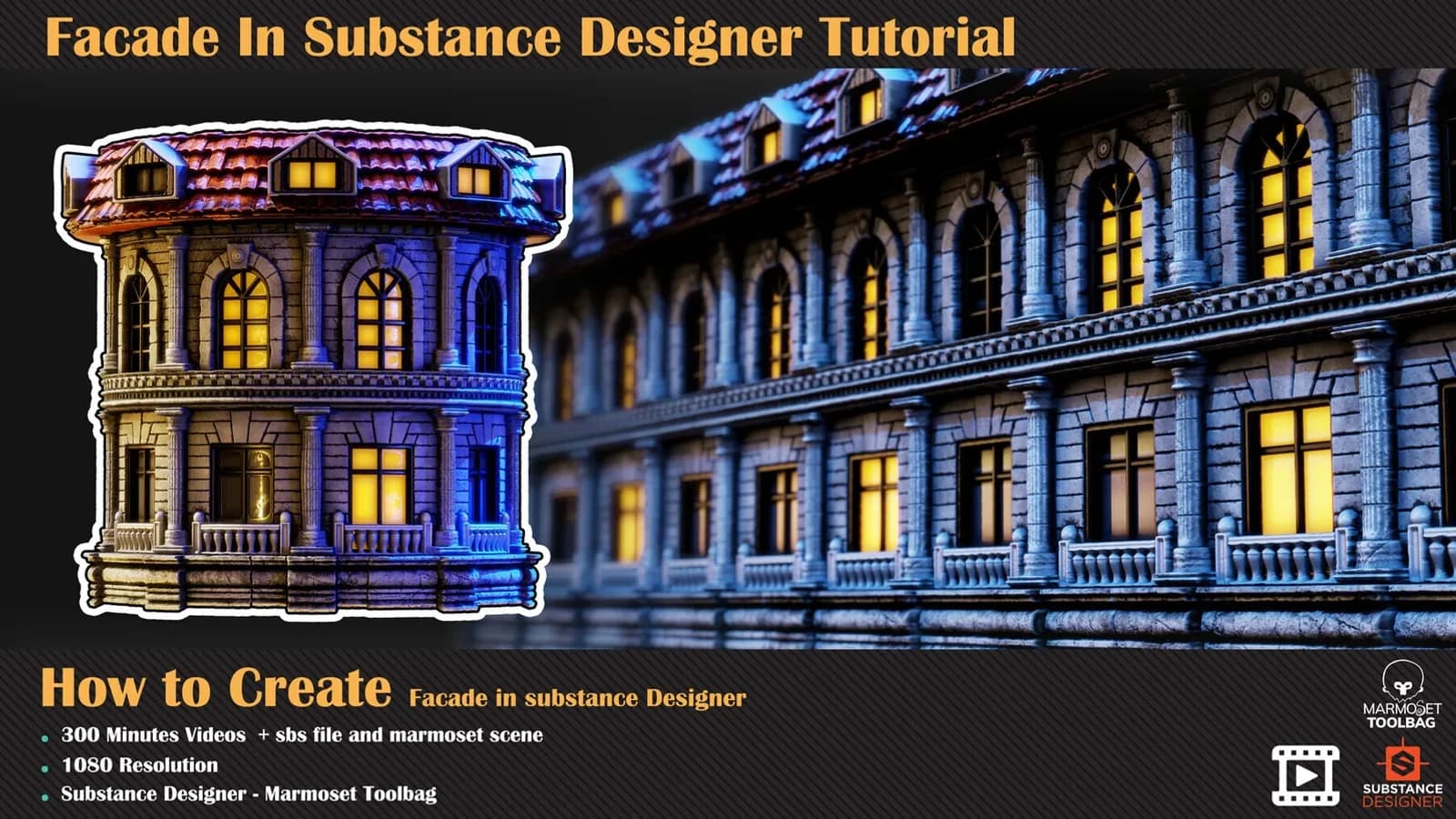
View asset →
Facade In Substance Designer Tutorial
A 300-minute unnarrated Substance Designer build of a classical building facade — no modelling, nodes only, then rendered in Marmoset Toolbag.
$8
Instant downloadBrick is the most used and most varied material in the real world and in computer graphics alike, which makes it the one worth learning properly rather than downloading. Volume 11 spends 155 minutes on a damaged brick wall in Substance Designer and then — the part that lifts it above a single material — rebuilds it twice as alternatives, so what you leave with is an understanding of the parameters rather than one finished graph.
The brick structure is laid out first, then the surface and additive detail that make it look weathered — chipped edges, cracks and the erosion collecting along the mortar lines. Several maps are built separately and blended to reach the final height.
Colour is sampled through a gradient map and blended with grunge maps for the brick-to-brick variation that stops a wall reading as a repeat, and roughness is handled simply and effectively for this kind of surface.
The last chapter takes the finished material and produces two more from it: a wall with bricks fallen out of it, and a wall with a plaster cover partly broken away over the brickwork. This is where the initial parameters earn their keep — once the graph is understood, changing its inputs gets you the wall the scene actually needs.
The level is intermediate and basic Substance Designer knowledge is assumed; the included SBS requires version 11.3 or above. There is no voice-over on any of the three videos and no subtitle track.
Every purchase includes free lifetime updates and a no-questions-asked 7 day money back guarantee.
Every volume in this aisle is a complete build. We start on an empty graph and finish with a finished, parametric material — no time-lapses and no skipped steps. There is no voice-over and there are no subtitles: you watch the graph go together at full length, at 1080p.
The source .sbs is included, so you can open the finished graph, inspect the exposed parameters and take the technique into your own materials.
A 300-minute unnarrated Substance Designer build of a classical building facade — no modelling, nodes only, then rendered in Marmoset Toolbag.
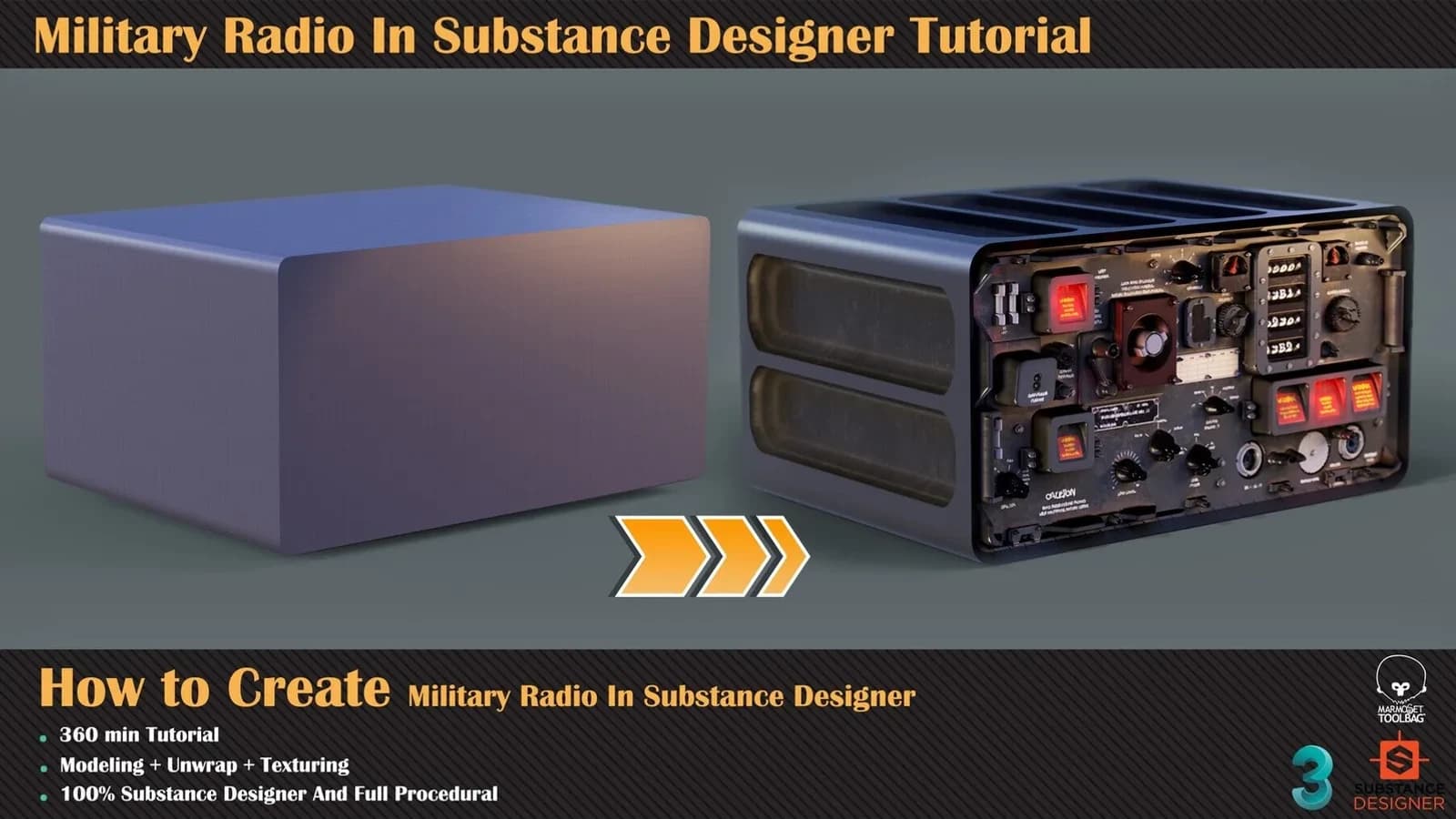
Discover how to achieve this result in substance designer without fancy modelling, just base shape for radio form.
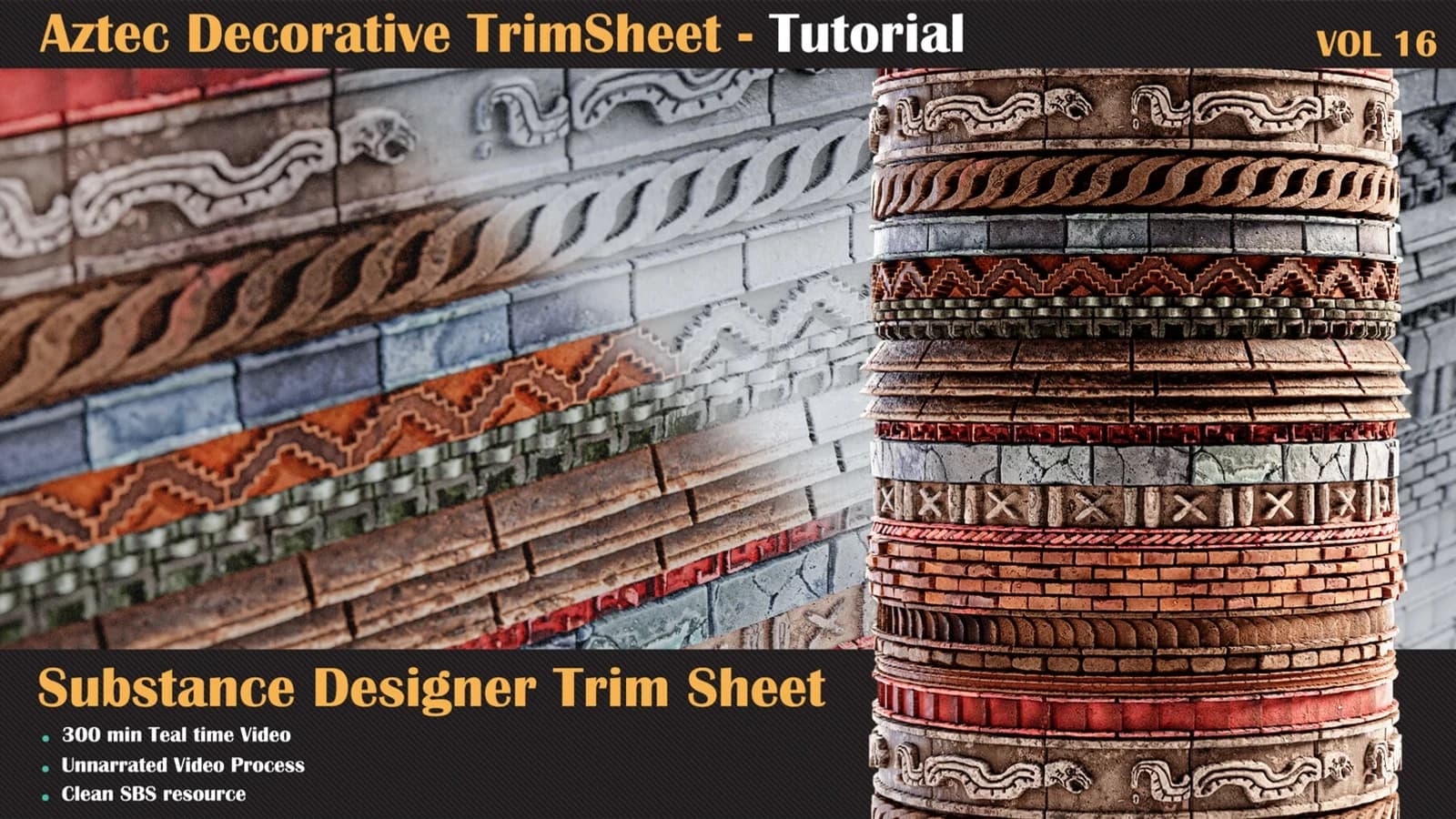
Let's take a journey into a brand-new stone surface material in Substance Designer.
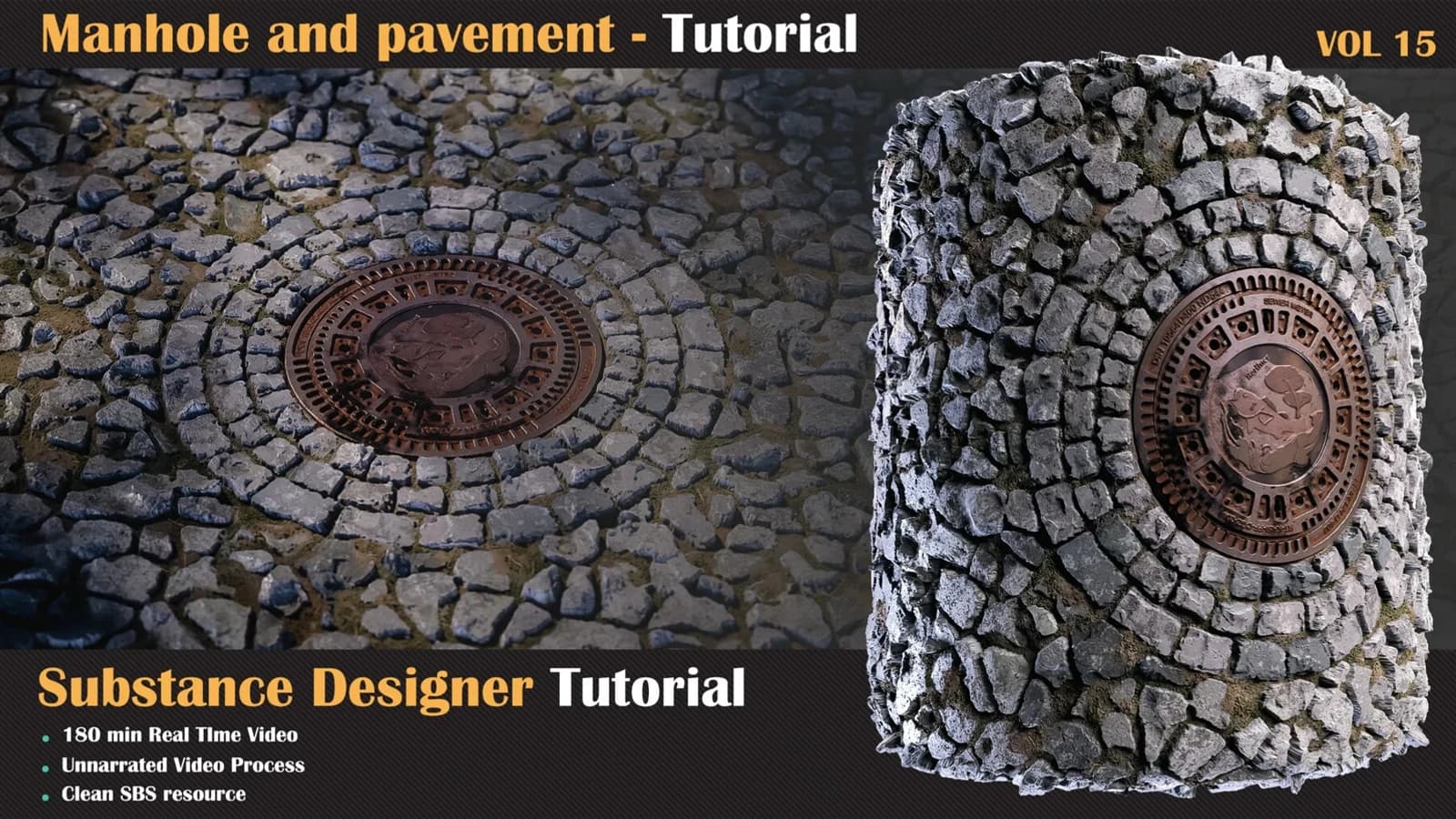
we have another organic surface material in substance designer, for this kind of material.