View asset →
Facade In Substance Designer Tutorial
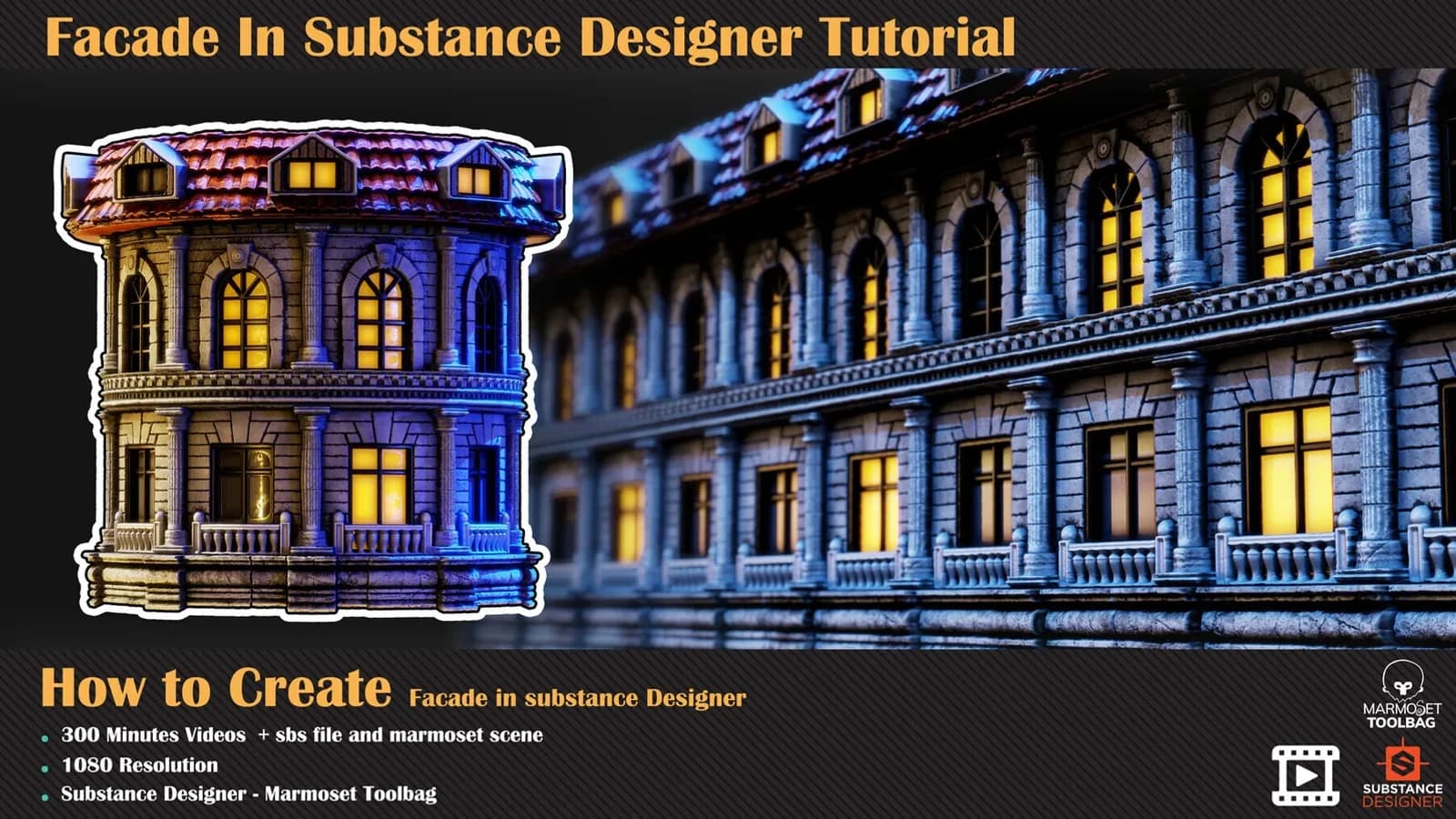
A 300-minute unnarrated Substance Designer build of a classical building facade — no modelling, nodes only, then rendered in Marmoset Toolbag.
$8
Instant downloadFinally, it is the turn of Sci-Fi material. In this part of the designer training series, we will build a padding wall that can be used in spaceships or their stuff. An important event in this part of the tutorial is using external software to develop our resources. The best thing is to understand the relationship between other software and the designer because the designer will always make not everything. So let's start learning how to make the Sci-Fi padding wall in substance designer and marvelous designer.
Chapter 01- in this chapter, we start our work with primary nodes, create our structure in substance designer, and add all the details we want. We will add the padded wall to our graph and finish our work in the height stage.
Chapter 02- this video shows you how to plan, model, and prepare our padded wall resource with a helpful technique. We start our work in 3dsmax and prepare the model for the marvelous designer. And after that, start our simulation with the marvelous designer. In the end, we create a padded alpha/ pattern for our graph in ZBrush.
Chapter 03 - Continuation of the previous part, we worked on the colour and made custom decals and items for the material. And after creating our roughness and metallic data, we will add more details in colour and prepare emissive channel data at the end.
Intermediate
Prerequisite Basic knowledge of Substance Designer, ZBrush, Marvelous Designer, And 3ds max or any other DCC
Attention: clean SBS file is included in this product that you can study over that (version of the designer should be 11.3 or above)
Attention: all videos are unnarrated (it means there are no voice-over videos or subtitles).
Every purchase includes free lifetime updates and a no-questions-asked 7 day money back guarantee.
Every volume in this aisle is a complete build. We start on an empty graph and finish with a finished, parametric material — no time-lapses and no skipped steps. There is no voice-over and there are no subtitles: you watch the graph go together at full length, at 1080p.
The source .sbs is included, so you can open the finished graph, inspect the exposed parameters and take the technique into your own materials.
A 300-minute unnarrated Substance Designer build of a classical building facade — no modelling, nodes only, then rendered in Marmoset Toolbag.
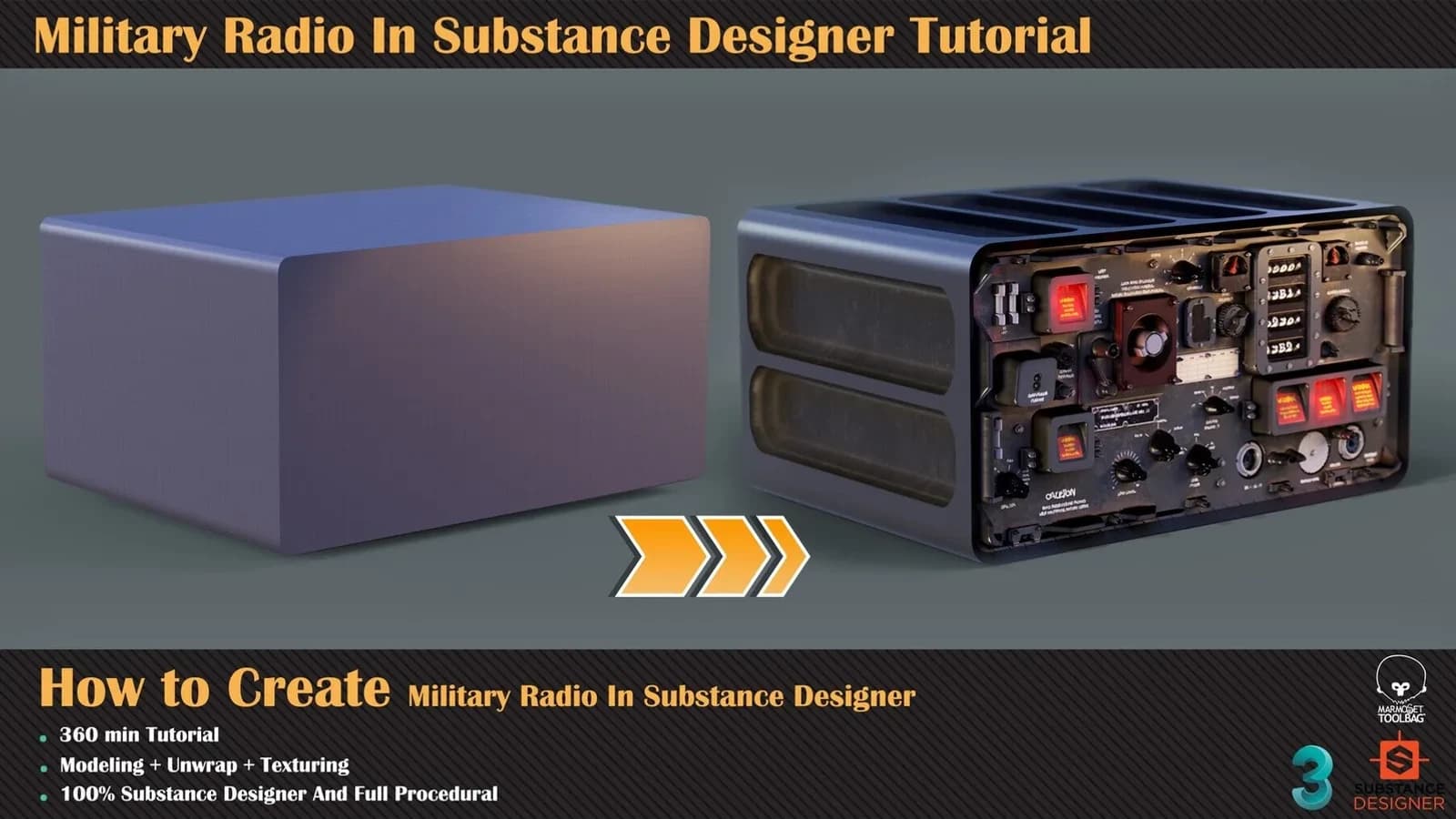
Discover how to achieve this result in substance designer without fancy modelling, just base shape for radio form.
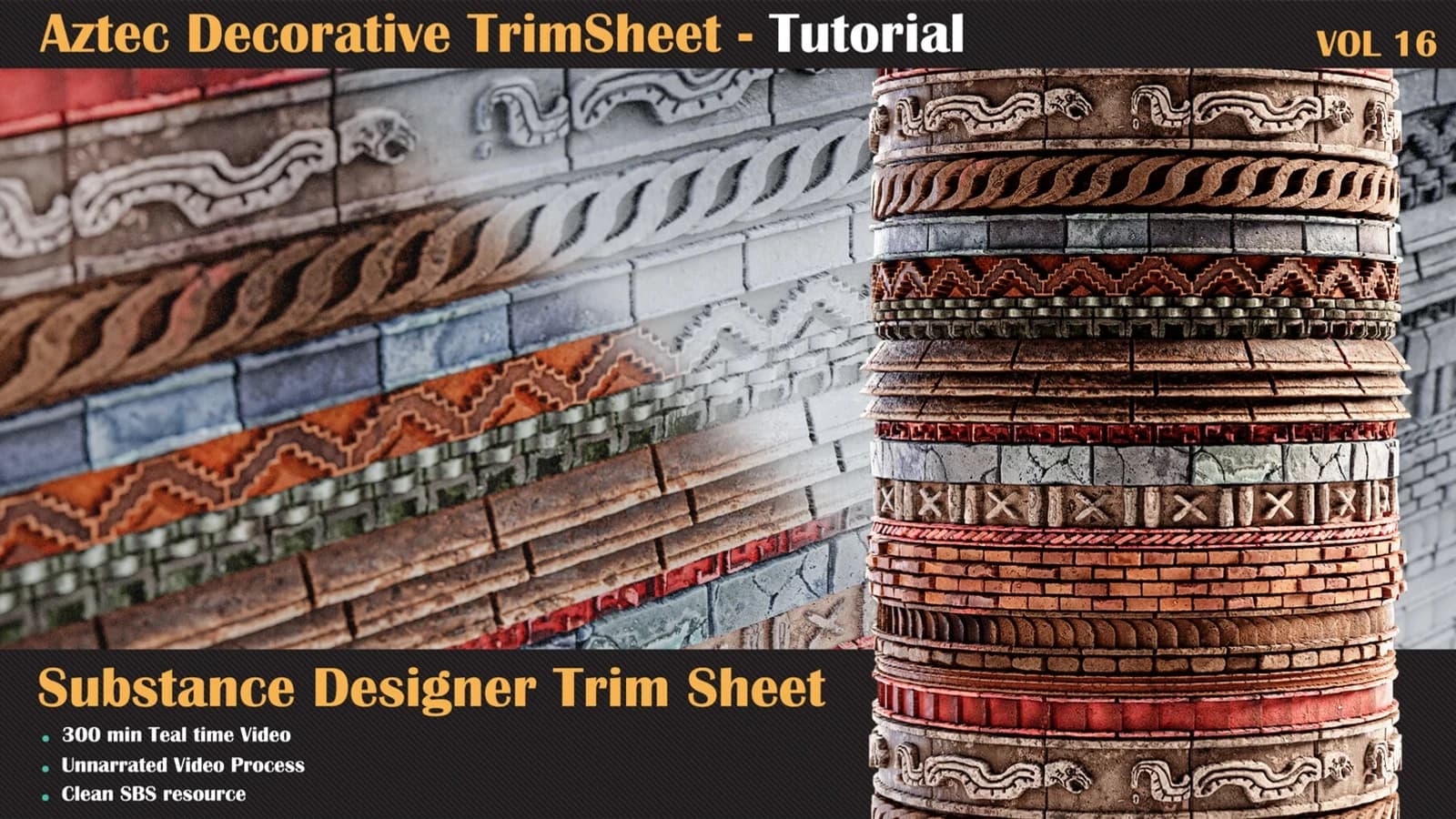
Let's take a journey into a brand-new stone surface material in Substance Designer.
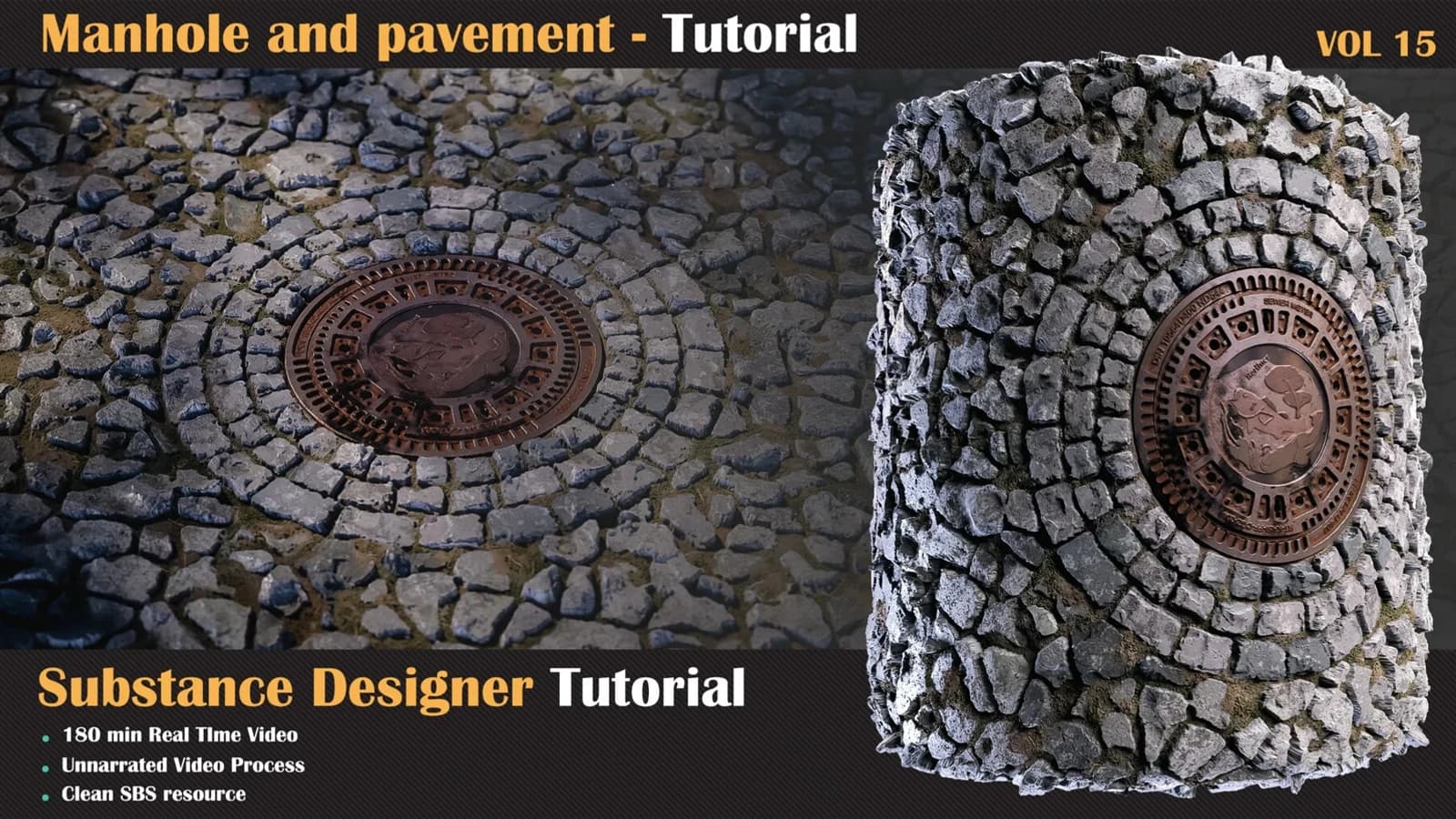
we have another organic surface material in substance designer, for this kind of material.