There is a steady run of videos telling you AgX washes out your render. In April 2024 CG Cookie published the best known answer to them, the Raw workflow.
I render the product images for 358 shop listings. Whether a thumbnail looks vivid is money for me, not taste.
So I measured it instead of arguing. Blender 5.1.1, 16-bit PNG, Look set to None, exposure at zero.
The complaint is real, and it has a number
Take pure blue in linear Rec.709. Under Standard it stays at hue 240 degrees, exactly where it started.
Under AgX that same blue arrives at 219.1 degrees. It has rotated almost 21 degrees towards cyan.
Now drop it to a quarter of that brightness, far below clipping. It is still 220.7 degrees.
So this is not a highlight problem. AgX moves blue in the mid-tones too. Nobody is imagining it.
A user called Sempoo measured the same thing on Blender Artists and got told colour transforms transform colour.
That answer is true and useless. The number is the useful part, and now you have it.
Why AgX does this on purpose
AgX was written to fix something Filmic did worse. Filmic collapsed bright colours into six hues on the way to white.
AgX trades that for a gentler slide. The blue rotation is part of the trade, not a bug somebody forgot.
So the honest question is never "is AgX broken". It is "which trade suits this image".
Standard does not rotate blue, it deletes range
The most repeated fix is "just use Standard". Standard does not rotate blue. It also stops recording it.
I swept the same blue from one times exposure up to sixty-four times. Every step came out 0, 0, 255. Six stops of range, one pixel value.
Orange is worse. It leaves at hue 27.3 degrees. By four times exposure Standard reads 60.0, which is pure yellow.
It sits at 60.0 for the rest of the sweep. That is a 33 degree error. It is larger than the AgX error people object to.
Saturation cannot move a hue
The second fix is "raise the saturation". Blender already ships that idea as a Look, called AgX Punchy.
It does what you expect. Blue at normal exposure goes from 0.904 saturated to 0.974.
The hue goes from 219.1 degrees to 218.9. It did not move.
Saturation and hue are different axes. No saturation slider has ever corrected a rotation.
What CG Cookie actually said
Their advice is neither of those, and it is better. Set the View Transform to Raw. Then apply AgX in the compositor, with a Convert Colorspace node into AgX Base sRGB.
I tested that colour space. Encode a linear value and decode it back and 1.0 returns as 1.0002.
It is the same transform. So the Raw workflow does not remove the rotation. It gives you a place to correct it, which is the half I agree with.
The transform for product shots is not AgX
Blender 4.5 already shipped Khronos PBR Neutral, and almost nobody uses it.
Across my whole sweep it held blue at 240.0 degrees. Every exposure, no rotation at all.
White never clipped either. At sixty-four times it read 254.9, not 255.
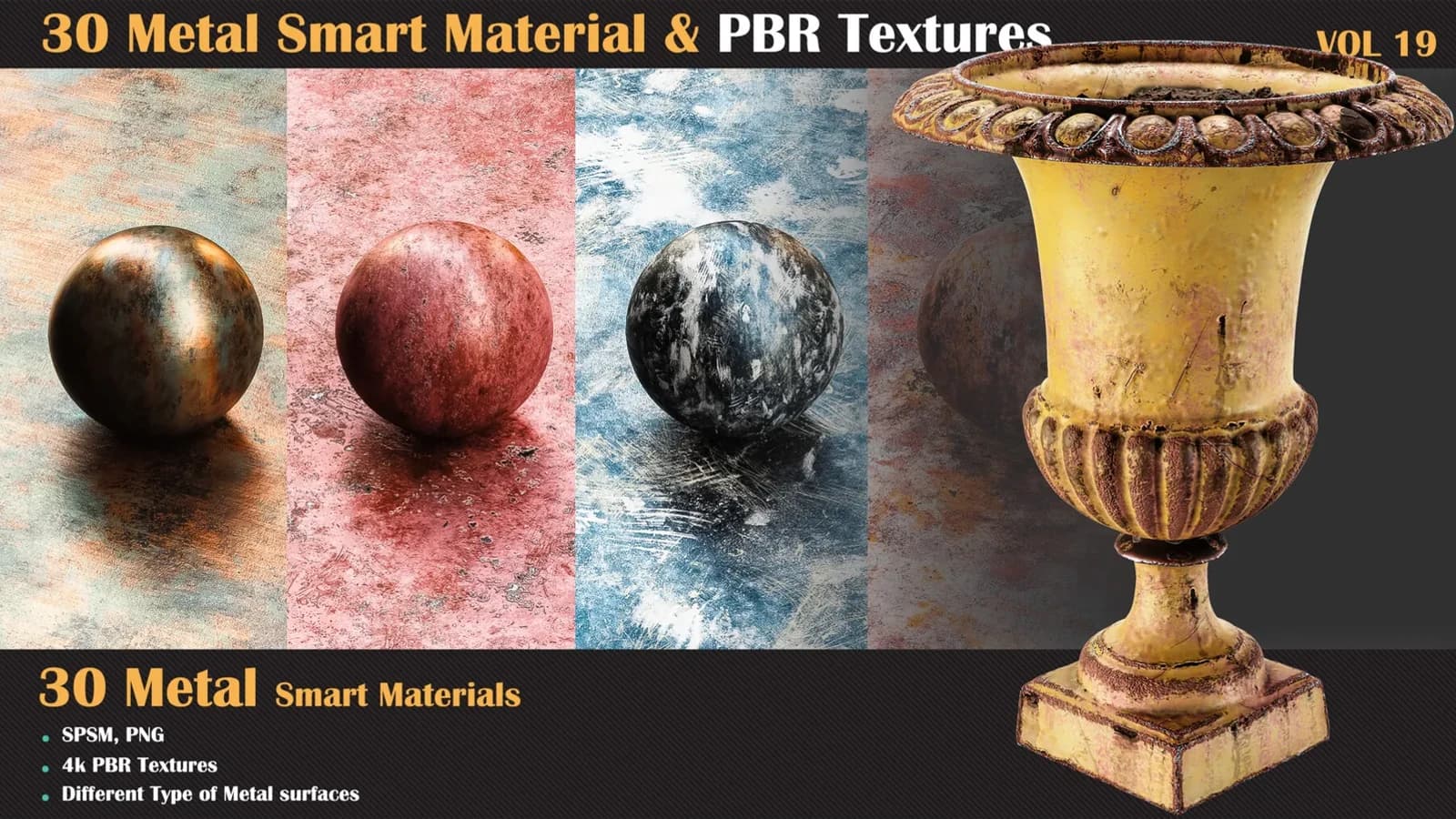
It was built for showing products online. My listing images are product photography, so that is now what I render smart material previews with.
Blender 5 gave you two more options
I opened 4.5 and 5.1 and read the list myself. Blender 4.5 offers four tone maps: Standard, Filmic, AgX and PBR Neutral.
Blender 5.0 and 5.1 add ACES 1.3 and ACES 2.0. So "AgX or Standard" stopped being the whole question.
ACES 2.0 holds blue at 240.0 degrees at normal exposure. At four times it is 235.5, at sixteen times 233.1.
That is far less rotation than AgX, and it does not clip like Standard.
White holds up too. At sixty-four times exposure ACES 2.0 reads 254.1, still short of clipping.
One warning about ACES 1.3
Do not reach for ACES 1.3 because the name sounds professional. I measured the same blue through it.
At four times exposure it reads 259.5 degrees. At sixteen times it reads 286.5, which is purple.
Standard rotates orange, AgX rotates blue, and ACES 1.3 rotates blue much further. Every transform trades something.
What I do now
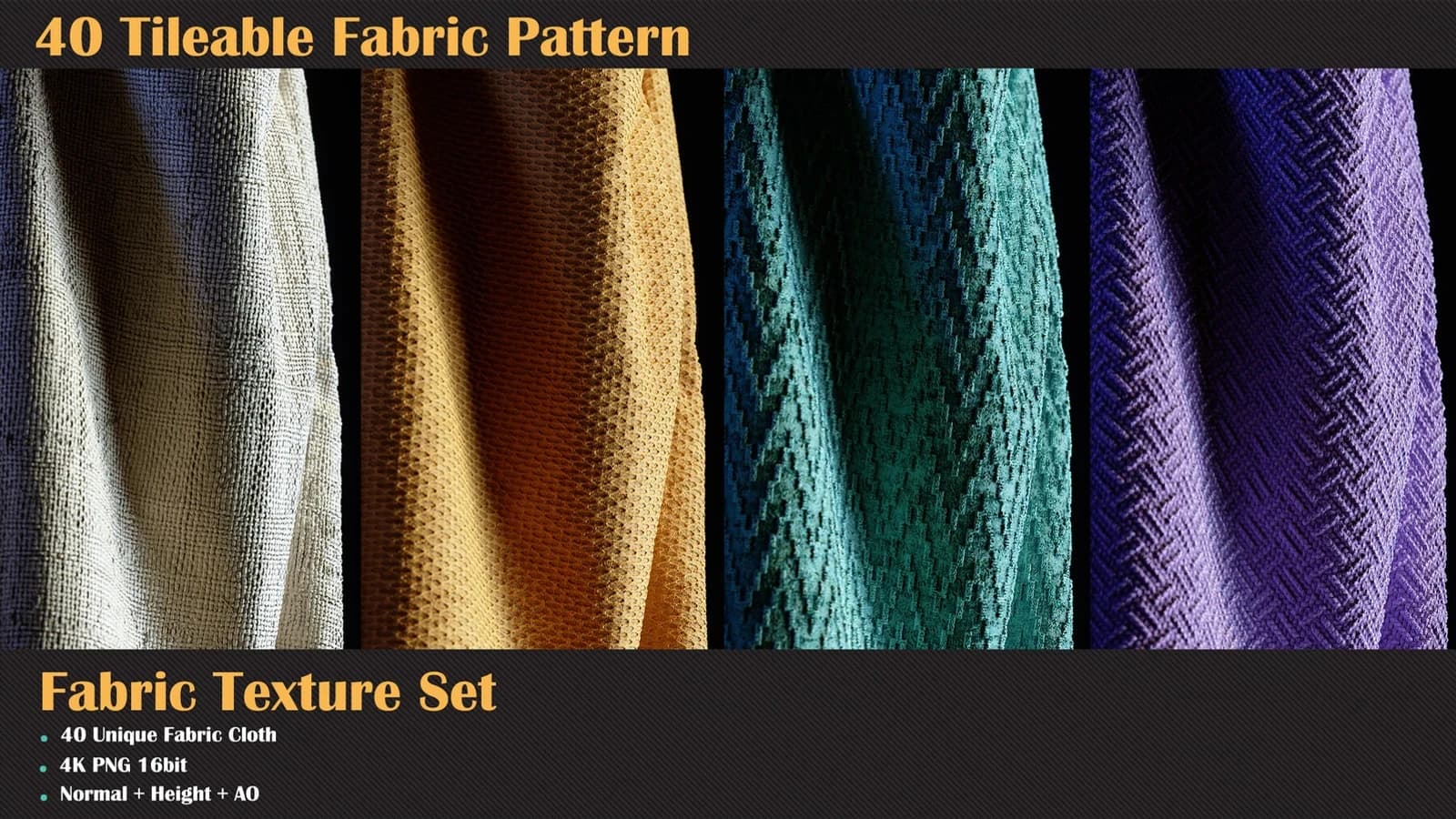
For a tileable texture sheet, PBR Neutral. Flat lighting, no clipping, hues where I authored them.
For a scene render with real highlights, AgX, and I correct blue afterwards rather than earlier.
For anything a buyer will judge, I check the number instead of my eyes. That is the same habit behind why I ship 4K and most of you should not use it.
Do this yourself in ten minutes
- Make a plane with an Emission shader set to pure blue.
- Render it once under each view transform, saving PNG each time.
- Open the results and read the hue value in any image editor.
You will get my numbers or your own. Either way you will stop guessing. That is worth more than any fix video, including the good ones.