Andy Goralczyk is the art director at Blender Studio. His Sprite Fright lighting master class has a step for the sampling tab.
He sets Render samples to 200. The viewport is capped at 100.
Two hundred, on a film made by the people who write Cycles. I sell smart materials, and noise is the only thing a buyer can judge in a thumbnail. So I ran the sweep instead of guessing.
The studio already tried buying quality with samples
Simon Thommes wrote up how that film was denoised, in November 2021.
Some shots were still noisy after a full-quality render. Tripling the sample count, he wrote, "did little to improve the situation".
Six times the samples cost six times the render time. The video still was not clean.
My scene, and the machine under it
The scene is a sphere, a bevelled cube and a torus on a backdrop. One area light, one HDRI at 0.55 strength, eight bounces.
Blender 5.1.1, Cycles, OptiX on an RTX 5070 Ti laptop, 1920 by 1080. Adaptive sampling off, one fixed seed, denoiser on.
Seconds for one frame:
- 64 samples: 2.16
- 128 samples: 3.72
- 256 samples: 6.65
- 512 samples: 12.92
- 1024 samples: 25.53
- 2048 samples: 50.60
Cost is linear. Double the samples and you double the bill.
What those samples bought
I rendered a reference at 8192 samples. Then I counted pixels that differ from it by more than 2 levels out of 255. That count is on the AgX image you look at, not on raw linear data.
With the denoiser on:
- 64 samples: 0.58 per cent of the frame
- 256 samples: 0.20 per cent
- 1024 samples: 0.07 per cent
Twenty-five seconds instead of two moved half a per cent of the image. That is at full size, not at 400 per cent zoom.
The comparison that ends the argument
Now the same scene with denoising switched off.
- 64 samples, no denoiser: 61.9 per cent of the frame
- 2048 samples, no denoiser: 3.75 per cent
That 2048-sample frame took 47.82 seconds. It is still further from the reference than the 64-sample denoised frame, which took 2.16 seconds.
Twenty-two times the render time, for a worse picture. The denoise pass itself cost a quarter of a second.
One check on that. Against a raw 16384-sample reference, with denoising used nowhere, those two frames score 0.8 and 3.95 per cent. The order does not change.
Samples is a ceiling, not a setting
Adaptive sampling is on by default. It stops each pixel once that pixel is clean enough, and Noise Threshold decides when.
The default threshold is 0.01 and Min Samples is 0. Blender's manual gives 0.1 to 0.001 as the useful range.
Same scene, max samples 4096, denoiser on:
- Threshold 0.05: 3.56 seconds
- Threshold 0.02: 13.64 seconds
- Threshold 0.01, the default: 34.96 seconds
- Threshold 0.005: 81.53 seconds
- Threshold 0.002: 103.59 seconds
The default costs ten times what 0.05 costs. It bought back 0.45 per cent of the pixels.
Where I stop agreeing with the studio
Stills are the easy case. My shop images are stills, so denoise-first is simply right for me.
Animation is not the same problem. I rendered 16 frames of that same static scene, changing only the seed, denoised at 64 samples.
Nothing in the scene moved. The frames still differed from each other by 0.257 levels on average, and the worst pixels moved by 4.
The error against the reference was 0.261. So almost none of it is a fixed offset. It crawls, and a crawling error is what an audience sees as flicker.
At 512 samples the crawl fell to 0.138. That is six times the render time to halve it.
What your build ships today
The denoiser is a separate library with its own version. Blender 4.5 LTS and 5.0 ship OIDN 2.3.3. My 5.1.1 ships 2.4.1.
Look in the blender.shared folder next to blender.exe. Open the properties of OpenImageDenoise_core.dll and read the file version.
OIDN 3 is the version that will add temporal denoising. It is not released. The newest version is 2.5.1, dated 18 August 2026, and it still works one frame at a time.
Blender's own temporal denoise compositor node is pull request 151020. It has been open since December 2025 and is not merged.
What I changed in my own preset
I stopped typing numbers into Max Samples. I set the noise threshold, leave Min Samples at 0, and let Cycles decide.
For shop stills I use 0.02, which costs 13.64 seconds here instead of 34.96. For a turntable I drop to 0.005 and accept the 81 seconds, because flicker is the thing being judged.
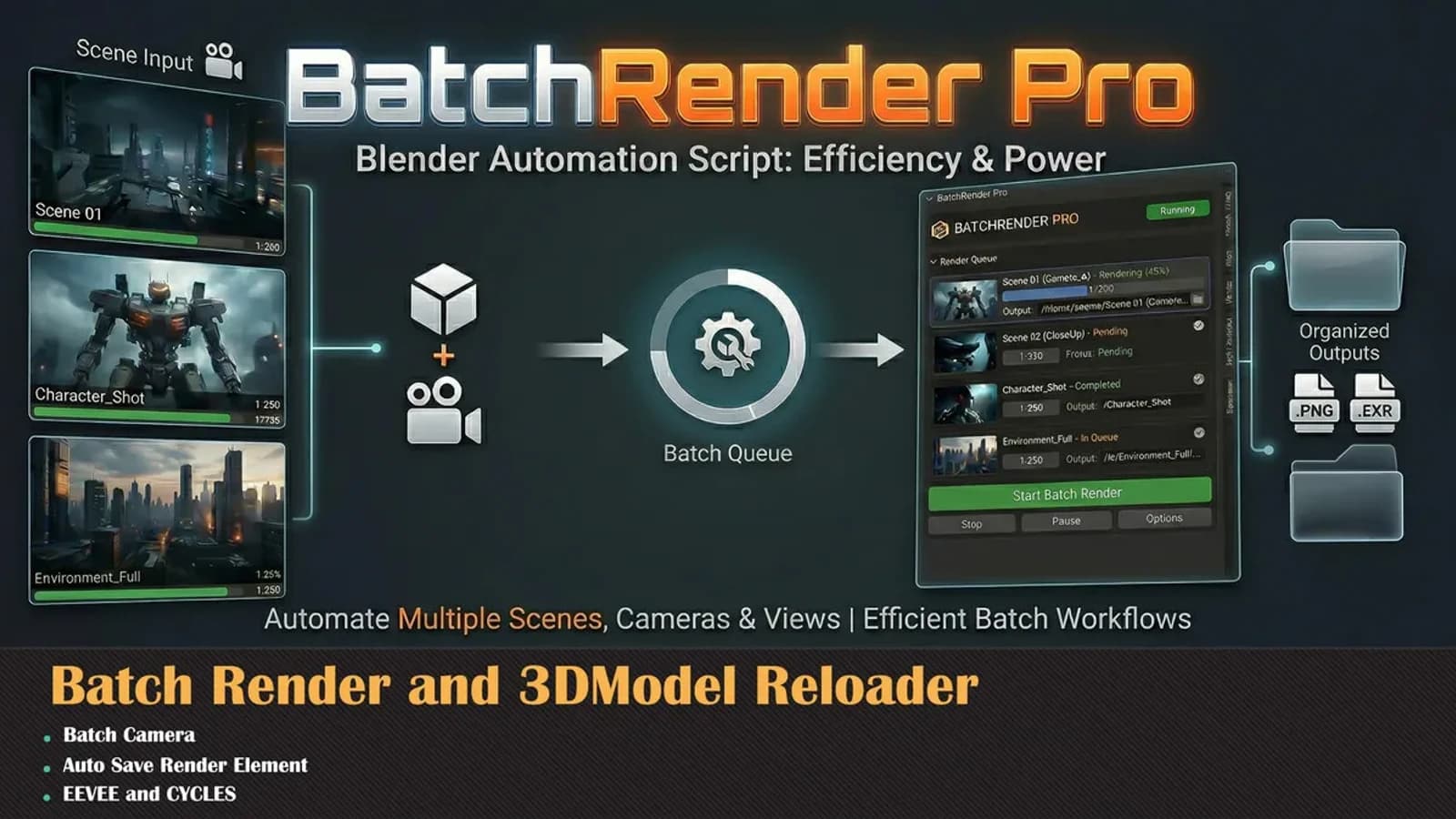
I render these in batches, which is why I built Blender Batch Render Pro. The number worth putting in a batch preset is the threshold, not the sample count.
The shape of this is familiar
I wrote before that most of you should not use 4K. The argument is the same one.
A big number in a settings box feels like quality. It is a cost, and the cost is easy to measure.
Measure your own scene. My numbers are one machine and one lighting setup, and yours will differ. The shape of the curve will not.