Since version 2026.1, ZBrush will not write files into its own program folder.
Maxon says it without hedging on its user content page. ZBrush 2026.1.0 and newer will no longer allow writing files to the ZBrush Application or Program Files root folder from within ZBrush.
That single line breaks the install step of most brush packs on the market. It breaks mine too.
2026.1 shipped on 3 December 2025. The current build as I write this is 2026.2.1, from 17 June 2026.
What I found in my own listings
I sell 358 products. 129 of them mention ZBrush somewhere in the listing text.
Nine of those name a minimum ZBrush version. They say 2018, 2019, 2020 and 2022.
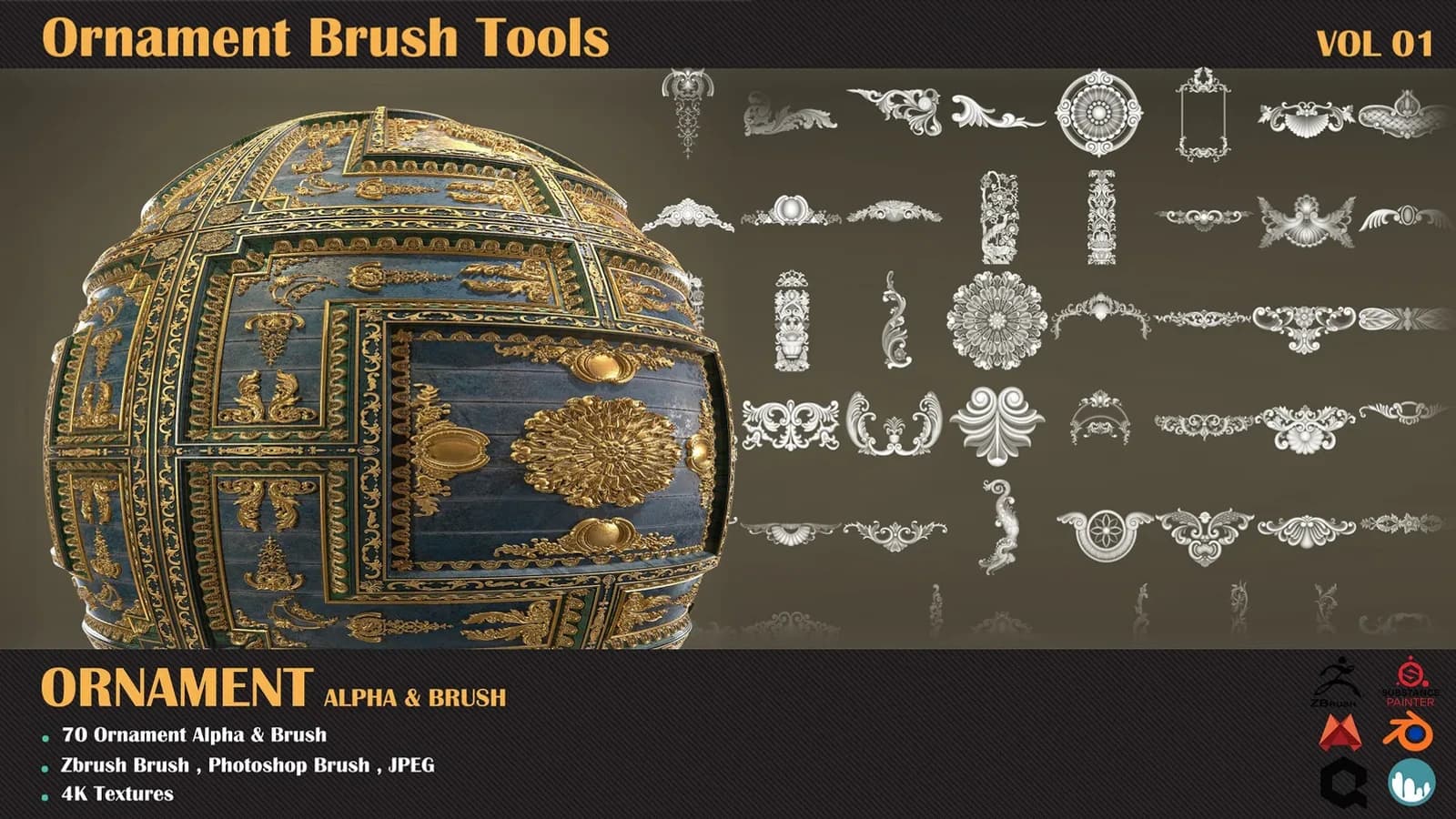
Brush Tools — Ornament VOL 01 says 2020 or newer. Ornament Trim Brush VOL 08 says 2018 or later.
Both lines are still true about the brush files themselves. Neither line tells a buyer on 2026.2 where those files now go.
The old instruction is still correct on my desk
For years the step was the same everywhere. Drop the brush folder into ZStartup, then BrushPresets, inside the ZBrush install folder. Restart, done.
I checked my own workstation while writing this. It still runs ZBrush 2026.0.1, the build from 30 September 2025.
On that machine ZStartup sits inside Program Files exactly as it always did. BrushPresets, Alphas, Materials, Textures, HotKeys, and ZPlugs64 with 62 files in it.
So my readme is right, today, on my computer. That is the trap. Nothing warns you until the day you update.
Where the files go now
The new location is per user and per install.
On Windows it is AppData, then Roaming, then Maxon, then a ZBrush folder with a hash on the end. On macOS it is the matching path under Library and Application Support.
Inside it you get ZStartUp again, holding BrushPresets, Alphas, Textures, Materials, Hotkeys, Macros and Gizmo3D. Quicksaves moved there too, out of Public Documents.
Maxon moved its own shipped content in the same pass. That now lives in a LightBox folder inside the install directory.
Do not copy the path out of any document
The hash is generated per installation. That means nobody can print your exact path in a readme. I cannot either.
There is a second reason not to trust a written path. My 2026.0.1 machine already has a folder in Roaming and Maxon, and it is named Maxon ZBrush 2026 with a hash after it.
The manual writes the name a different way. The manual and my disk do not agree, and your disk is the one that counts.
The install that actually works
- In ZBrush, open Preferences, then Asset Directory, then Open Directory.
- ZBrush opens the correct folder for your install. Go into ZStartUp.
- Create BrushPresets there if it does not exist yet.
- Unzip the pack's brushes into it, then restart ZBrush.
Alphas go into ZStartUp, then Alphas, the same way. Your files load beside Maxon's own content instead of replacing it.
For a studio, set the environment variable
ZBrush reads the variable ZBRUSH_USER_ASSETS_DIR and uses whatever folder you point it at. Maxon's own page suggests a server path for this.
We are four people in Budapest. One shared folder beats four hashed folders that drift apart inside a month.
It also survives a reinstall. A fresh install means a fresh hash, and a fresh empty folder with it.
What I am fixing on my side
Those nine version lines are not wrong. They are incomplete, and they were fine until December 2025.
Every pack in alphas and brushes is getting the same short paragraph added. Where the files go on 2026.1 and newer, and how to find your own folder in four clicks.
That includes 370+ HardSurface Alpha VOL 01, which is a folder of images and nothing else.
The limit of what I can tell you
I have not run this install on 2026.2 myself. My licence sits on 2026.0.1, so I cannot report what happens to a pack you installed under 2025 and then upgrade.
Maxon says the old public ZBrushData folders were folded into the new user folder. It says nothing about files you dragged into Program Files by hand.
Treat those as orphaned until somebody proves otherwise. Copy your brushes out before you update, not after.
The one habit worth changing
Vendors will fix their readmes slowly. Some never will, because the pack was finished in 2019 and nobody is paid to revisit it.
So stop reading install instructions as instructions. Read them as a note about the year they were written.
If a guide tells you to drop a folder into Program Files, it predates December 2025. Mine did. Open Preferences and let ZBrush show you the folder instead.