ZBrush 2026.2 shipped on 15 April 2026. Since then you can send a sculpt straight into Substance 3D Painter. No export, no naming, no folder to find again.
The Painter side needs 12.0.2 or newer. Mine is 12.1.2, so that half was ready before I read anything.
Then I read what the recommended setting sends. It chooses your low-poly for you.
What "Low & High" actually picks
Adobe's own page is clear about this. The lowest subdivision level of your model becomes the low-poly. The highest becomes the high-poly for the bake.
The Subdivision Level setting has two choices. Current sends only the level you are looking at. Low & High sends both, and Adobe recommends it for most work.
So level 1 becomes your game mesh. Level 1 is whatever you had before you first pressed Divide.
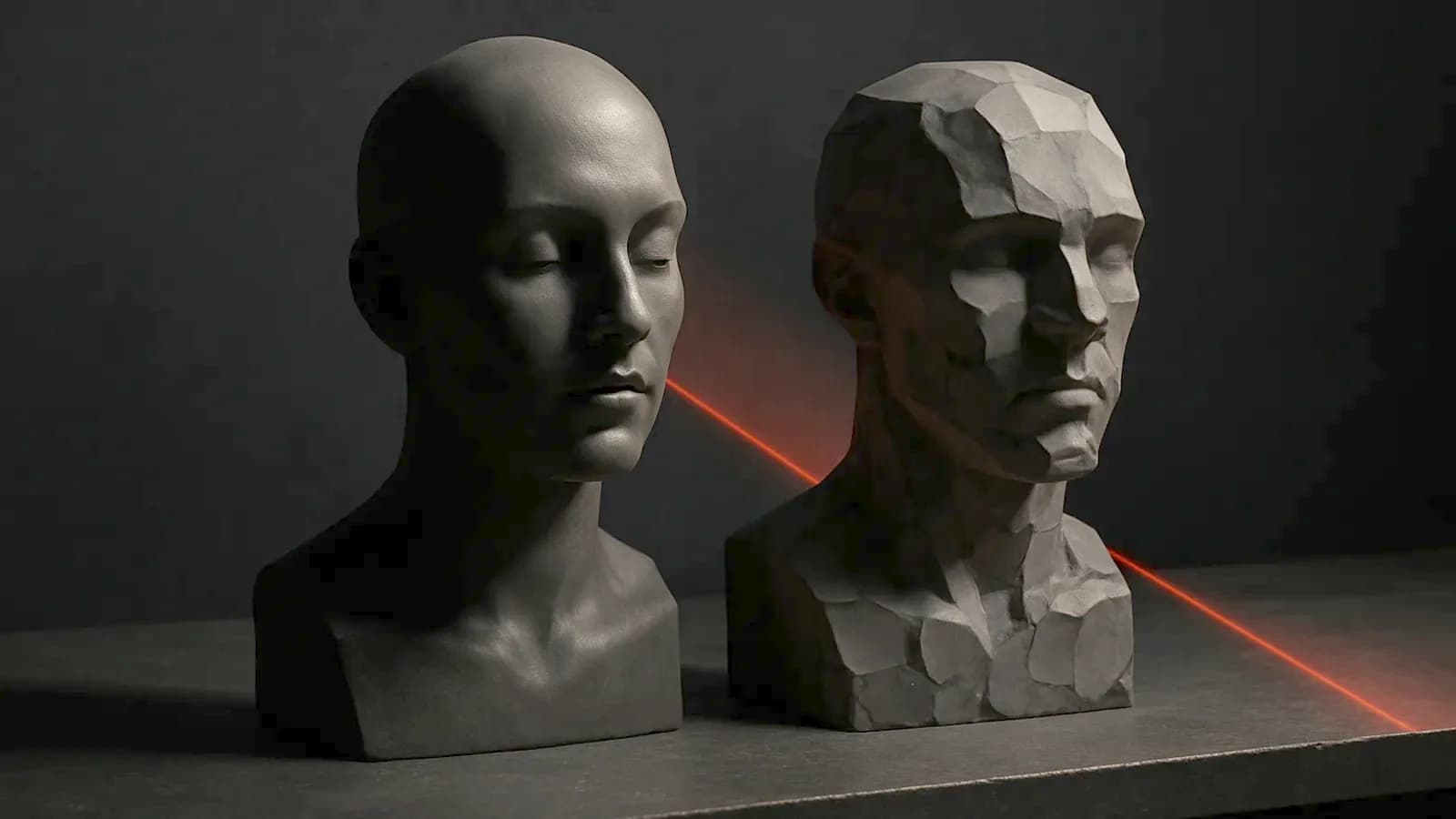
For most sculptors, level 1 is not a game mesh
If you started from a DynaMesh, level 1 is a DynaMesh. If you started from ZRemesher, level 1 is a remesh.
Neither has seams you placed. Neither has hard edges where the bake needs them. Usually neither has UVs at all.
I have written about this exact failure with AI retopology. The tool is different. The mistake is the same one.
The number Adobe gives you is a hundred times too big
Adobe tells you to keep the low poly at a workable size. Their figure is "under 1 million is best".
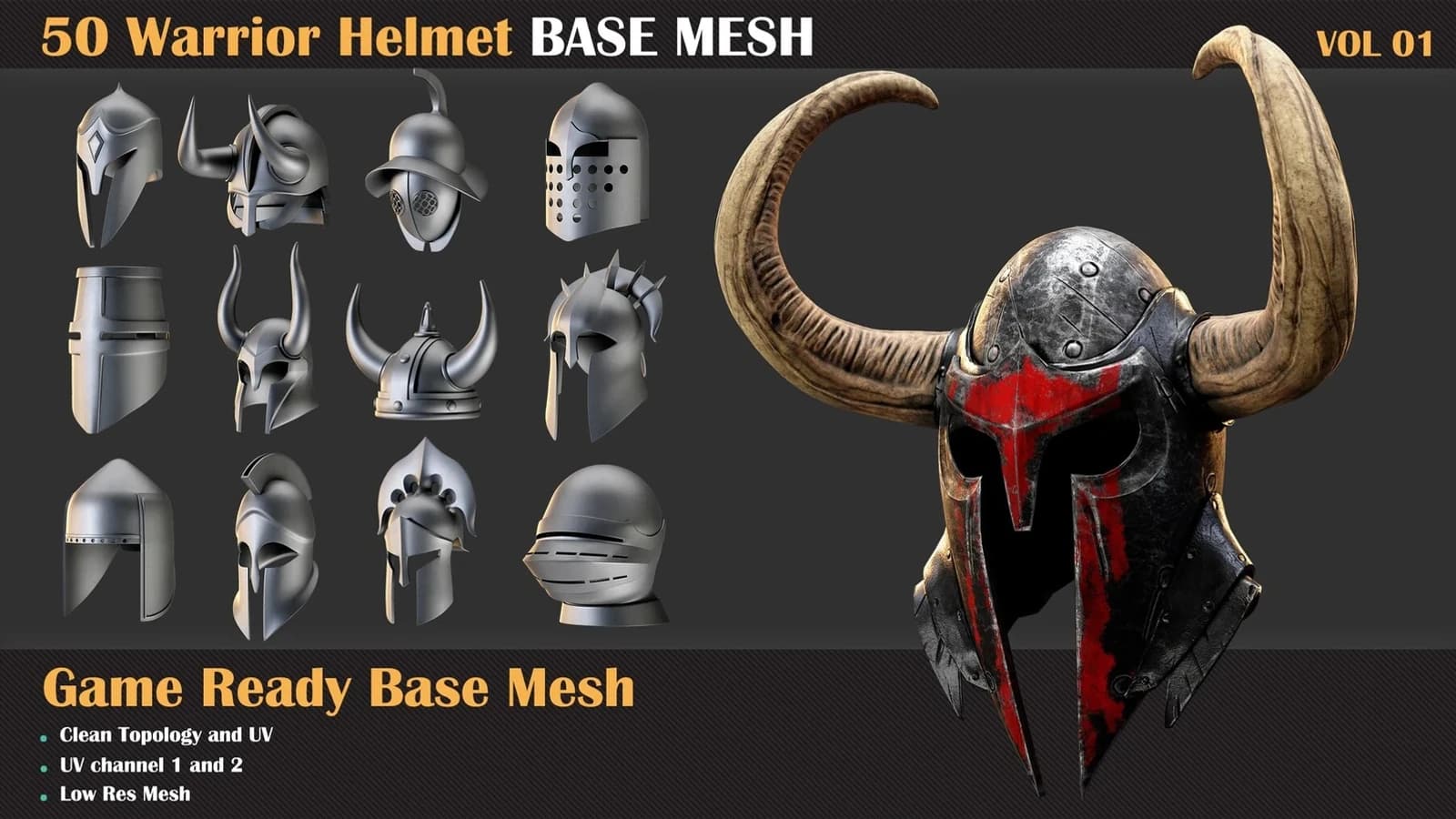
I measured my own files to see what that means. Three finished helmet sculpts from a pack I built in May came in at 1,988,283 triangles, 1,952,973 and 1,980,332.
Those are high-polys. Adobe's ceiling for the low-poly is half of one of them.
Now the other end of my own shelf. Every helmet in my game-ready helmet sets ships under 10,000 triangles.
One million is a hundred times a shipping helmet. That is not a low-poly budget. It is a number that tells you when Painter will stop responding.
What a sculpt does not carry
I checked the UV layers in those same files. The high-poly FBX has zero. The matching low-poly has one.
That is normal. Nobody unwraps a sculpt, and nothing about the bridge changes it.
It does mean the UVs in a bridge project come only from level 1. If level 1 came out of DynaMesh, there are none to come.
Force UV Auto-Unwrap then owns your seams
The fix looks obvious. You turn on Force UV Auto-Unwrap.
Adobe's page says it runs Painter's unwrapper on every SubTool that arrives, and overwrites the UVs already there. So an algorithm now owns your seams.
It owns your texel density too, island by island. A helmet shell and a chin strap arrive as the same kind of problem. I would not hand that choice over on a hero asset.
With the option off, existing UVs survive. Adobe states that on the same page, and it is the only switch in the list I would call load-bearing.
Which puts the whole decision hours earlier than the button. Your seams are decided when you choose what to divide, not when you send.
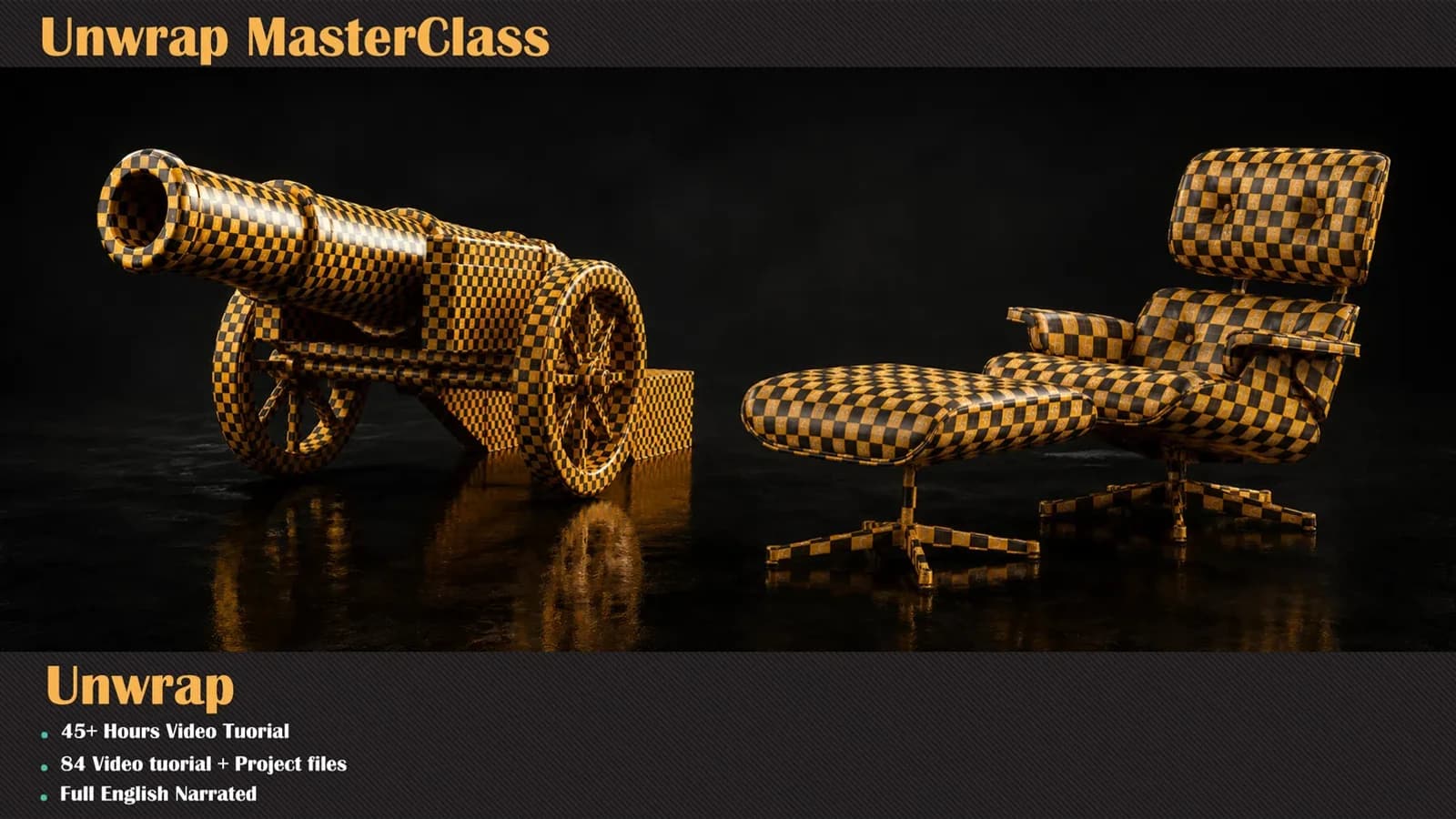
Texel density is a UV problem before it is a texture problem. That is most of what the unwrapping course is about.
The setting nobody will read
Texture Sets splits UV space per SubTool or per PolyGroup.
Polygroups in a sculpt are masking decisions. They are how you hid the strap while you worked on the shell.
Send per PolyGroup and each one becomes its own texture set. That is a material list assembled by accident.
Auto-Bake is the part I would not trust yet
There is also Auto-Bake Maps, which runs Painter's bakers as soon as the mesh lands.
A bake is decided by cage distance, by matching names and by whether the low sits inside the high. Getting that wrong costs you a smeared normal map, not an error message.
I have said before that the bake decides your texture. A bake nobody set up is still a bake you have to check.
Where the bridge is completely right
I am not against it. Point it at a mesh that was a game mesh before it was a sculpt and it does exactly the right thing.
That is what a base mesh is for. Import one, divide it, sculpt, then send Low & High with auto-unwrap off.
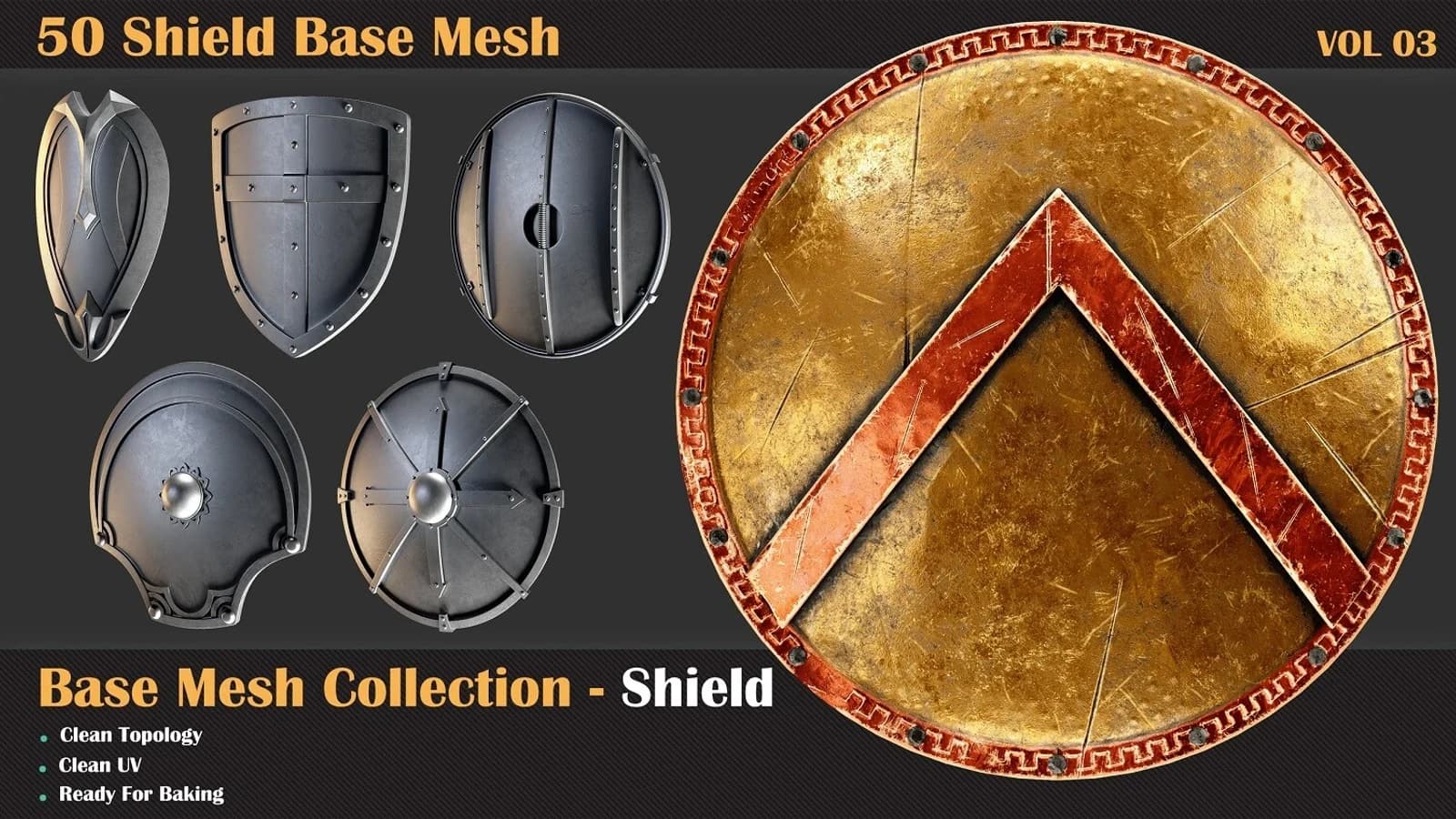
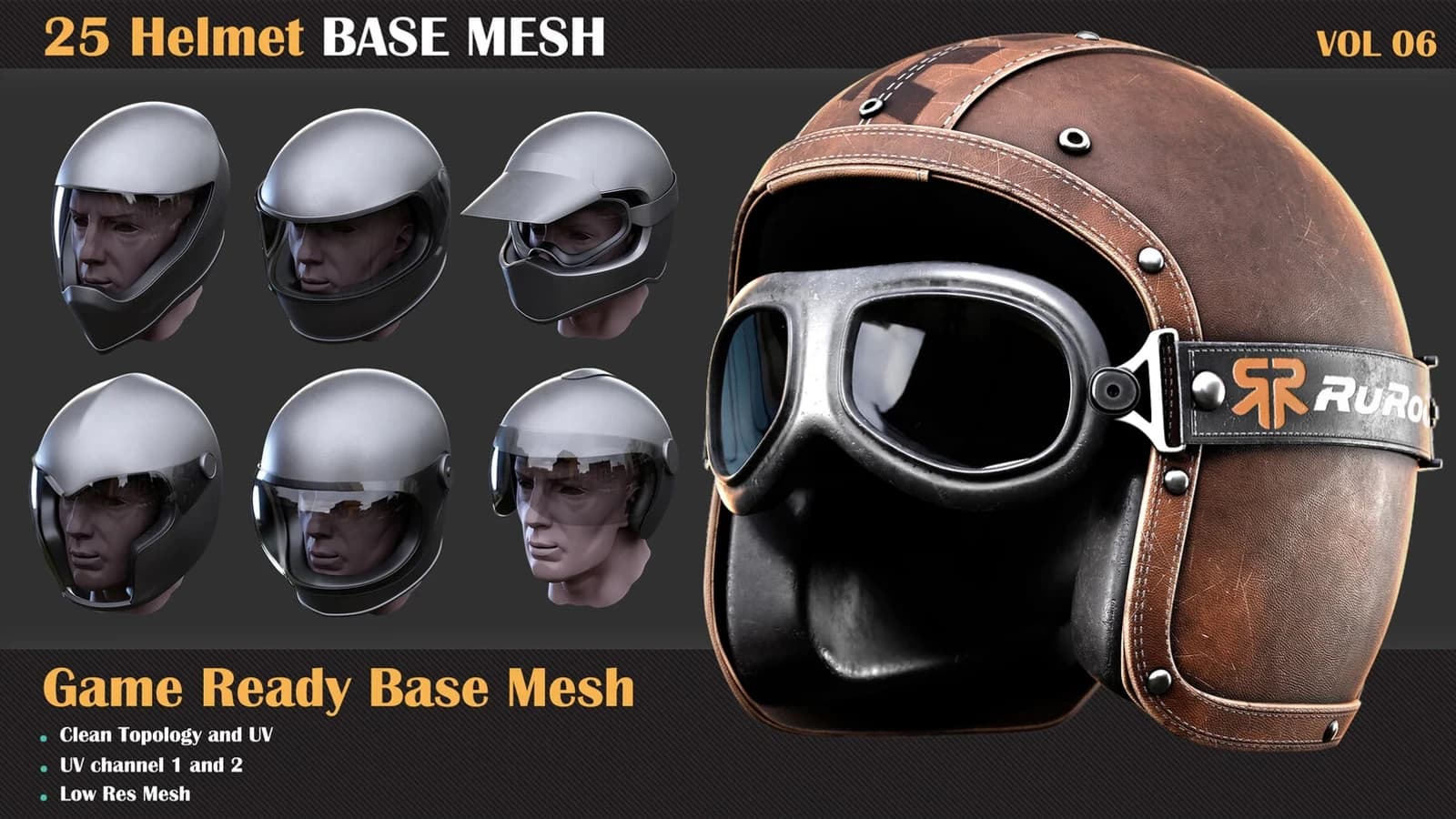
Level 1 is then under 10k triangles with both UV channels already laid out. The shields and helmets I sell are built that way on purpose.
What I could not test
My ZBrush here is 2026.0.1, and the bridge needs 2026.2.0. So I have read Adobe's documentation and measured my own files, not the transfer itself.
Two things I will not guess at. Whether Auto-Bake picks a sensible cage distance, and whether polypaint arriving as a fill layer is resampled on the way in.
Test both on one asset before you run a batch through it. Deleting the export step is worth having. It does not delete the decisions.