View asset →

Image to 3D
Turns a single reference image into a 3D mesh inside Blender, without leaving the viewport or sending the model to a web service.
$18
Instant downloadEvery clip is the actual add-on running in Blender — no edits, no speed-ups.
BLENDER ADDON · UV UNWRAPPING
One-click UV unwrapping that actually thinks — organic models, hard-surface parts and even garments, each cut the way an artist would cut them. Select, press Unwrap, done.
Organic Unwrap Hardsurface Smart UV Garment Seams
VERSION 2 NEW · LATEST UPDATE
The panel looks almost the same — but the engine underneath was retrained on more than 1,200 pieces, so it now places seams the way an artist would. Smarter symmetry, multi-object unwrapping, and sharper control over every island. WATCH THE TEASER MULTI-SELECTION UNWRAP
Retrained AI Engine — trained on 1,200+ additional pieces — seams now land where an artist would place them
Multi-Selection Unwrap — unwrap many selected objects in one run, with Repack packing them together
Smarter Symmetry — Seam On Mirror Plane, Show Mirror Plane and a symmetry score that tells you how symmetric your model really is
Parts = 1 — set Parts to 1 and let the engine pick every seam on its own
UV Orientation on X / Y / Z — align islands to any axis with Repack — no re-unwrap needed
Balanced vs Less Stretch — choose more seams with less distortion, or fewer seams — thin strips are kept apart on purpose so nothing distorts
Island Tools — Join Into One, Repack, Show Distortion, and Redo Selected Island to fix bent areas in one click
FULL TUTORIAL — EVERYTHING NEW ON REAL MODELS A quad bike, cups, a kettle, a teapot and more — every new feature shown in action.
TUTORIAL ALSO AVAILABLE IN: 日本語
한국어
WATCH THE TEASER VIDEO TUTORIAL TUTORIAL ALSO AVAILABLE IN:
Español
한국어
日本語
Deutsch
Português
01
Organic unwrapping
Hardsurface unwrapping
Udim & packing
Characters · body & head
05
Cloth & outfits
Seam Balance
Less Stretch, Balanced or Fewer Seams — you decide the trade-off between distortion and seam count.
Pick Islands on the Model
Click islands directly on the mesh, Join Into One to merge several, and Redo Selected Island re-unwraps just that piece while everything else stays put.
Preview Seams
See exactly where the cuts will land before you commit to the unwrap.
Symmetry
Mirrored models are cut identically on both sides — the islands come out as perfect mirror pairs.
Parts Up to 5,000
Automatic part detection powered by Smart Segmentation — Show Parts, Pick & Merge, Split, all before unwrapping.
Built-in Lessons
Texel Density and UDIM tutorials one click away, right inside the panel.
4.2+ BLENDER WIN · MAC · LINUX OPERATING SYSTEM VIDEO TUTORIALS · 6 LANGUAGES Full video tutorials are available in six languages — fully dubbed:
English 한국어 日本語 Português Deutsch Español
Trained on 470 New Models — the engine learned from 470 additional models and roughly 8,000 pieces, for smarter cuts on more kinds of assets
Symmetry Plane & Detector — automatic detection of the model’s symmetry plane, with mirrored seams and mirror-pair islands
Symmetry Editing After Unwrap — adjust the result and both sides stay in sync
Follow Parts Exactly — stronger commitment to your part boundaries — the unwrap follows the parts you defined, exactly
Clearer Part Colors — higher-saturation part colors make different pieces easier to tell apart at a glance
VERSION 1.2.0 PREVIOUS UPDATE
Identical pieces stack on the same UV spot — texture resolution is spent once, not per copy.
Show Distortion
See the stretching on the model at a glance — know exactly where the UVs need attention.
Improved UV Packing
Tighter, cleaner packs that squeeze more texture space out of every sheet.
NEW VIDEO TUTORIAL Lotus Car Unwrapping — learn all the new features in action.
YOU MAY ALSO LIKE
3DRedbox Studio Created by Milad Kambari SuperhiveArtStationDiscord
Every purchase includes free lifetime updates and a no-questions-asked 7 day money back guarantee.
Every tool here started as a job I did not want to do by hand a second time. They are small and focused rather than a suite: each does one thing, it does it inside your existing workflow, and it does not ask you to learn a new way of working to get value out of it.
Turns a single reference image into a 3D mesh inside Blender, without leaving the viewport or sending the model to a web service.
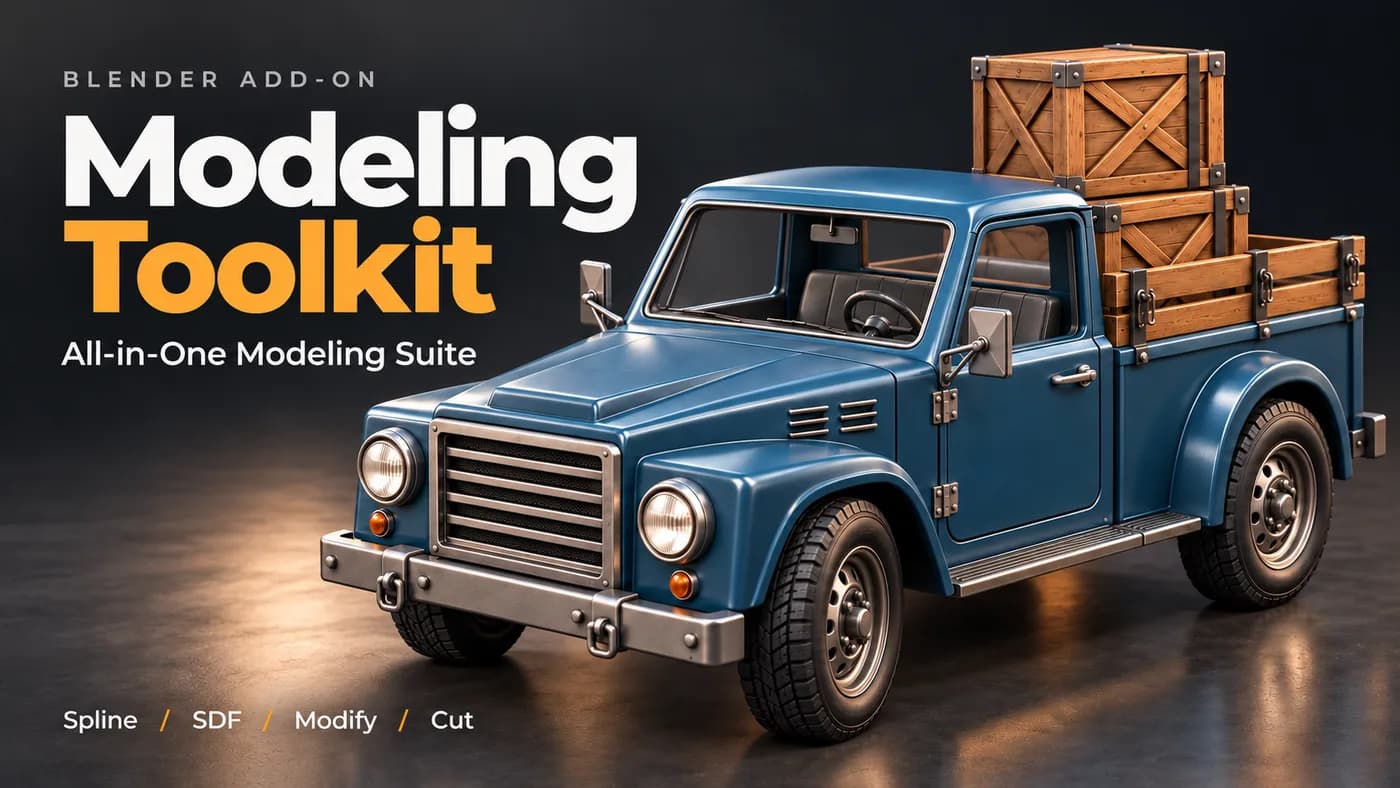
A working modeller's shelf of operators in one panel — the small jobs that otherwise cost a dozen clicks each, on one keystroke.

Free. Adds secondary bounce and overshoot to an existing animation, as real keyframes you can open and keep editing.
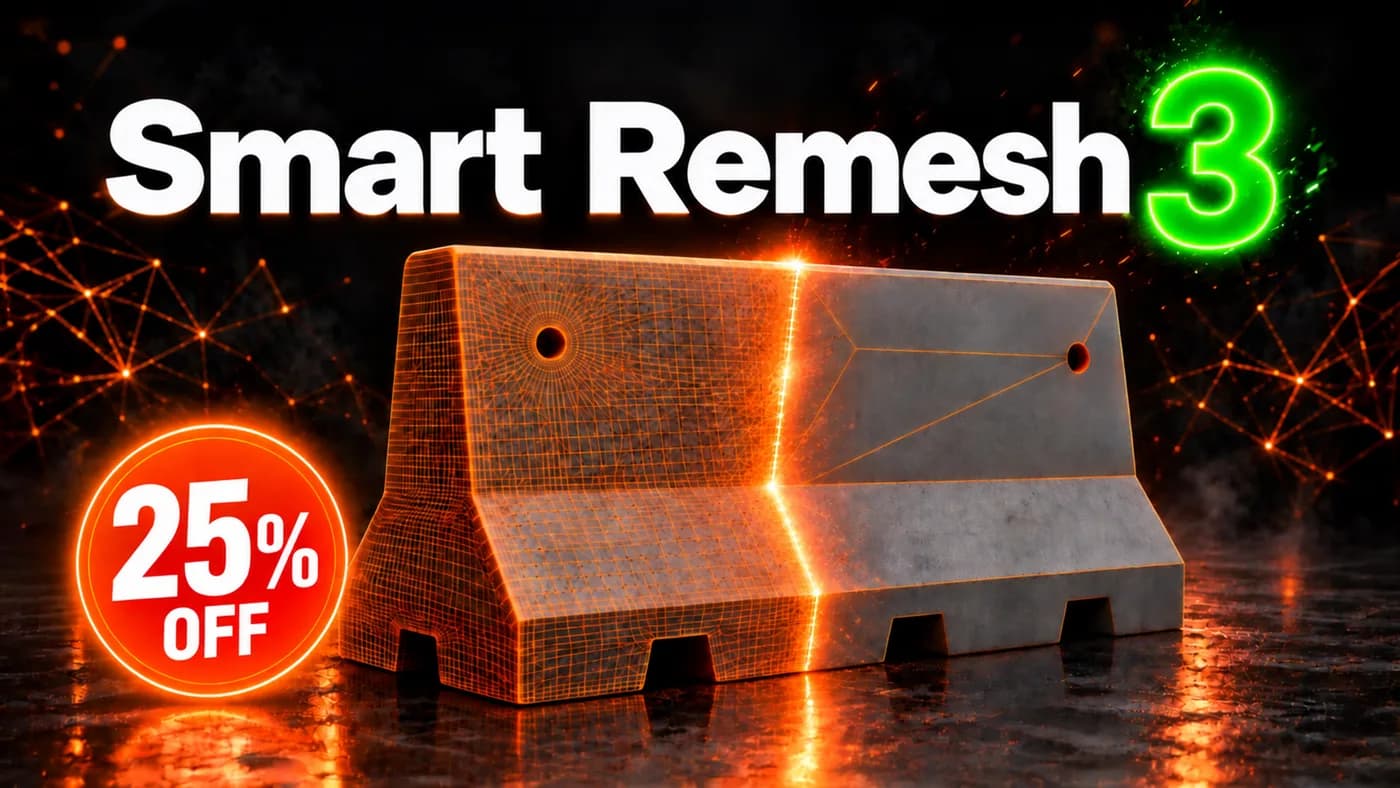
Quad remesher for hard-surface and organic models. Rebuilds flat panels as clean n-gons and drops the edge loops that carry no shape, without moving the surface.