View asset →
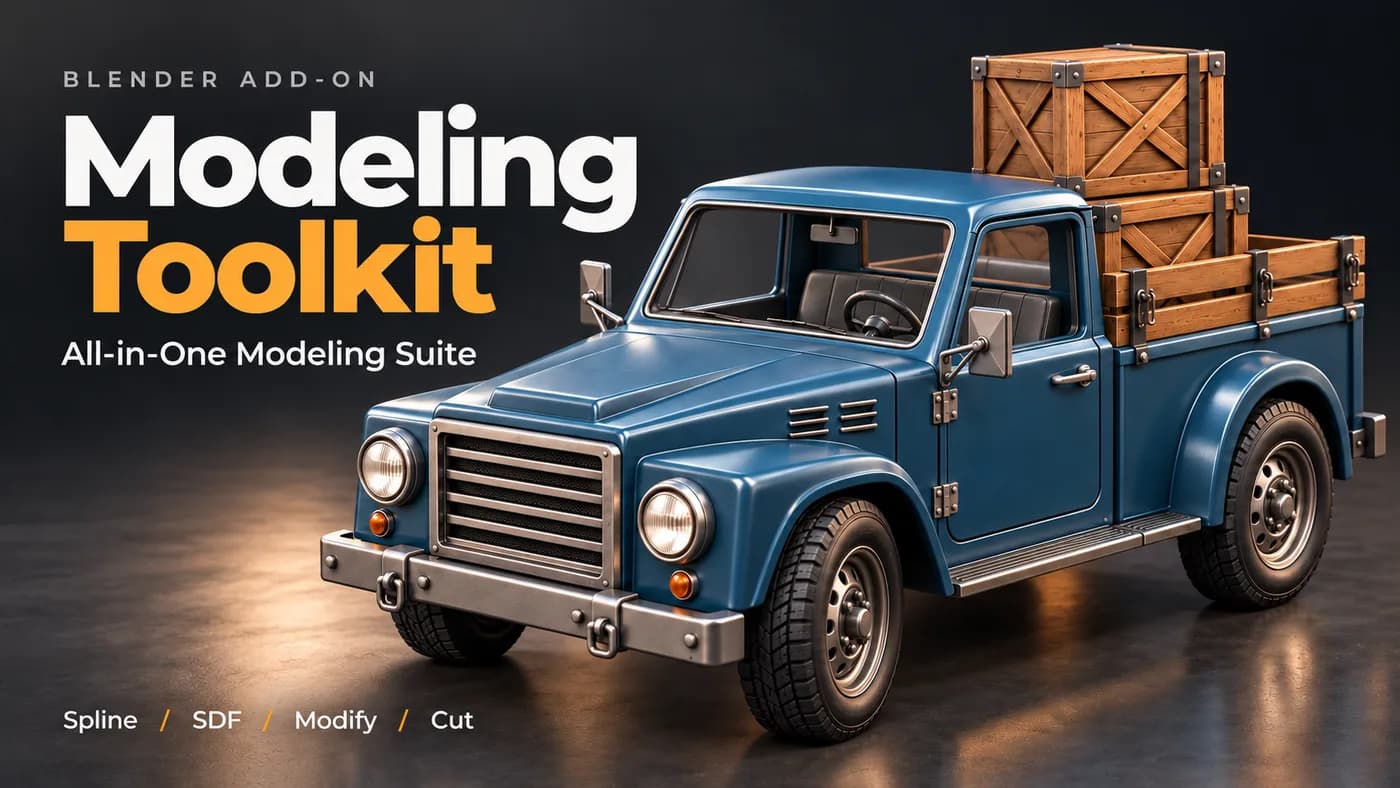
Modeling Toolkit
A working modeller's shelf of operators in one panel — the small jobs that otherwise cost a dozen clicks each, on one keystroke.
$18
Instant downloadEvery clip is the actual add-on running in Blender — no edits, no speed-ups.
BLENDER ADDON · AI 3D GENERATION Drop in one picture and get a real, textured 3D model — generated entirely on your own graphics card, right inside Blender. No cloud. No credits. Nothing to upload.
4 AI Engines Runs 100% Locally No Cloud · No Credits
WATCH THE TEASER
WATCH THE REVIEW
01
ONE IMAGE → ONE MODEL
Trellis
Fast, with lots of fine detail — the default engine and the quickest way from picture to mesh.
Pixal3D
Stays really close to the exact view in your picture — what you see is what you get.
Hunyuan
The cleanest shapes and the best textures — and the only engine that accepts extra views of your object.
02
Real generation quality
03
More views · hunyuan
04
ENHANCE DETAIL (HI3D) & ENHANCE TEXTURE
8 GB VRAM · 16 GB RAM
RTX 4060 class · estimated
~2:25 ~4:45 ~5:25 ~4:50 ~4:10 ~5:50 ~9:00 ~3:40 My system
12 GB VRAM · 64 GB RAM
RTX 4070 Ti · measured
1:21 2:32 2:48 2:30 2:18 3:12 4:32 2:09 PLEASE NOTE These times are approximate and will vary with your hardware — they can be faster or slower on your system. The "My System" row is my own experience, measured on my own machine. The "Recommended" row is an estimate for an RTX 4060-class 8 GB card, based on my tests simulating a limited system (my card capped to 8 GB VRAM and 16 GB RAM): the steps that run on the graphics card take a little over twice as long as on an RTX 4070 Ti, while the steps that run on the processor take about the same. What never changes is the result — every system produces exactly the same model and texture, only the waiting time differs.
One-Click Download
Press Download and the addon fetches every file straight from the official model pages — with a progress bar, speed and time left. Stop any time; it resumes exactly where it left off.
Or Download By Hand
Prefer your own download manager? By Hand shows every part a model needs, opens its official page and the exact folder it goes into, then Check Files verifies every file against the official fingerprint.
Never Get Lost
Pick an engine you haven’t downloaded yet and the addon tells you — one press on Go to Downloads takes you straight to the right row. Broken files are detected and re-downloaded.
ENGINE Used for SIZE Also needs
Trellis Generate · fast, lots of fine detail 16.8 GB —
Pixal3D Generate · stays closest to your picture 25.2 GB —
Hunyuan Generate · cleanest shapes, best textures 18.6 GB —
Hunyuan More Views Extra Left / Right / Back photos 4.6 GB Hunyuan
Enhance Detail (Hi3D) Adds fine detail to an existing model 9.9 GB Hunyuan
Enhance Texture Sharpens the texture only 17.3 GB —
Everything ~90 GB
Sizes are approximate. TRELLIS, Pixal3D and Hunyuan share a few small helper models that download only once, so several engines together take a little less space than adding up the rows. Hunyuan More Views and Enhance Detail need Hunyuan downloaded too.
Three Quality Levels
Fast for quick tests, High for most work, Ultra for maximum detail (Ultra needs a 12 GB card — on 8 GB it automatically uses High).
Your Face Count
Set exactly how detailed the mesh should be, from 5,000 up to 2,000,000 faces. 200,000 is a great start.
Texture Control
Texture on or off (shape-only is much faster), at 1K, 2K or 4K — and a Seed to get a different version of the same picture.
Blender Never Freezes
The engines run as separate background processes — you keep working while the model generates, with live progress on the card.
Clean Card UI
Everything lives on one clean card in the viewport, in the same style as Auto Unwrap and Modeling Toolkit — only the settings that actually matter.
Private by Design
Your images never leave your computer — everything runs on your own GPU, offline after the models are downloaded.
Vram · nvidia gpu
16 GB
RAM
Windows
Operating system
YOU MAY ALSO LIKE
3DRedbox Studio Created by Milad Kambari SuperhiveArtStationDiscord
Every purchase includes free lifetime updates and a no-questions-asked 7 day money back guarantee.
Every tool here started as a job I did not want to do by hand a second time. They are small and focused rather than a suite: each does one thing, it does it inside your existing workflow, and it does not ask you to learn a new way of working to get value out of it.
A working modeller's shelf of operators in one panel — the small jobs that otherwise cost a dozen clicks each, on one keystroke.

Unwraps a model in one pass — seams placed, islands packed, texel density consistent — for the UV work nobody wants to do by hand.

Free. Adds secondary bounce and overshoot to an existing animation, as real keyframes you can open and keep editing.

Quad remesher for hard-surface and organic models. Rebuilds flat panels as clean n-gons and drops the edge loops that carry no shape, without moving the surface.