Skip to content
Blender Add-ons

Modeling Toolkit

asset · Blender Add-ons
shaded · wire
See it work13 clips

Every clip is the actual add-on running in Blender — no edits, no speed-ups.

About this pack

BLENDER ADDON · MODELING SUITE

Modeling Toolkit

An all-in-one modeling suite that brings the tools artists love from 3ds Max and Substance Modeler into Blender — splines with real parameters, clay-like SDF modeling, cutters, FFD and more. One panel, a complete workflow.

3ds Max–Style Splines SDF Modeling Cutter & Modify Tools

WATCH THE TEASER 01

3DS MAX–STYLE SPLINES

Splines That Work Like Max Line, Rectangle, Circle and more — drawn exactly the way 3ds Max artists know them, with the same parameters. Draw first, then tweak: the shape settings appear once the spline is selected, and a full Edit Spline mode gives you Vertex, Segment and Spline levels with definable vertex control types. 02

Sdf modeling

Model Like Clay The heart of the toolkit: SDF modeling built on the Substance Modeler approach. Combine primitive shapes into smooth, seamless forms — no topology to fight, no booleans to clean up. Just sculpt your design out of simple pieces and let the engine keep the surface perfect. 03

Blending

Smooth Blends — Meshes and Materials Blend parts into each other with buttery smooth transitions, and the materials blend right along with the geometry. Perfect fillets and organic joins between shapes, without touching a single vertex by hand.

04

WELD

Real Weld Seams, Fully Procedural The Weld blend mode lays a bead along the seam with heat marks around it — like a real welded joint. It’s fully procedural and never changes the parts’ own meshes: move a piece and the weld follows.

05

Cutter modeling

Cut Shapes Straight Into Your Model Hard-surface cutting in the style you know from box-cutter workflows: draw a cutter and carve panels, holes and details directly into the model, non-destructively. 06

Modify · ffd

Bend Anything With an FFD Cage The classic FFD box from Max, inside Blender: wrap any object in a lattice cage and push, pull and taper the whole form with a few control points. 07

Modify · sweep

Sweep Profiles Along Splines Pick a profile, pick a path, and Sweep builds the geometry along it — pipes, rails, trims and frames in seconds, driven by the same splines you drew. 08

Conform tools

Wrap Geometry Onto Surfaces Conform tools press one object onto the surface of another — decals, panels and details that hug the underlying shape perfectly. 09

Section

Slice Through Your Model Cut live section views through any model — inspect the interior, extract outlines and keep control of what’s happening inside your shapes. 10

Viewport card ui

Every Button Explains Itself All controls live on a clean card right inside the viewport. Hover any setting and a small animated explainer shows what it does before you touch it — and it’s always clear when a tool is active and how to leave it.

Learn It Step by Step A full tutorial series, from your first spline to a finished SDF model. SDF CAR MODELING — FULL TUTORIAL CUT SHAPE — FULL TUTORIAL ENGLISH — TUTORIAL SERIES Part 1 · Spline

Part 2 · Edit Spline

Part 3 · Modify

Part 4 · SDF

Part 5 · Blend & Weld

Part 6 · Cut

日本語 パート1

パート2

パート3

パート4

パート5

パート6

한국어 파트 1

파트 2

파트 3

파트 4

파트 5

파트 6

YOU MAY ALSO LIKE

More from Milad Kambari

3DRedbox Studio Created by Milad Kambari SuperhiveArtStationDiscord

Every purchase includes free lifetime updates and a no-questions-asked 7 day money back guarantee.

Technical specification
Software
Blender 4.2+
Format
ZIP (Blender add-on)
Files
1 file
About Blender Add-ons

Every tool here started as a job I did not want to do by hand a second time. They are small and focused rather than a suite: each does one thing, it does it inside your existing workflow, and it does not ask you to learn a new way of working to get value out of it.

Related

More Blender Add-ons

Auto Unwrap
View asset →

Auto Unwrap

Unwraps a model in one pass — seams placed, islands packed, texel density consistent — for the UV work nobody wants to do by hand.

$18
Instant download
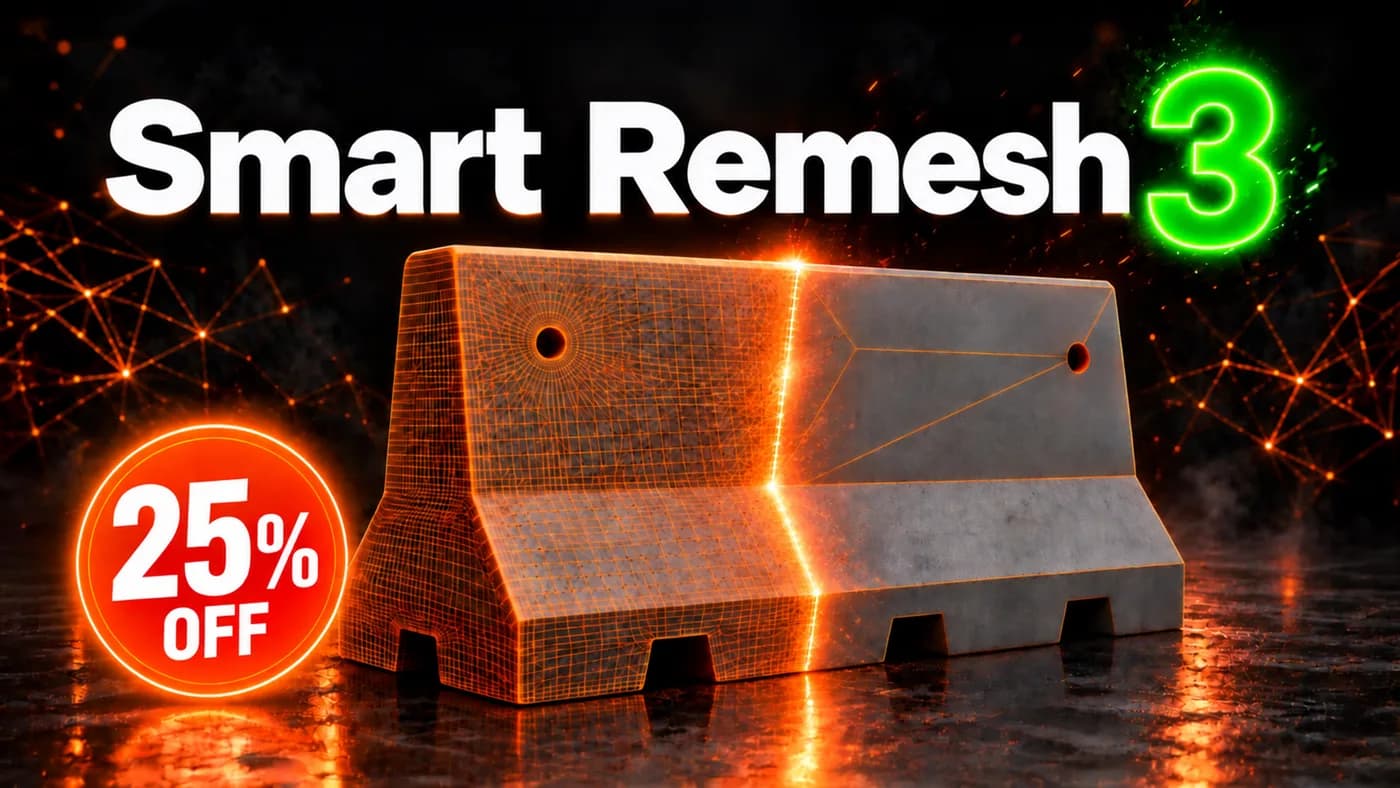
Smart Remesh
View asset →

Smart Remesh

Quad remesher for hard-surface and organic models. Rebuilds flat panels as clean n-gons and drops the edge loops that carry no shape, without moving the surface.

$17
Instant download