View asset →

Image to 3D
Turns a single reference image into a 3D mesh inside Blender, without leaving the viewport or sending the model to a web service.
$18
Instant download+ Smart Auto-Naming: You don't have to worry about replacing old files. The script checks your folder—if "Asset_01" is already there, it will automatically name the next one "Asset_02".
+ One-Click Center & Fix: It automatically moves your object to the center of the world (0,0,0) and sets the origin to the center of the model before exporting. No more manual positioning!
+ Auto-Cleanup: Once an object is exported, the script can automatically delete it from your scene, keeping your workspace organized and light.
+ Custom Names: Simply type the name you want, and the script handles the rest.
+ Batch Power: Select as many objects as you want and export them all as individual FBX files in seconds.
+ Set Path: Choose the folder where you want to save your files.
+ Pick a Name: Type in your desired name (e.g., "Rock" or "Weapon").
+ Choose Options: Toggle "Move to Origin" or "Auto Delete" if needed.
+ Export: Select your objects and hit START BATCH PROCESS. Done!
+ Export Format: FBX
+ Compatibility: Blender 3.0.0 and newer.
+ Location: Find it in the N-Panel (Sidebar) under the "MK_BatchSaving" tab.
Every purchase includes free lifetime updates and a no-questions-asked 7 day money back guarantee.
Every tool here started as a job I did not want to do by hand a second time. They are small and focused rather than a suite: each does one thing, it does it inside your existing workflow, and it does not ask you to learn a new way of working to get value out of it.
Turns a single reference image into a 3D mesh inside Blender, without leaving the viewport or sending the model to a web service.
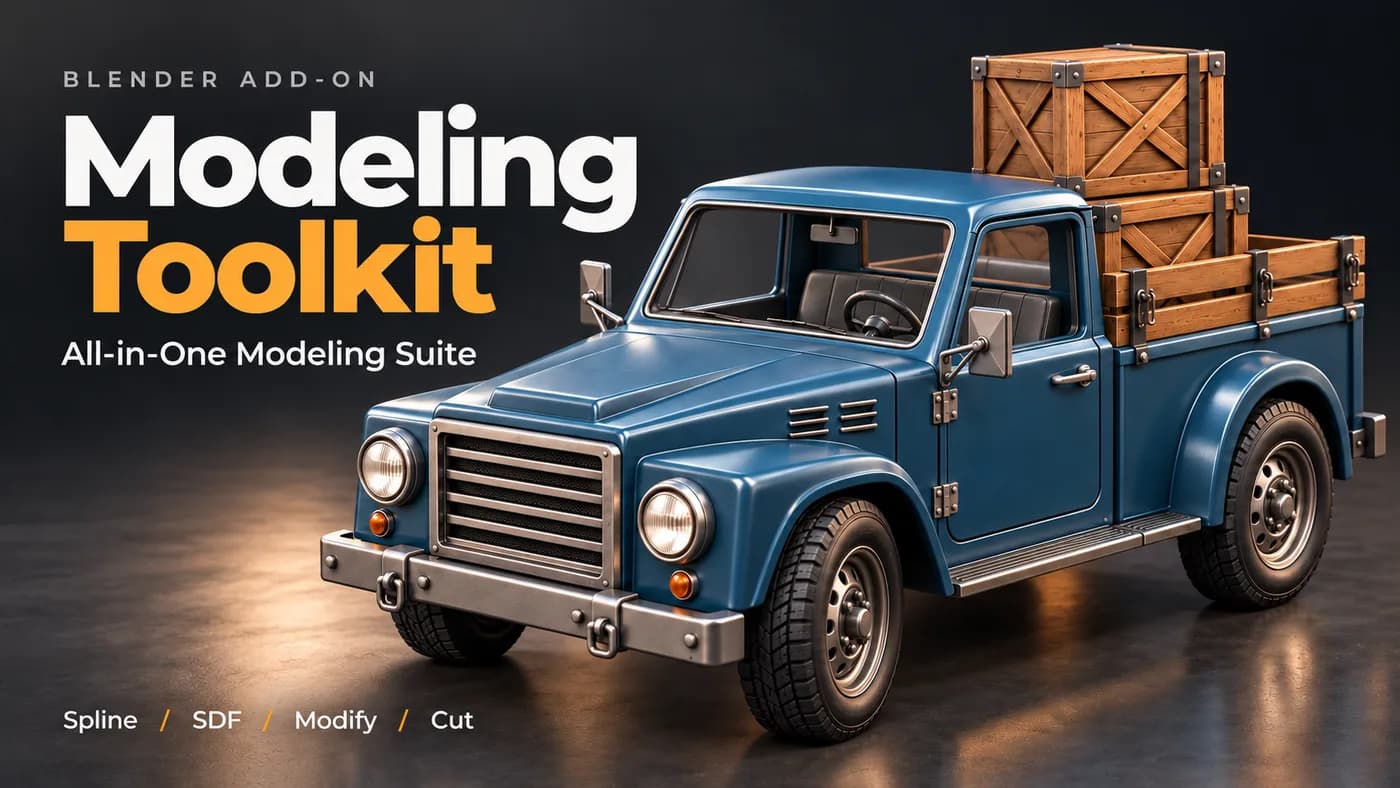
A working modeller's shelf of operators in one panel — the small jobs that otherwise cost a dozen clicks each, on one keystroke.
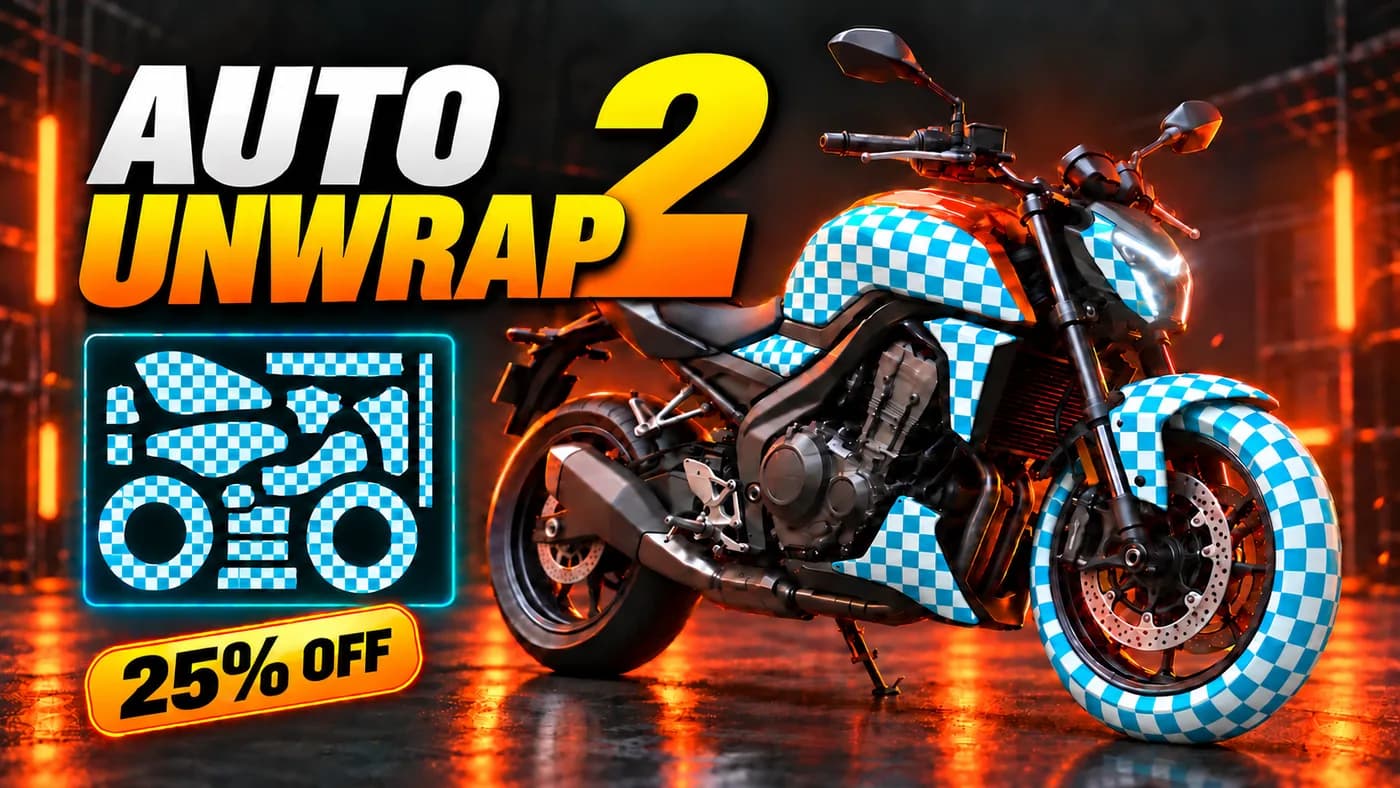
Unwraps a model in one pass — seams placed, islands packed, texel density consistent — for the UV work nobody wants to do by hand.
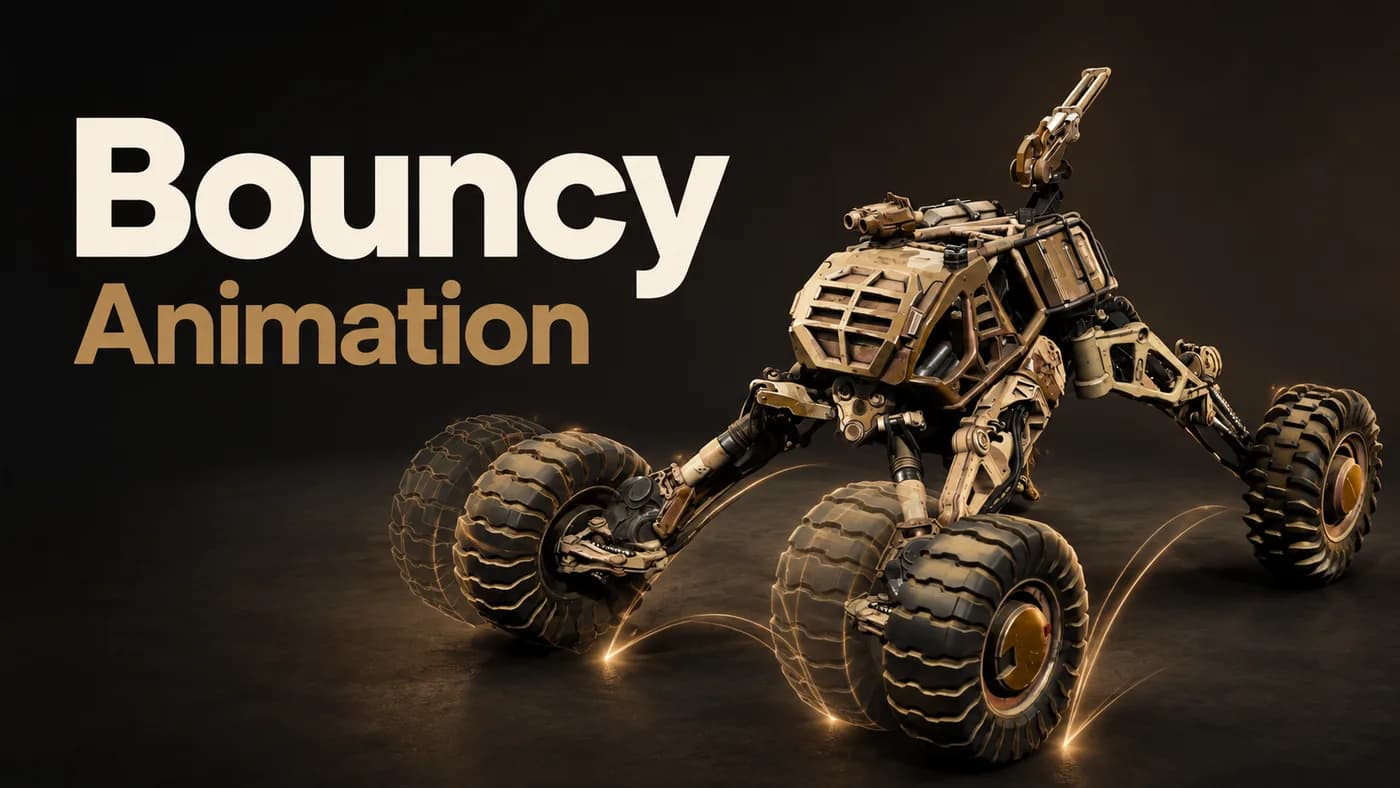
Free. Adds secondary bounce and overshoot to an existing animation, as real keyframes you can open and keep editing.