View asset →
Transition FX
Turns one model into another with a library of sci-fi transition presets — particles, shatter, dissolve, orbit rings — built as real Blender nodes you can keep editing. Blender 4.2 and up.
$28
Instant downloadMK DEPTH MAP BAKER — One-Click Depth Map Generator for Blender
Turn any 3D model into a clean, high-quality depth map with a single click. No render setup, no compositor nodes, no headaches — just load your model, hit Bake, and get a perfect grayscale depth map.
The depth map appears in your Image Editor and saves to your chosen folder.
Need help or have questions?
Every purchase includes free lifetime updates and a no-questions-asked 7 day money back guarantee.
Every tool here started as a job I did not want to do by hand a second time. They are small and focused rather than a suite: each does one thing, it does it inside your existing workflow, and it does not ask you to learn a new way of working to get value out of it.
Turns one model into another with a library of sci-fi transition presets — particles, shatter, dissolve, orbit rings — built as real Blender nodes you can keep editing. Blender 4.2 and up.
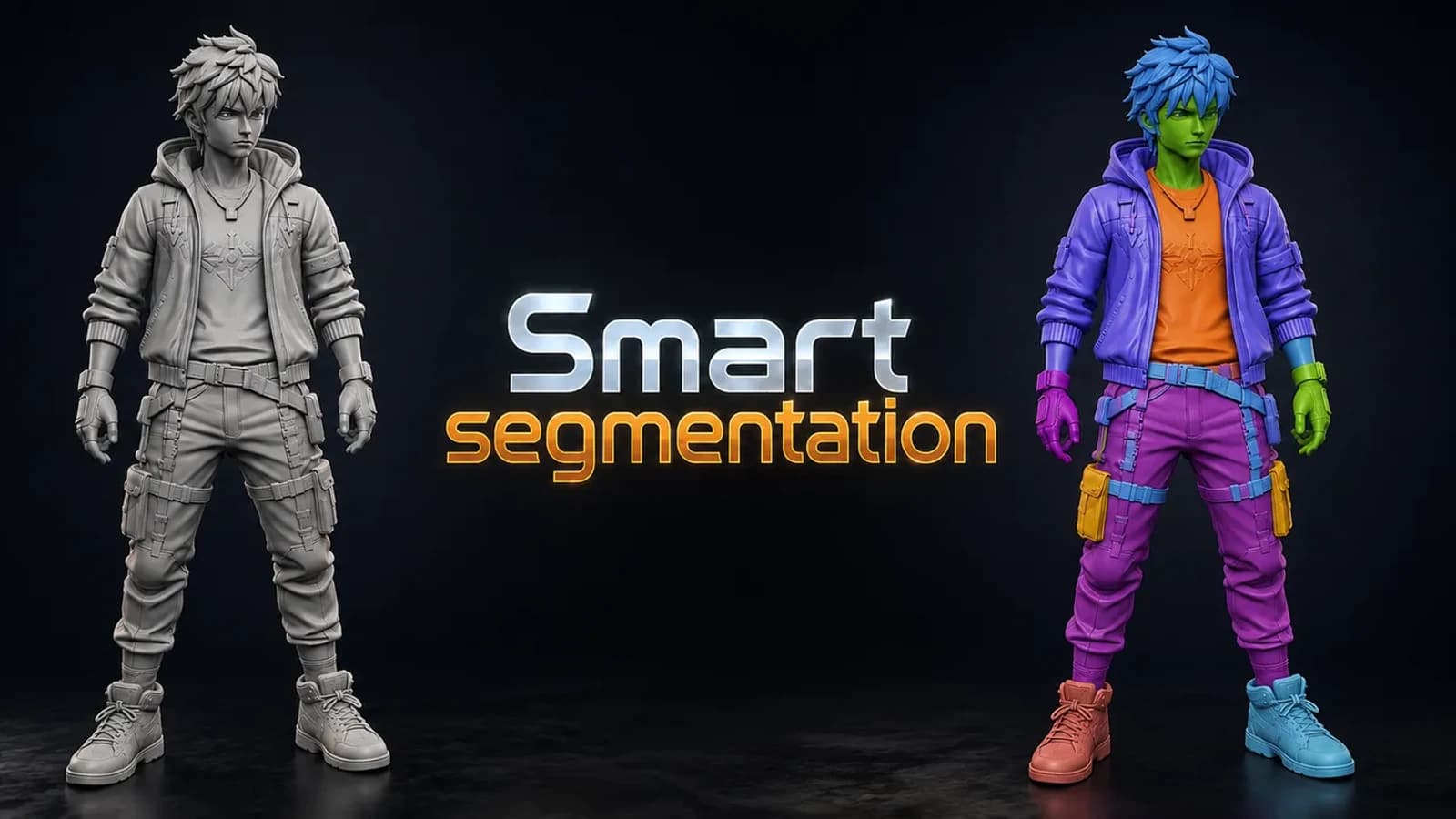
Splits any model into meaningful parts automatically, using shape thickness and concavity — then lets you fix the result by hand with brush, lasso and box tools. Blender 3.6 and up.
Lego Generator. ZIP (Blender add-on) included. Built for Blender 5.0+.2+. Installs as a standard Blender add-on.
Render Studio is a lightweight render control panel that lives right in your N-panel.