
View asset →
Transition FX
Turns one model into another with a library of sci-fi transition presets — particles, shatter, dissolve, orbit rings — built as real Blender nodes you can keep editing. Blender 4.2 and up.
$28
Instant downloadBlender's asset browser shows a thumbnail for every asset that has one, and a grey placeholder for every asset that does not. A library of two hundred assets with no previews is a library nobody browses — you end up back in the file manager, opening files to remember what they are.
Generating those previews by hand means opening each file, framing the object, rendering, and saving the result into the asset metadata. For two hundred files that is a day.
Point it at a folder. It opens each .blend, frames the object, renders a preview and writes it back into the file as the asset thumbnail.
That is the whole tool. It does one job and it does it without supervision.
Installs as a standard Blender add-on.
Every purchase includes free lifetime updates and a no-questions-asked 7 day money back guarantee.
Every tool here started as a job I did not want to do by hand a second time. They are small and focused rather than a suite: each does one thing, it does it inside your existing workflow, and it does not ask you to learn a new way of working to get value out of it.
Turns one model into another with a library of sci-fi transition presets — particles, shatter, dissolve, orbit rings — built as real Blender nodes you can keep editing. Blender 4.2 and up.
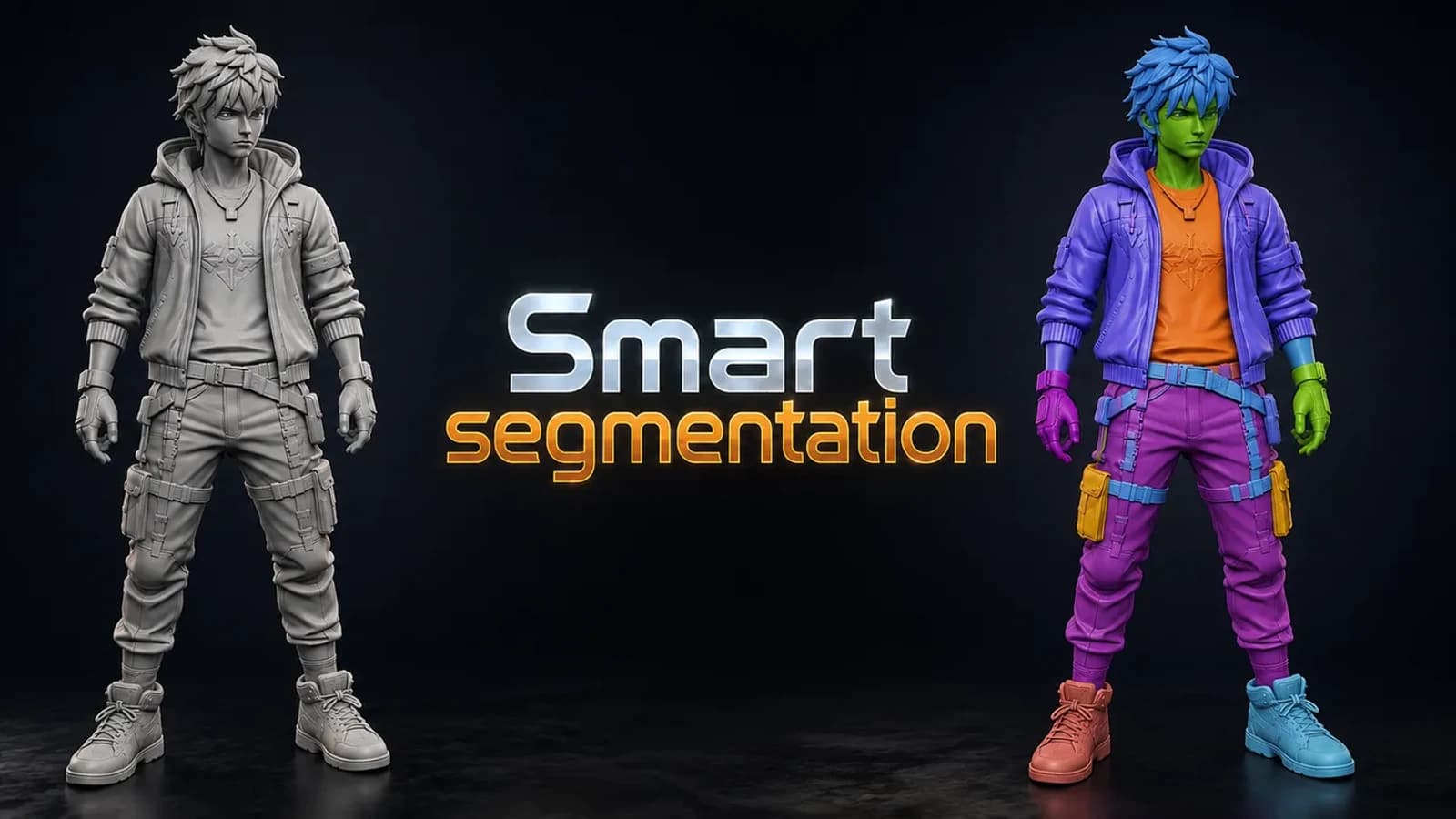
Splits any model into meaningful parts automatically, using shape thickness and concavity — then lets you fix the result by hand with brush, lasso and box tools. Blender 3.6 and up.
Lego Generator. ZIP (Blender add-on) included. Built for Blender 5.0+.2+. Installs as a standard Blender add-on.

Render Studio is a lightweight render control panel that lives right in your N-panel.