
View asset →
Transition FX
Turns one model into another with a library of sci-fi transition presets — particles, shatter, dissolve, orbit rings — built as real Blender nodes you can keep editing. Blender 4.2 and up.
$28
Instant downloadRoughness Builder — Professional Roughness Texture Add-on for Blender
Take full control of your material roughness — no more searching for textures or manually building node setups.
MK Roughness Builder is a powerful Blender add-on that comes with 500+ high-quality roughness textures, organised in categorized folders. Browse, select, and apply textures to your materials instantly — all from a clean panel inside Blender's 3D Viewport.
Built-in Texture Library 500+ professional roughness textures included — fingerprints, grunge, surface imperfections, scratches, and more. All organised in categorized folders with a paginated browser and large thumbnail previews.
Instant Preview & Auto Apply Select any texture and it's immediately applied to your material's roughness channel. No extra clicks needed — just browse and see the result in real-time.
Smart Material Control Apply roughness to your active material, selected materials, or all materials on the object at once. Scan your model's materials and choose exactly where the roughness goes.
Full Texture Adjustments Scale (Uniform + XYZ), Rotation, Position, Brightness, Contrast, Invert — everything you need to fine-tune your roughness texture, all in one panel.
Blend Modes Choose how the new texture interacts with existing roughness: Replace, Multiply, Add, or Overlay — with adjustable blend factor.
Every tool here started as a job I did not want to do by hand a second time. They are small and focused rather than a suite: each does one thing, it does it inside your existing workflow, and it does not ask you to learn a new way of working to get value out of it.
Turns one model into another with a library of sci-fi transition presets — particles, shatter, dissolve, orbit rings — built as real Blender nodes you can keep editing. Blender 4.2 and up.
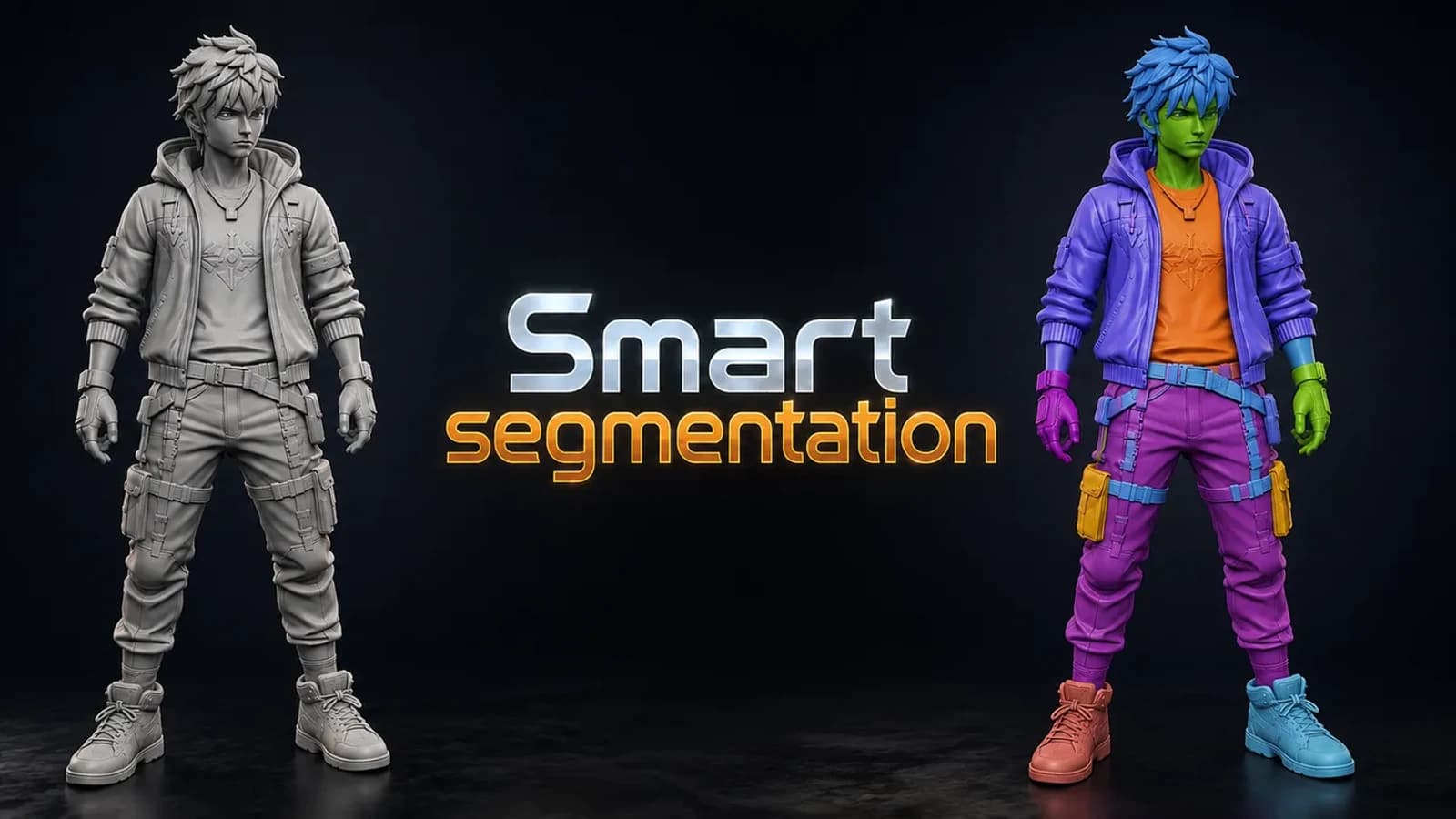
Splits any model into meaningful parts automatically, using shape thickness and concavity — then lets you fix the result by hand with brush, lasso and box tools. Blender 3.6 and up.
Lego Generator. ZIP (Blender add-on) included. Built for Blender 5.0+.2+. Installs as a standard Blender add-on.
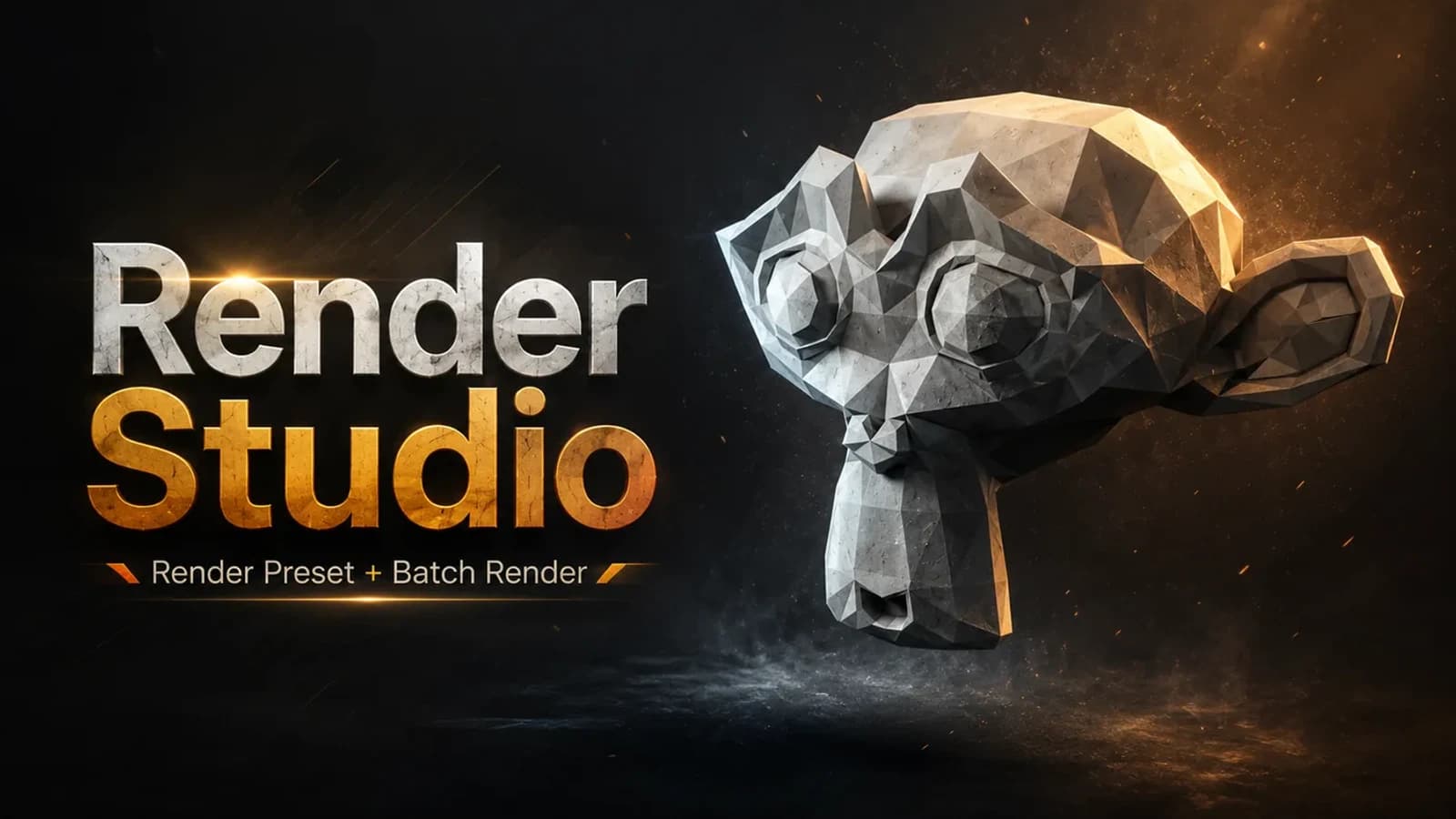
Render Studio is a lightweight render control panel that lives right in your N-panel.