View asset →
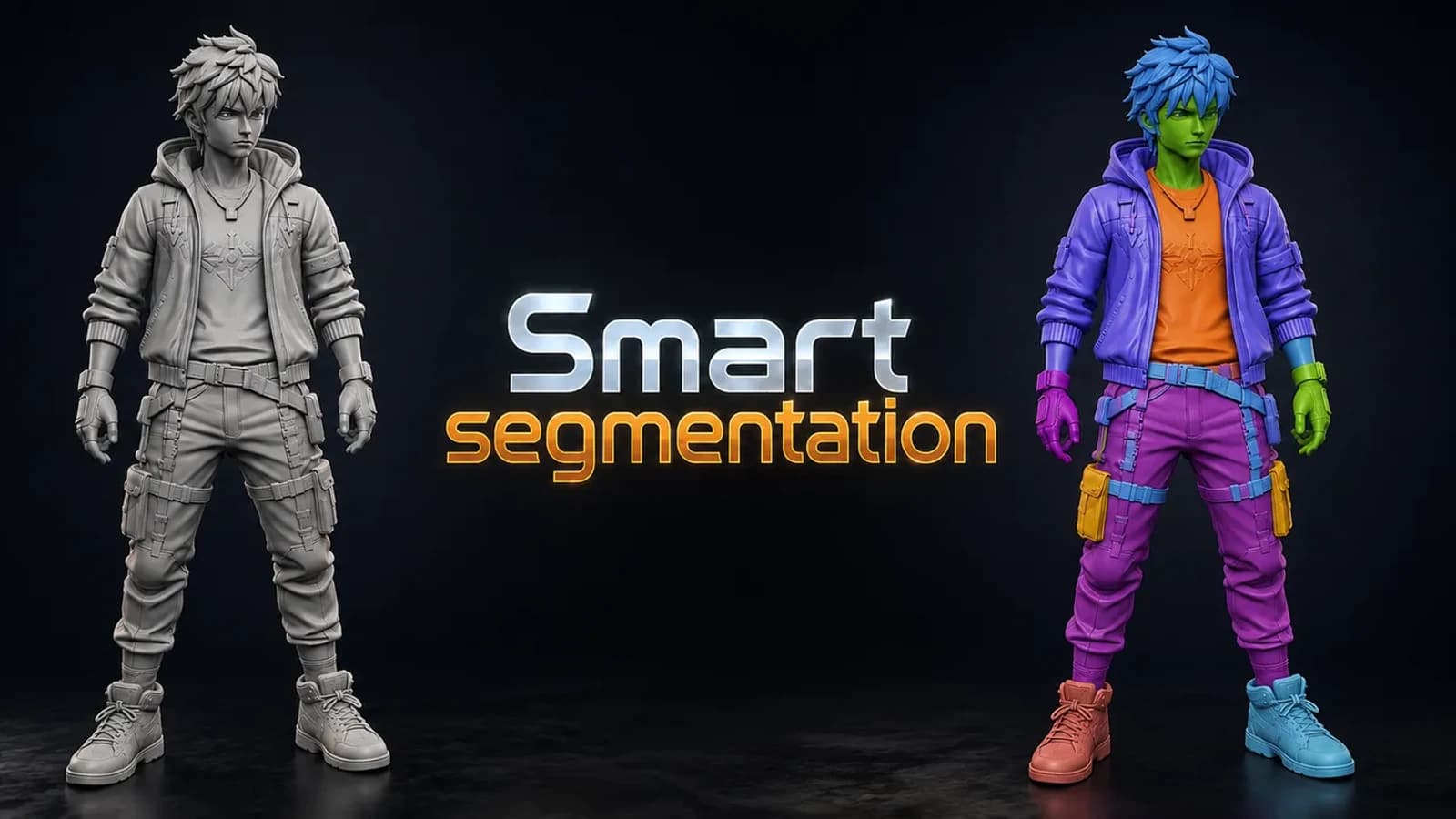
Smart Segmentation
Splits any model into meaningful parts automatically, using shape thickness and concavity — then lets you fix the result by hand with brush, lasso and box tools. Blender 3.6 and up.
$12
Instant downloadEvery clip is the actual add-on running in Blender — no edits, no speed-ups.
Morphing one object into another is a two-day job in Blender and a ten-second job in After Effects, which is why most people give up and do it in After Effects.
Transition FX builds the effect in Blender, as geometry and shader nodes you can open afterwards.
Pick a source mesh and a target mesh. Choose a transition from the preset library. Build Transition wires it up.
What you get is not a black box. It is a node setup in your scene, with the settings exposed, so you can change the timing, the colour and the density without going back to the add-on.
One effect is rarely the shot. Add Effect layers a second and a third on the same transition — a dissolve under a particle burst under a glare pass — and Move Layer reorders them.
Select Untouched Meshes finds the objects in your scene the transition has not been applied to, which matters on a set with forty props in it.
Every preset renders its own thumbnail. Generate Previews builds the whole library once, and after that you are choosing from pictures rather than from names.
Installs as a standard Blender add-on. Panel lives in the 3D view sidebar under Transition FX.
Every purchase includes free lifetime updates and a no-questions-asked 7 day money back guarantee.
Every tool here started as a job I did not want to do by hand a second time. They are small and focused rather than a suite: each does one thing, it does it inside your existing workflow, and it does not ask you to learn a new way of working to get value out of it.
Splits any model into meaningful parts automatically, using shape thickness and concavity — then lets you fix the result by hand with brush, lasso and box tools. Blender 3.6 and up.
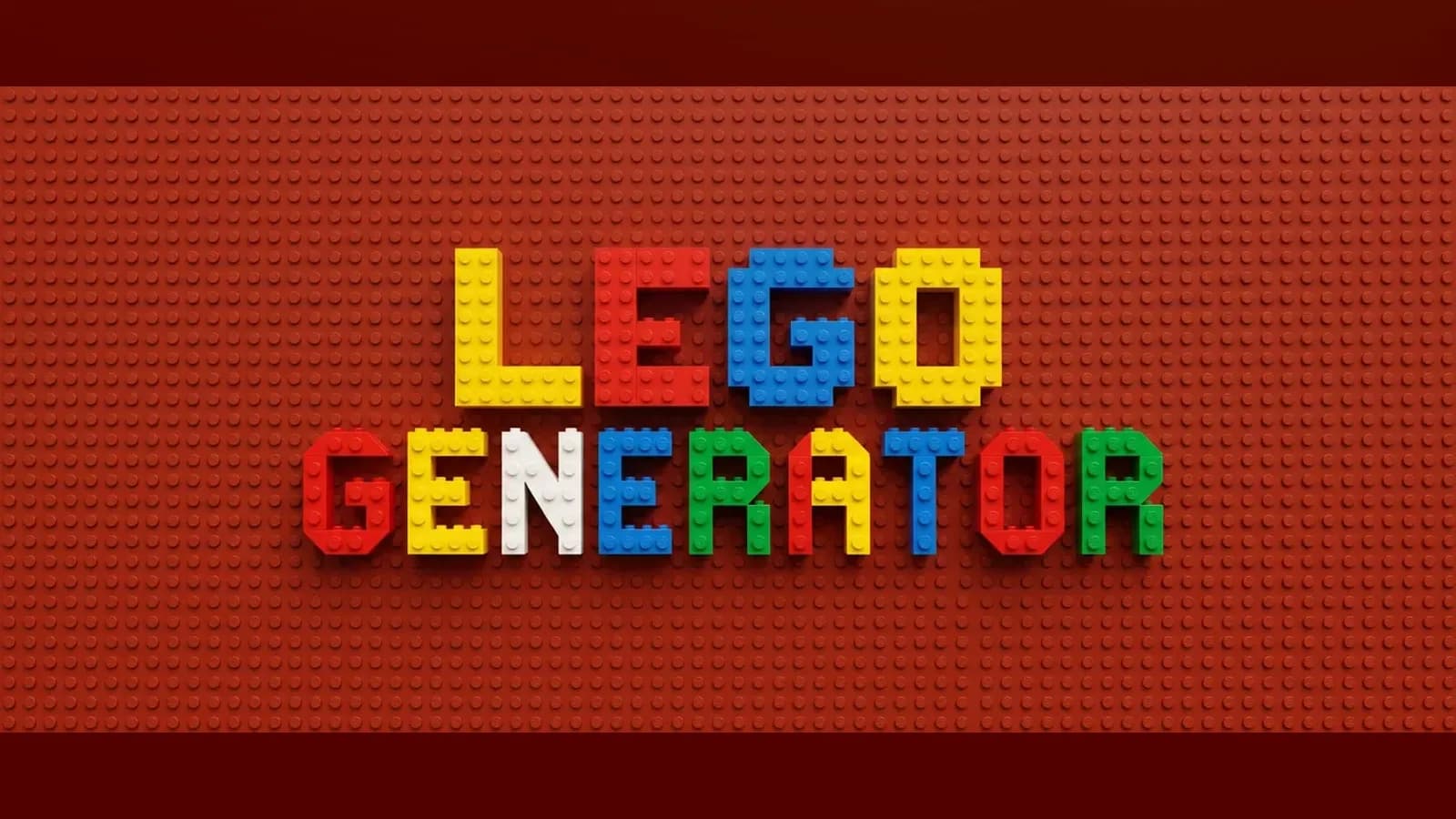
Lego Generator. ZIP (Blender add-on) included. Built for Blender 5.0+.2+. Installs as a standard Blender add-on.
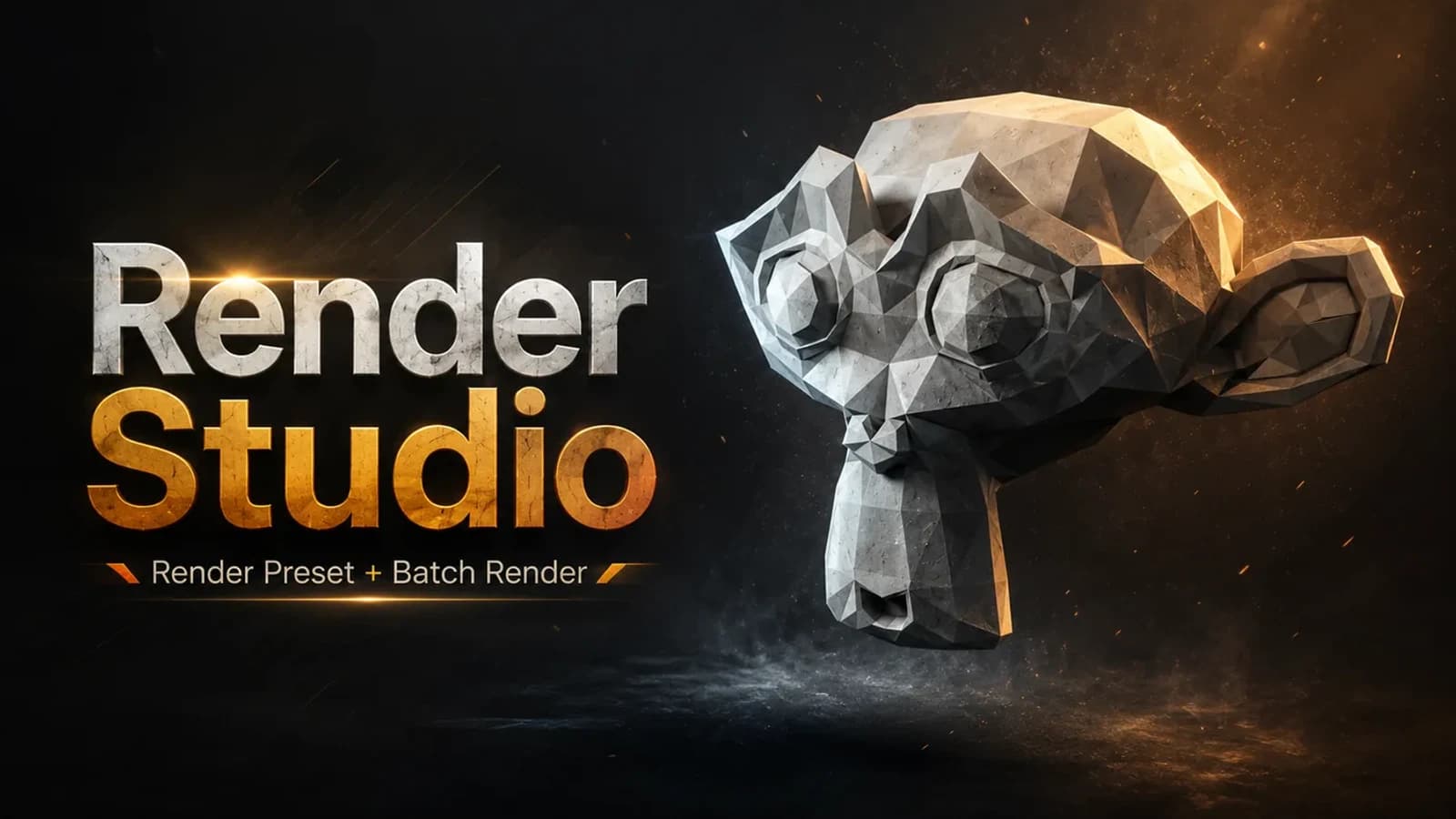
Render Studio is a lightweight render control panel that lives right in your N-panel.

Dovetail Key. ZIP (Blender add-on) included. Built for Blender 4.2+. Installs as a standard Blender add-on. Published June 2026.