
View asset →
Transition FX
Turns one model into another with a library of sci-fi transition presets — particles, shatter, dissolve, orbit rings — built as real Blender nodes you can keep editing. Blender 4.2 and up.
$28
Instant downloadEvery clip is the actual add-on running in Blender — no edits, no speed-ups.
View2Cam — Turn Any Viewport Into a CameraRecord • Smooth • Retime — the fastest way to get a cinematic camera in Blender.
Stop fighting with camera placement and manual keyframing. View2Cam lets you frame your shot by simply navigating the viewport, then turns that exact view into a real camera in one click — with no cropping. Want motion? Just navigate while recording and your orbit/pan/zoom becomes clean, editable animation. Built-in smoothing and retiming tools turn shaky hand-navigation into professional, steady, cinematic camera moves.
Perfect for product shots, automotive renders, turntables, beauty shots, and flythroughs — no animation skills required.
Key Features
Ideal ForProduct & automotive beauty shots • turntables • environment flythroughs • portfolio renders • quick previz.
Every purchase includes free lifetime updates and a no-questions-asked 7 day money back guarantee.
Every tool here started as a job I did not want to do by hand a second time. They are small and focused rather than a suite: each does one thing, it does it inside your existing workflow, and it does not ask you to learn a new way of working to get value out of it.
Turns one model into another with a library of sci-fi transition presets — particles, shatter, dissolve, orbit rings — built as real Blender nodes you can keep editing. Blender 4.2 and up.
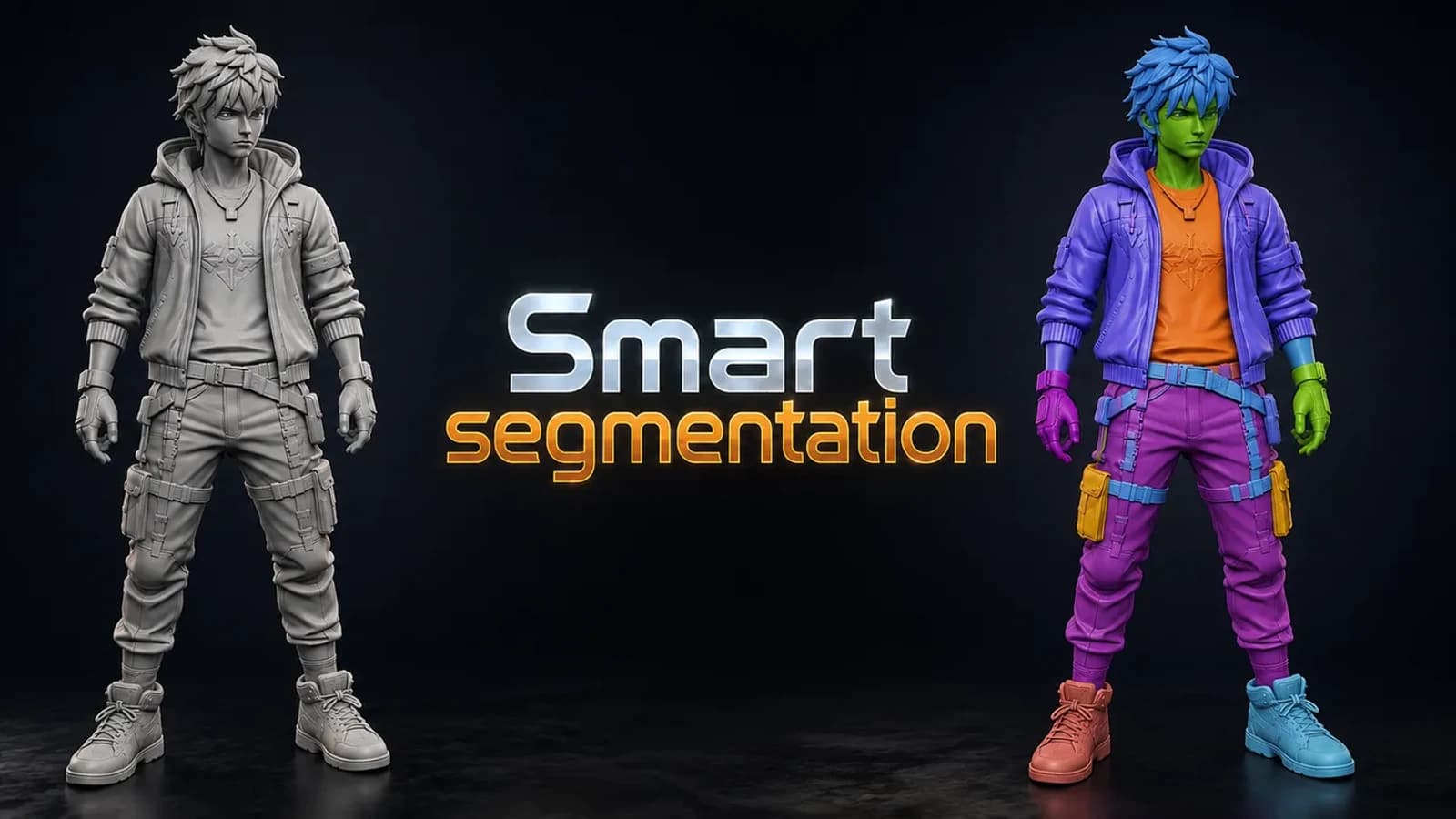
Splits any model into meaningful parts automatically, using shape thickness and concavity — then lets you fix the result by hand with brush, lasso and box tools. Blender 3.6 and up.
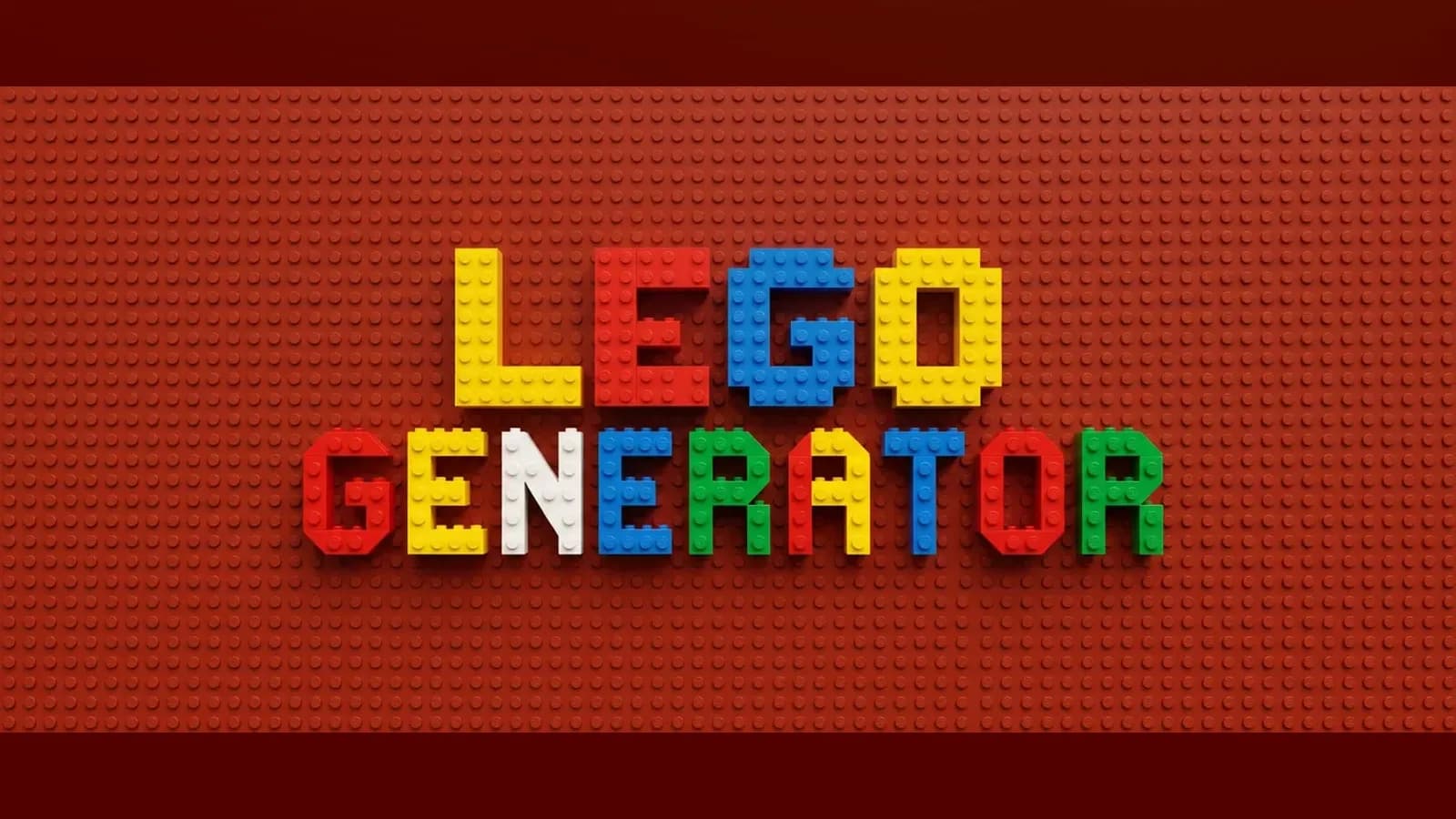
Lego Generator. ZIP (Blender add-on) included. Built for Blender 5.0+.2+. Installs as a standard Blender add-on.

Render Studio is a lightweight render control panel that lives right in your N-panel.