
View asset →
Image to 3D
Turns a single reference image into a 3D mesh inside Blender, without leaving the viewport or sending the model to a web service.
$18
Instant download+ Automatic Origin Alignment: Instantly set the origin to the center of the geometry (Median Center) with one click.
+ Instant Move to World Origin (0,0,0): No more manual coordinate entry; your model is perfectly placed at the world center.
+ Smart FBX Export: The export window opens immediately after the transformation, allowing you to save your file in seconds.
+ User-Friendly UI: A large, prominent button in the Sidebar (N-Panel) designed for maximum efficiency.
+ Select your object.
+ Go to the Zero Tab in the Sidebar.
+ Click the large ZERO & EXPORT FBX button.
+ Choose your save location. You're done!
Every purchase includes free lifetime updates and a no-questions-asked 7 day money back guarantee.
Every tool here started as a job I did not want to do by hand a second time. They are small and focused rather than a suite: each does one thing, it does it inside your existing workflow, and it does not ask you to learn a new way of working to get value out of it.
Turns a single reference image into a 3D mesh inside Blender, without leaving the viewport or sending the model to a web service.
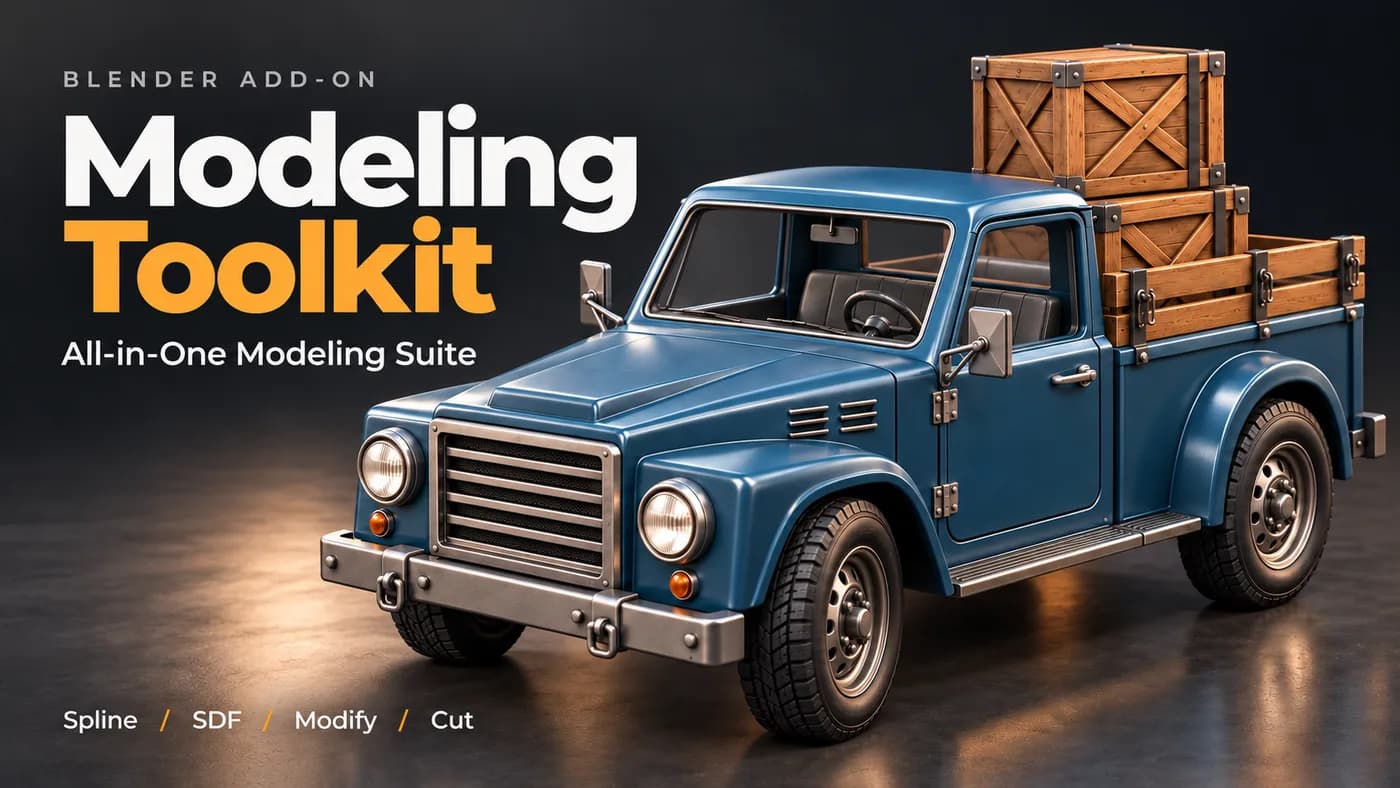
A working modeller's shelf of operators in one panel — the small jobs that otherwise cost a dozen clicks each, on one keystroke.
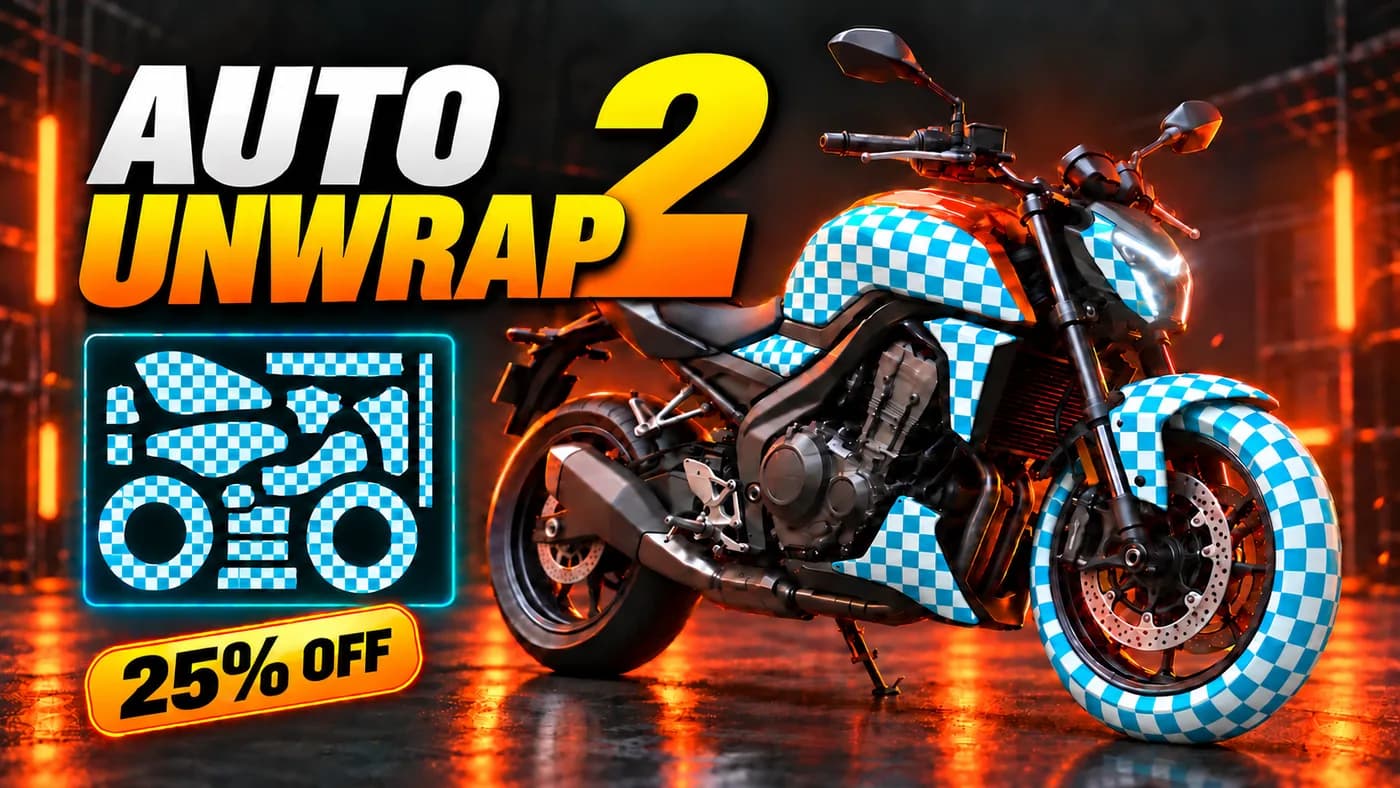
Unwraps a model in one pass — seams placed, islands packed, texel density consistent — for the UV work nobody wants to do by hand.
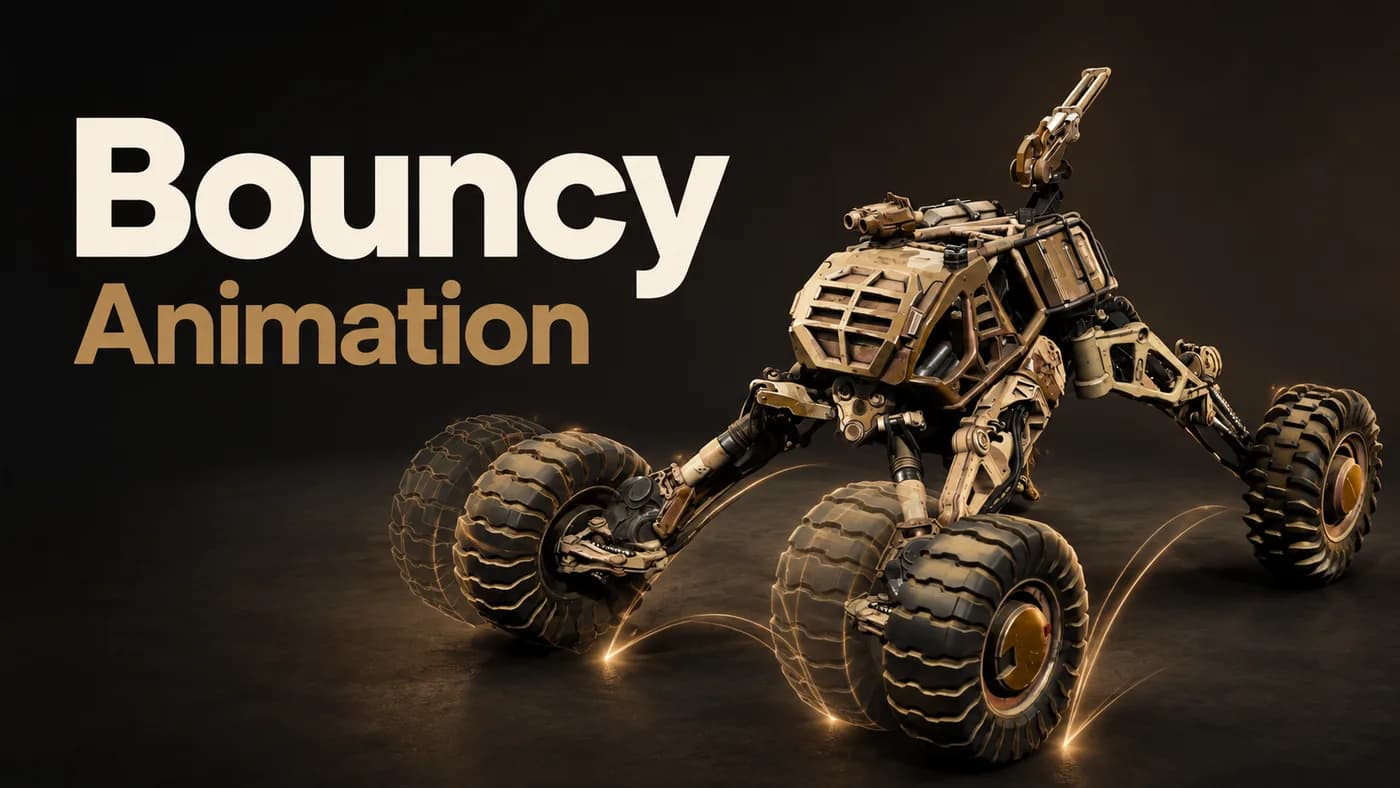
Free. Adds secondary bounce and overshoot to an existing animation, as real keyframes you can open and keep editing.