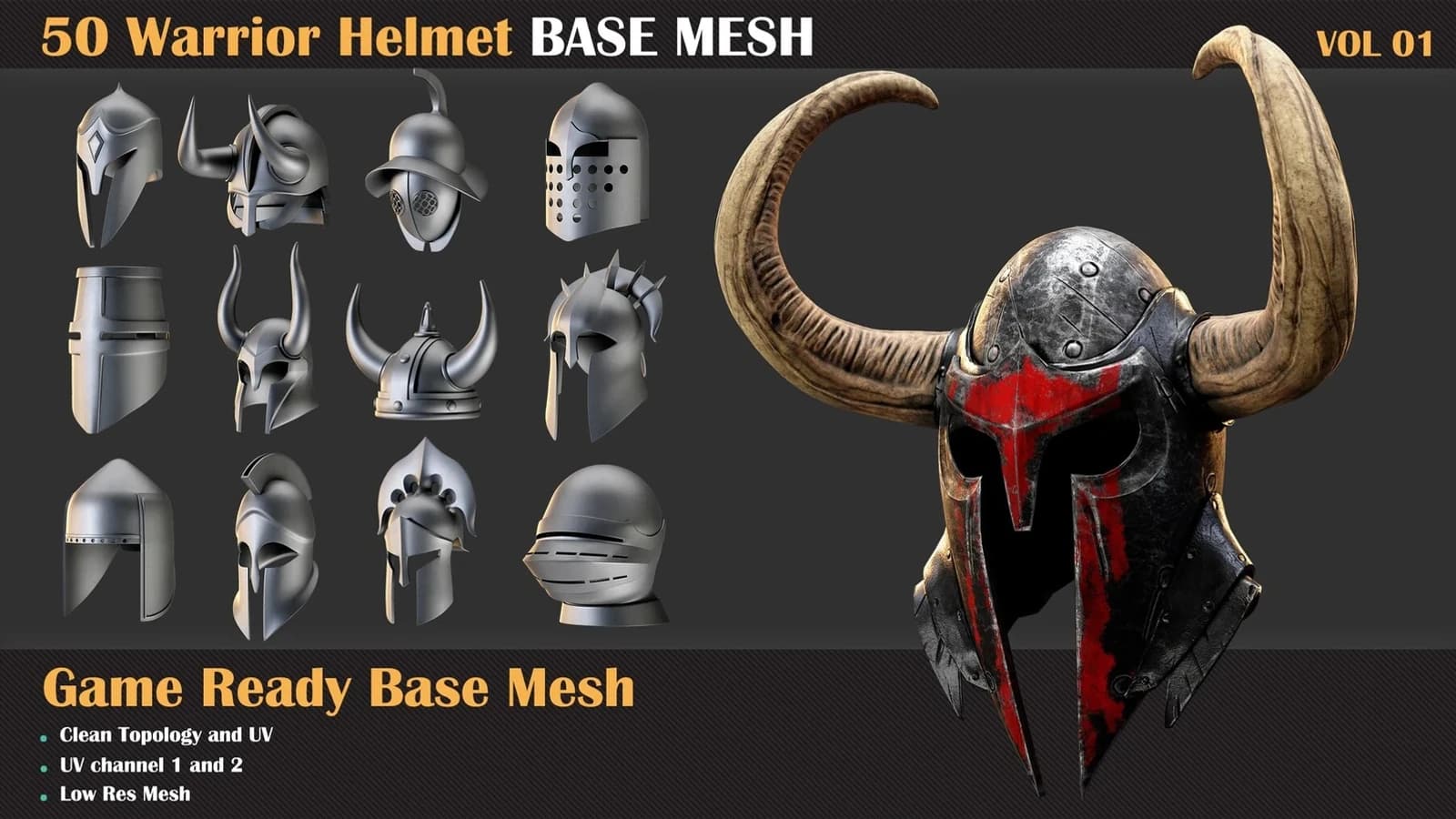
I sell game-ready base meshes that buyers drop straight into Unreal. So I read Lumen's limits the way a seller has to.
Lumen has a budget for geometry. Your prop can fall out of it and still look completely normal in the viewport.
It renders. It receives light. It just stops giving any light back to the room.
Lumen does not light your mesh. It lights a copy.
Lumen never traces your triangles. It builds a cheap stand-in for every static mesh: a distance field, plus flat capture textures called Cards.
Those Cards are the Surface Cache. Bounced light comes off that cache, not off the model you built.
So the question is never whether your prop is in the scene. It is whether the cache managed to represent it.
Twelve cards, and no warning when twelve is short
Epic's own technical page is direct. "By default, Lumen only places 12 Cards on a mesh."
You raise it with Max Lumen Mesh Cards, in the Build Settings of the Static Mesh Editor. Twelve cards is roughly a box seen from a few angles.
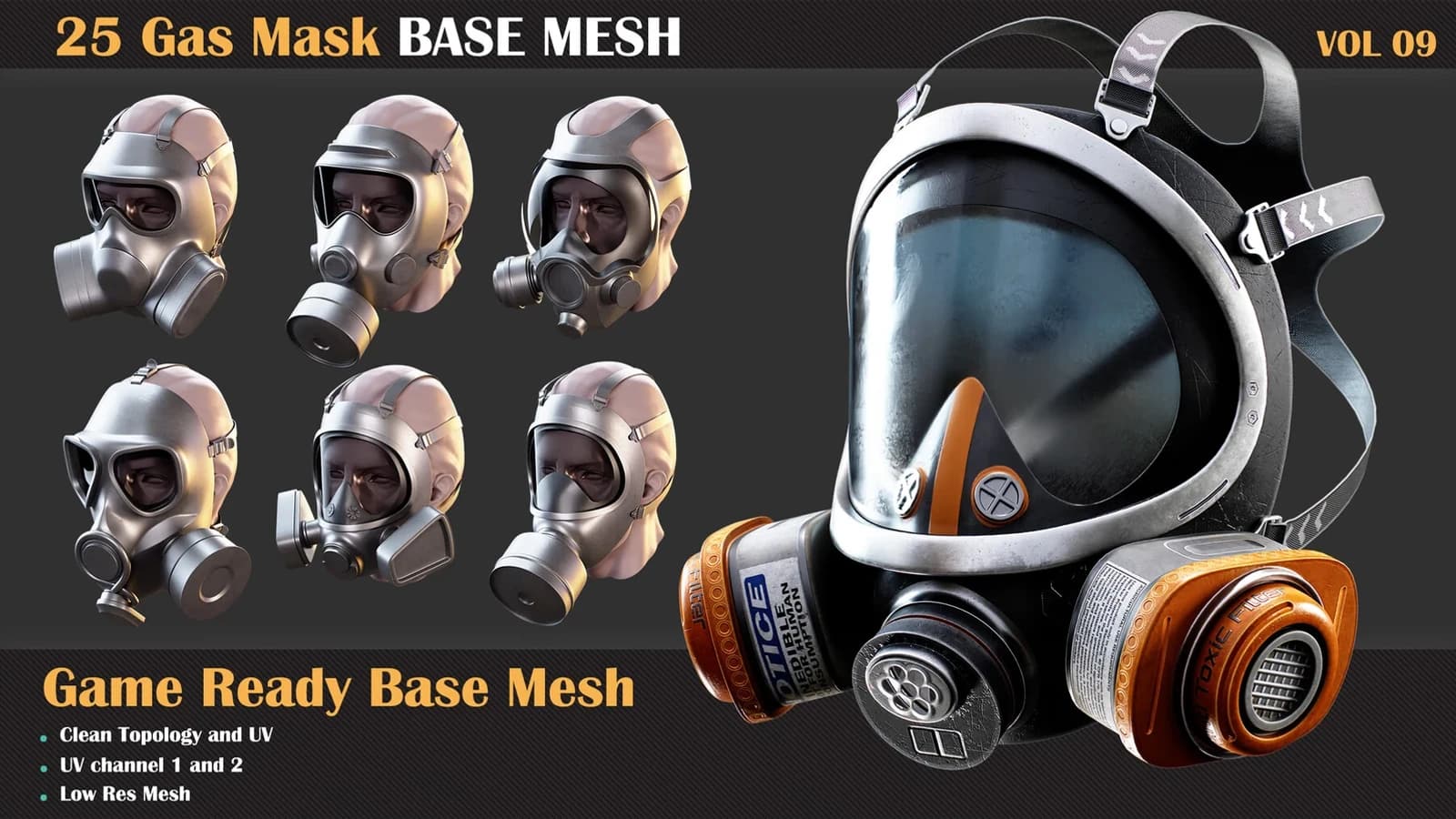
That is fine for a crate. It is not fine for a gas mask with straps, a filter and a recessed lens.
Epic says the same thing in its own words. More cards help with "complex interiors or single meshes with irregular shapes", at more runtime cost.
What the docs do not say is what happens if you leave it at twelve. Parts of the mesh get no coverage at all.
Pink is the engine telling you
This part is free, and almost nobody uses it.
Set the Level Editor view mode to Lumen, then Surface Cache. Areas "too complex to be covered are color highlighted in pink", in Epic's wording.
You do not need a profiler for this. The problem is painted onto the asset.
There is a second one worth knowing: r.Lumen.Visualize.CardPlacement draws where the capture positions actually landed.
Thin beats small as a way to disappear
The second failure has no slider.
Epic again, word for word. "Distance Fields cannot represent extremely thin features, or one-sided meshes seen from behind."
The same page gives you a scale to judge by. Walls should be no thinner than 10 centimetres, or light leaks through them.
A sword blade is far under that. To a distance field it is close to nothing at all.
Single-sided cloth, banners and thin plates behave the same way. Seen from behind, they are not there.
Small props leave the scene entirely
Third failure. Epic: "Small objects are culled from Lumen Scene leaving only the Screen Traces to pick up small emissive meshes."
Read that slowly. Screen traces only cover what is on screen right now, and only pick up emissive meshes.
The threshold is a console variable, r.LumenScene.SurfaceCache.MeshCardsMinSize. Type it with no value and the console prints your project's own default.
Do that instead of copying a number out of a blog post. Mine included.
Foliage has its own switch
Grass and leaves are not in Lumen unless you say so.
Epic's wording is that foliage "must be enabled with the setting Affect Distance Field Lighting" in the Foliage Tool settings.
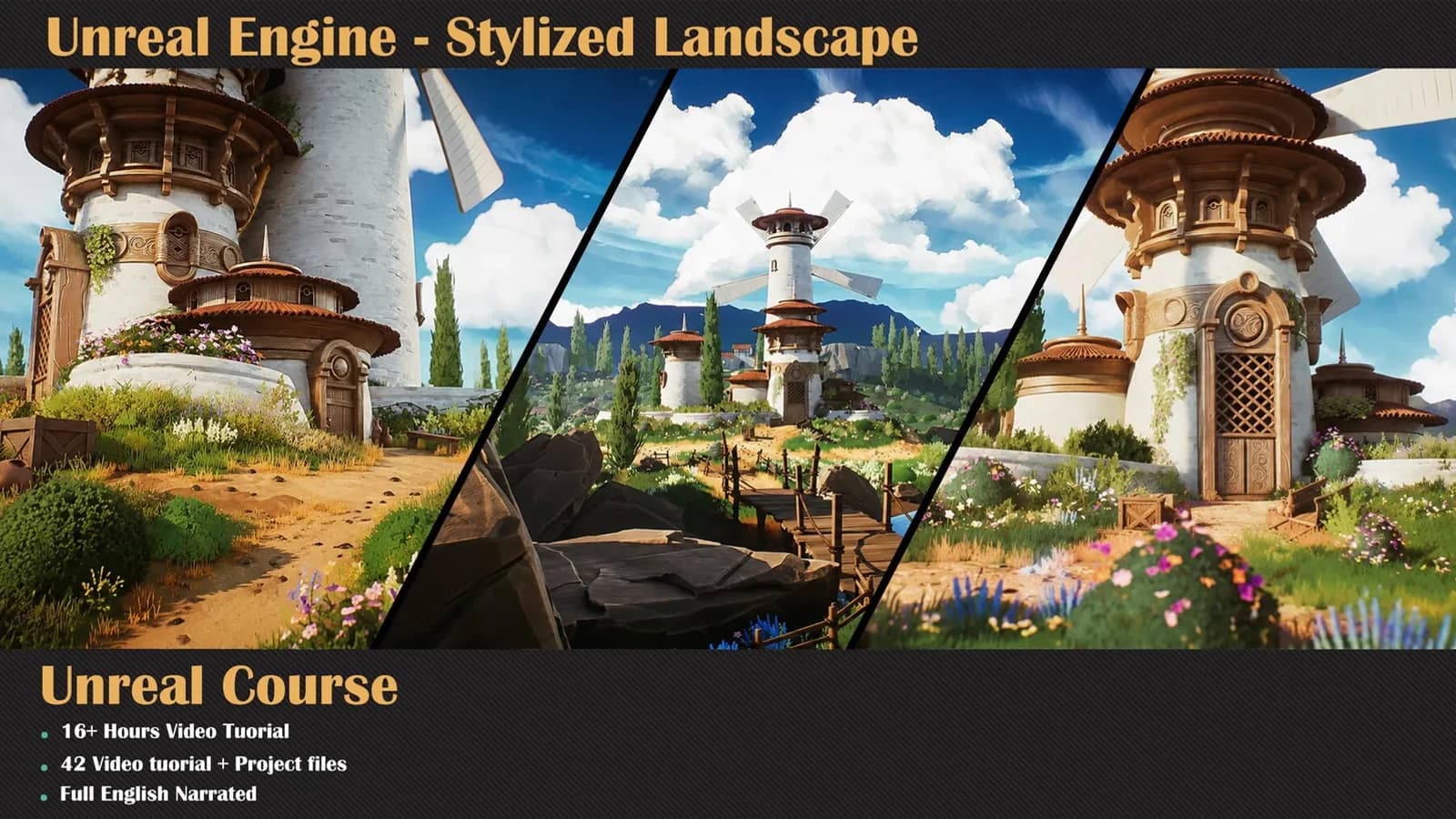
Check that box before you blame your lights. It matters most in stylized landscape scenes, where the grass is most of the surface.
Two releases moved the line under you
Tom Looman's 5.7 performance notes list r.Lumen.TraceMeshSDFs at 0, and call software detail traces a deprecated path. Small geometry lost one route into global illumination there.
His 5.8 notes record a second change. Unreal 5.8 shipped on 17 June 2026 and cut r.LumenScene.SurfaceCache.CardMinResolution from 4 to 2.
That should let smaller props hold a cache more cheaply. Same assets, same scene, a different answer in two releases.
The ten minutes I would spend
Do this once, on a pack you already own.
- Drop the whole pack into an empty level, lit only by bounce.
- Switch to the Surface Cache view mode. Screenshot it and count the pink.
- Raise Max Lumen Mesh Cards on the worst piece, rebuild, and look again.
- Read your MeshCardsMinSize off the console. Compare it with your smallest prop.
- Note the frame cost before and after, not just the picture.
The before and after of one corner is the whole argument in two images.
What I am changing on my side
Card coverage is a modelling problem before it is a settings problem. A mesh split into a few simple pieces caches better than one clever piece carrying everything.
That is the same lesson as texel density. The Surface Cache is a texture, and a texture has to be spent somewhere, which is the 4K argument in a different place.
Lumen is not lying to anyone. It is doing exactly what the documentation says it does.
No warning appears because nothing failed. A prop that gives back no light is still a valid prop.
So check it yourself. It is one dropdown, and it answers the question in about a minute.