Blender 5.2 LTS arrived in July with a new Cycles texture cache. On Blender's own benchmark scene it cut render memory from 5,417 MB to 1,052 MB.
That is a real feature and a real number. Then I checked what it does to the files I actually sell.
It does nothing. Not less — nothing.
What the cache actually does
Switch on Render, Performance, Texture Cache and Auto Generate. Cycles then writes a .tx file for every image, into a blender_tx folder beside it.
A .tx holds the picture in tiles, plus every smaller mip level. The renderer loads only the tiles and resolutions the camera can see.
Brecht Van Lommel's development post carries the benchmarks. Attic fell from 5,417 MB to 1,052 MB. Bistro fell from 4,341 MB to 764 MB.
The saving is not the same in every scene
The third scene is the honest one. Junkshop went from 3,516 MB to 2,134 MB. That is 39 per cent, not 80.
It also got slower. Rendering went from 28.80 seconds to 30.34, about five per cent.
Attic and Bistro paid almost nothing for their memory. Junkshop paid. Which one you resemble depends on how much of your memory was textures in the first place.
Nobody has priced the .tx files, so I did
Blender's own release notes admit the cost in four words: increase disk space usage. No number follows.
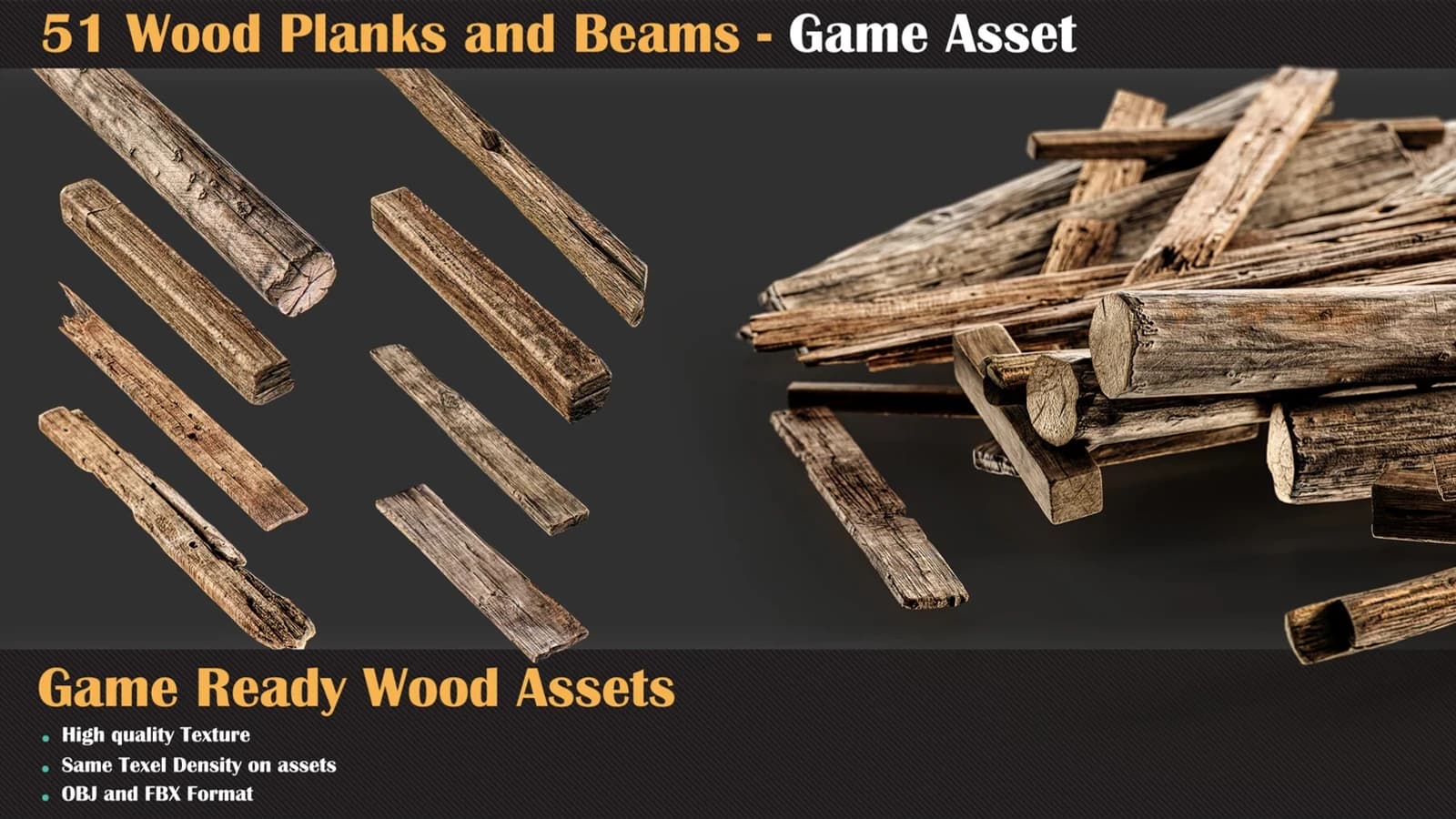
So I built that format myself, from the 24 maps behind my 51 Wood Planks pack. Every map is 4096 × 4096. On disk the set weighs 642.73 MB.
Tiled and mipmapped, the same 24 maps came out at 1,259.67 MB. The set nearly doubled. Building it took 137 seconds on an i9-14900HX.
The split inside that number is the useful part.
My eight normal maps are 16-bit PNG. They grew 38 per cent, which is roughly what a mip chain costs.
The other sixteen maps are JPEG. Base colour and ORM together went from 56.67 MB to 448.81 MB. Almost eight times larger.
That is the part nobody warns you about. A JPEG is lossy and a tile is not. Your most compressed maps have the most to lose.
A packed .blend gets none of this
Read the remaining work list at the end of that development post. One line sits there: support packed textures.
The reason is plain once you see it. The .tx is written next to the image file, and a packed image has no file on disk.
So every asset I ship as a self-contained .blend sits outside this feature. So does every remote asset library.
Blender's manual is strict on that point. Any external dependency, such as .png files for textures, must be packed into the blend file.
I did the download arithmetic on that in an earlier piece. Both features are on 5.2's front page. For anyone shipping .blend files, they cancel each other out.
The development post is out of date about Simplify
Small thing, but it will cost you an afternoon of looking for a menu.
The post says Simplify's Texture Limit has been replaced by a Texture Resolution percentage. It has not been replaced.
The shipped release notes say the percentage is in addition to the existing Texture Limit. The 5.2 manual lists both, as Texture Resolution and Texture Size Limit.
They are not the same tool. One scales every map by a percentage. The other clamps anything above a pixel size.
I wrote about why that difference matters in the article on 4K. It is the same trap in a new panel.
What I would do this week
- Switch it on if your scene is bought libraries and loose image files. That is where the 80 per cent lives.
- Check your free disk space before you do. Budget roughly double the weight of your texture folder.
- Time one render both ways, and note the memory both ways. Five minutes tells you whether you are Attic or Junkshop.
- Skip it entirely on a packed .blend. There is no warning in the interface, so the setting will simply do nothing.
- Re-encode before you cache. Downsizing a 4K map you never see at 4K is still the cheaper fix, and it works everywhere.
None of this makes the texture cache a bad feature. It is the best thing in 5.2 for anyone rendering a heavy set built from smart materials and loose maps.
But a feature is only worth switching on if it reaches your files. Mine are packed, so it does not reach them, and no message in Blender will tell me that.
Check the folder. If blender_tx is empty after a render, you now know why.