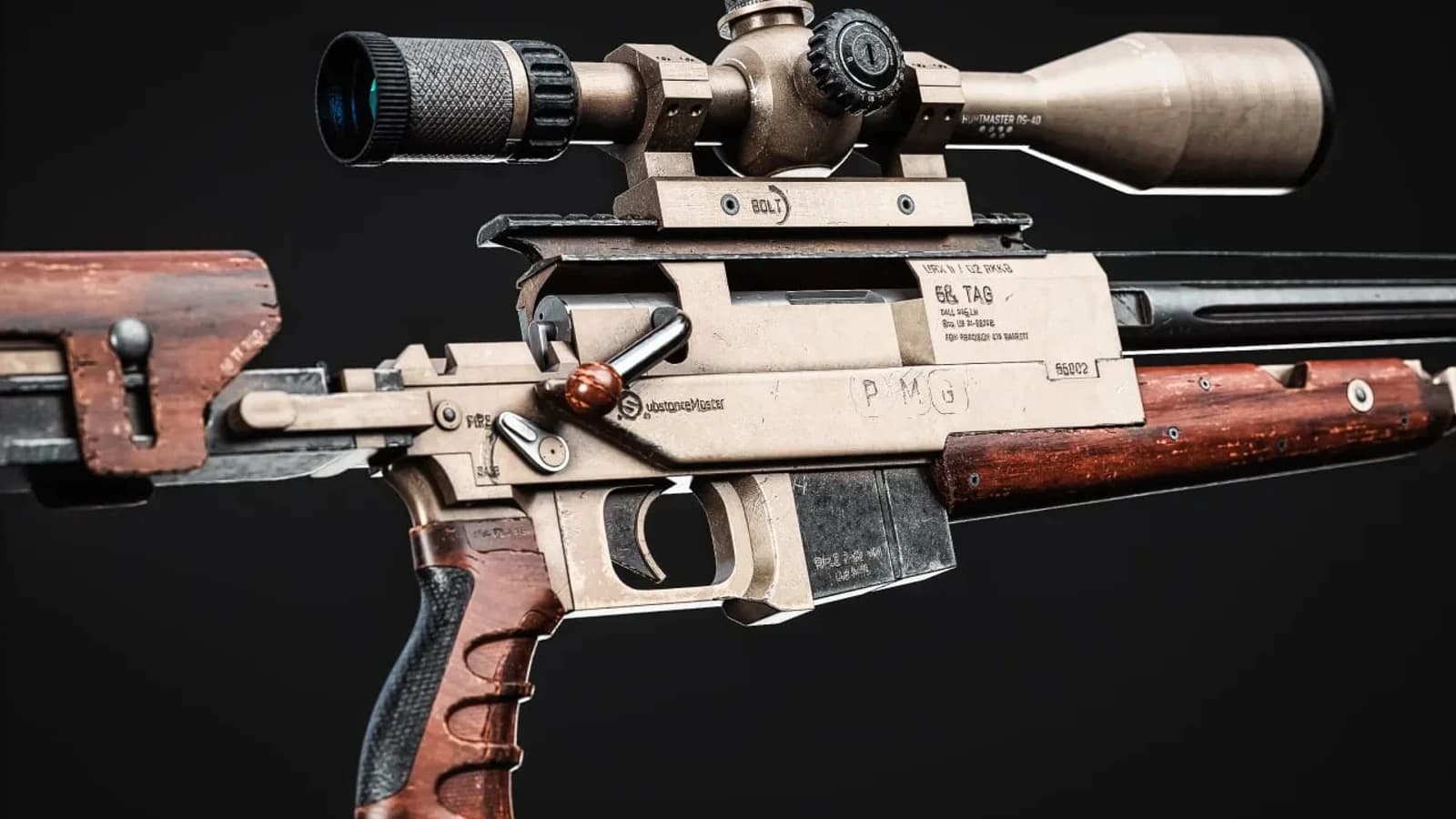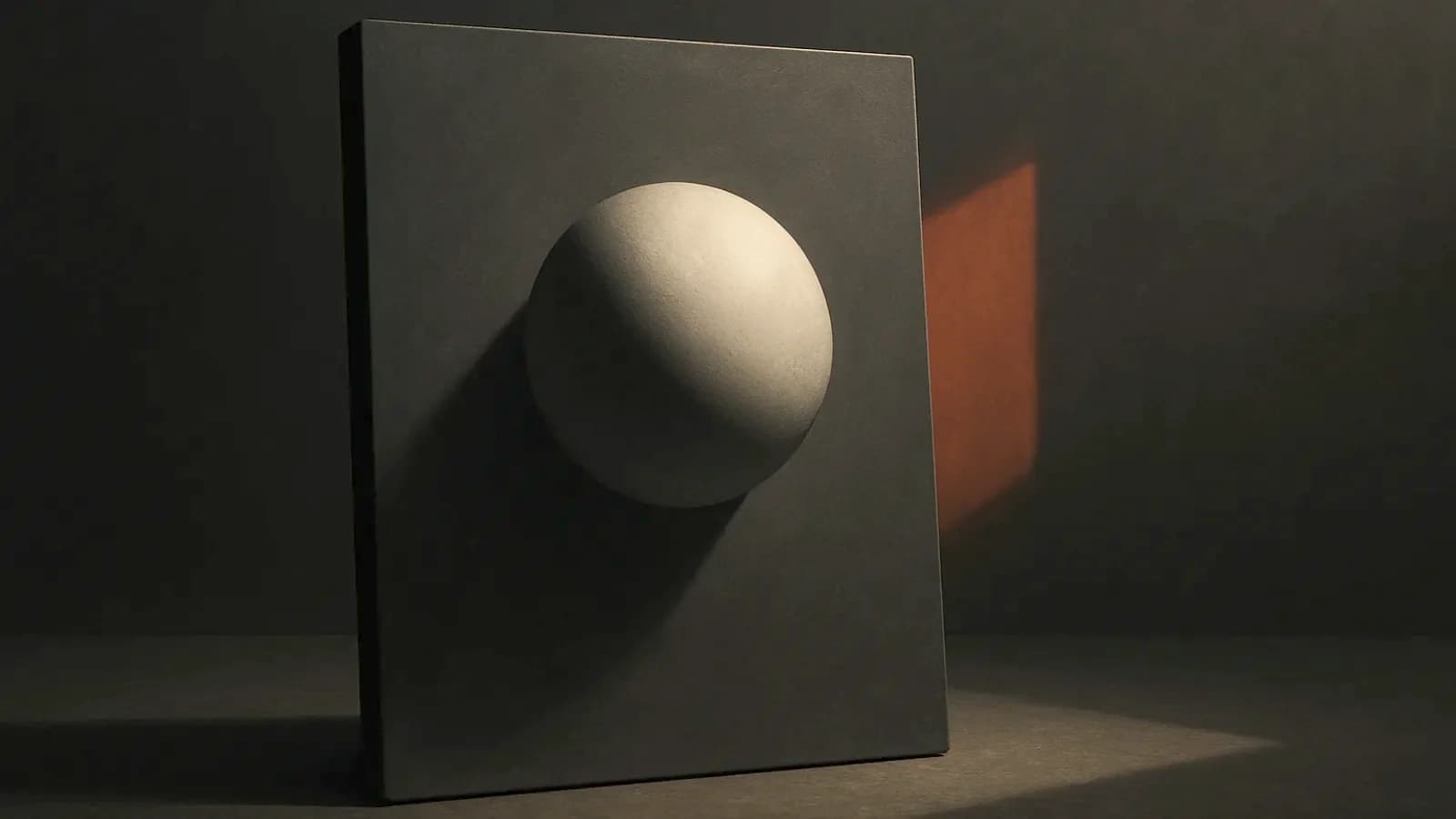
Every AI generator hands you a base colour with the light already painted into it. Your engine then adds its own light. You get the shadow twice.
There is one checkbox for this. Almost no tutorial mentions it.
I author base colour by hand, across 29 volumes of smart materials. So I stopped arguing about it and read what the generators say about their own output. They say it plainly.
Meshy documents the problem on its own page
Meshy's PBR texturing guide defines albedo as the pure surface colour. No baked-in lighting, no shadows.
Then it says what happens when that rule is broken. Their words: "your engine adds its own lighting on top, producing doubled shadows and highlights that look wrong as the object or lights move."
That is the vendor, not a critic. The feature that fixes it is a toggle called Remove Lighting.
The checkbox, and where it disappears
Same page: "Keep Remove Lighting on when you'll relight the asset in-engine."
At 2K and 4K the toggle is there, and you can switch it off. At 8K it is not in the panel at all, because delighting runs automatically.
Meshy's own advice for 8K is worth knowing. Re-generate if baked lighting still shows. There is nothing else to press.
What each resolution actually buys
2K and 4K both cost 10 credits and take about a minute. 8K costs 15 credits and takes about two.
One limit matters more than the resolution number. Base colour reaches 8K on Meshy-6 and later, but roughness, metallic and normal stop at 4K.
So 8K buys you colour, not surface. That is a choice for a hero prop, not for a crate.
How big is a baked shadow, in real numbers
Take a panel that should be one flat colour. In the AI albedo the lit side reads 180 and the shadow side reads 90, in sRGB.
In linear light those are 0.456 and 0.102. The ratio is 0.224, which is 2.16 stops of shadow sitting inside a colour map.
Now the engine drops its own shadow on the same spot. Multiply 0.224 by itself and you get 0.050. The pixel renders at sRGB 42 where you expected 90.
Measure it, do not screenshot it
Screenshots start arguments. One number ends them.
- Pick a region that is physically one material and one colour.
- Sample the mean luminance of the lit side and of the shadow side.
- Divide one by the other. A clean albedo returns about 1.00.
- Read the histogram spread of that same flat region. Wide spread means light, not paint.
Run the same asset three ways: 2K with Remove Lighting off, 2K with it on, and 8K. One number per map, three rows, no opinions.
Then rotate a light around all three in your engine. The double shadow appears where the painted shadow and the real one disagree.
Adobe sells the repair, and that tells you something
Substance 3D Sampler ships a filter called Delight (AI Powered). Adobe describes it in one line: "The Delighter allows you to remove lighting information from the base color channel."
It has no parameters. It belongs at the top of the layer stack.
Adobe also notes that Image to Material (AI powered) already delights, so the filter is redundant there. Take the 2K map you made with the toggle off, run the Delighter over it, and measure the ratio again.
Where the repair stops working
Delighting is subtraction, and subtraction cannot bring back what a shadow covered. A region crushed to near black has no colour left in it.
That is the honest limit, and it decides how you use the tool. A mild bake cleans up well. A hard studio bake turns into grey mud.
So the checkbox is not a safety net. It is the difference between one good map and one wasted generation.
The control every test needs
Run the same measurement on a map a person authored. A Substance Painter base colour from VOL 10 has no light in it, because light was never put there.
Occlusion in that workflow lives in its own map, and the shader decides what to do with it. That separation is the whole point of mesh maps.
Resolution does not save a bad albedo either. I have written about 4K and the same rule holds here.
What I do, as somebody on both sides
I use generators and I teach the workflow in the AI 3D modeling course. I also sell hand-authored materials. Both of those are true, and you should read this with that in mind.
My rule is short. Remove Lighting on, always, then measure the ratio before the map goes near a shader.
If a map fails the test, I stop fighting it. I keep the normal and the roughness, and I repaint base colour in Painter.
That repaint is a twenty-minute job once you know the layer order. It is most of what the Painter course teaches.
The generators are not hiding any of this. It is on page one of their own documentation, and almost nobody reads page one.